Verifiable letters for HR teams
Issue offer, appointment, experience and relieving letters on your company's design, each with a QR code. Background-check teams and future employers confirm a letter in seconds, without emailing you.
Your first certificate is free. No card needed. · Updated
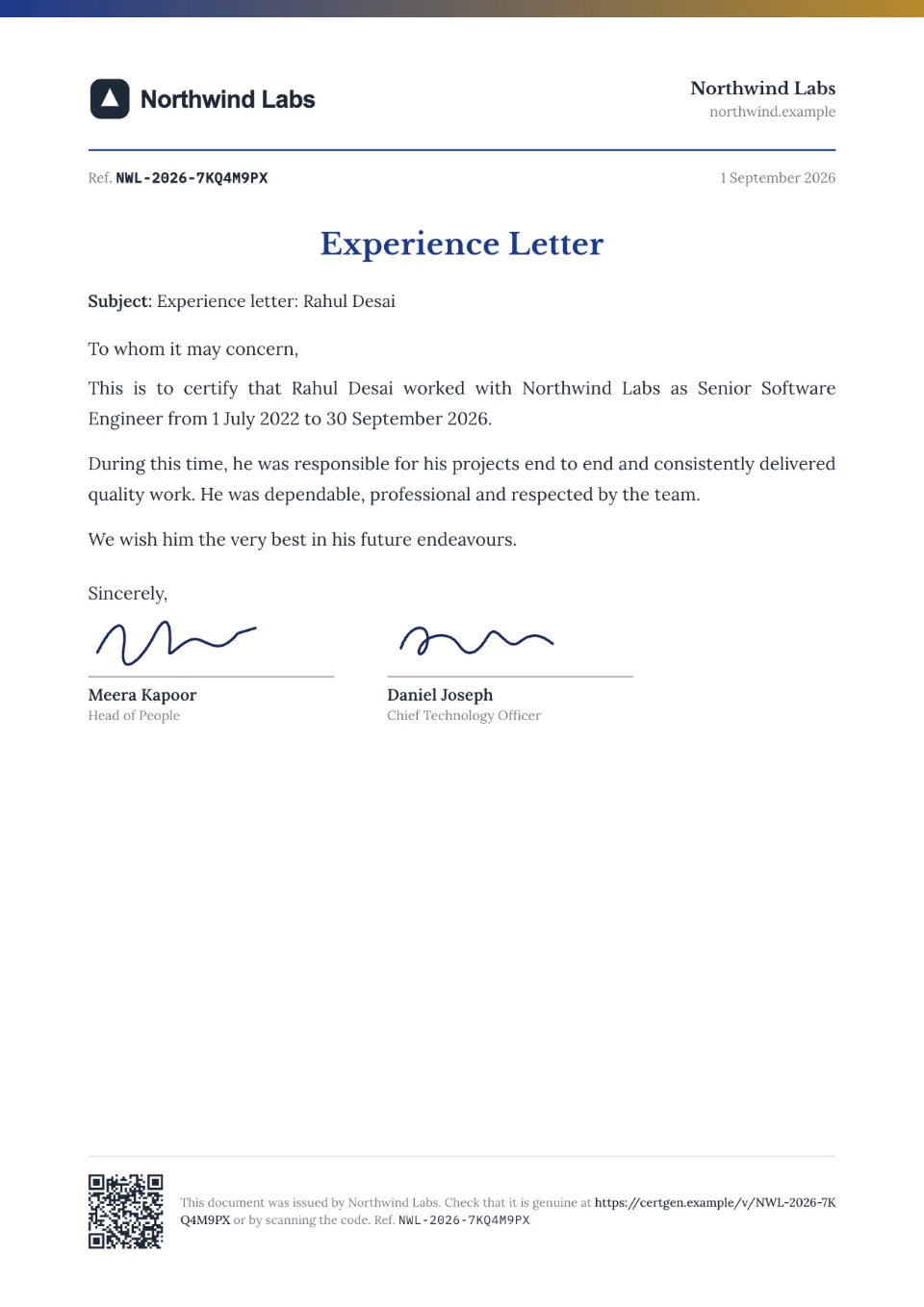
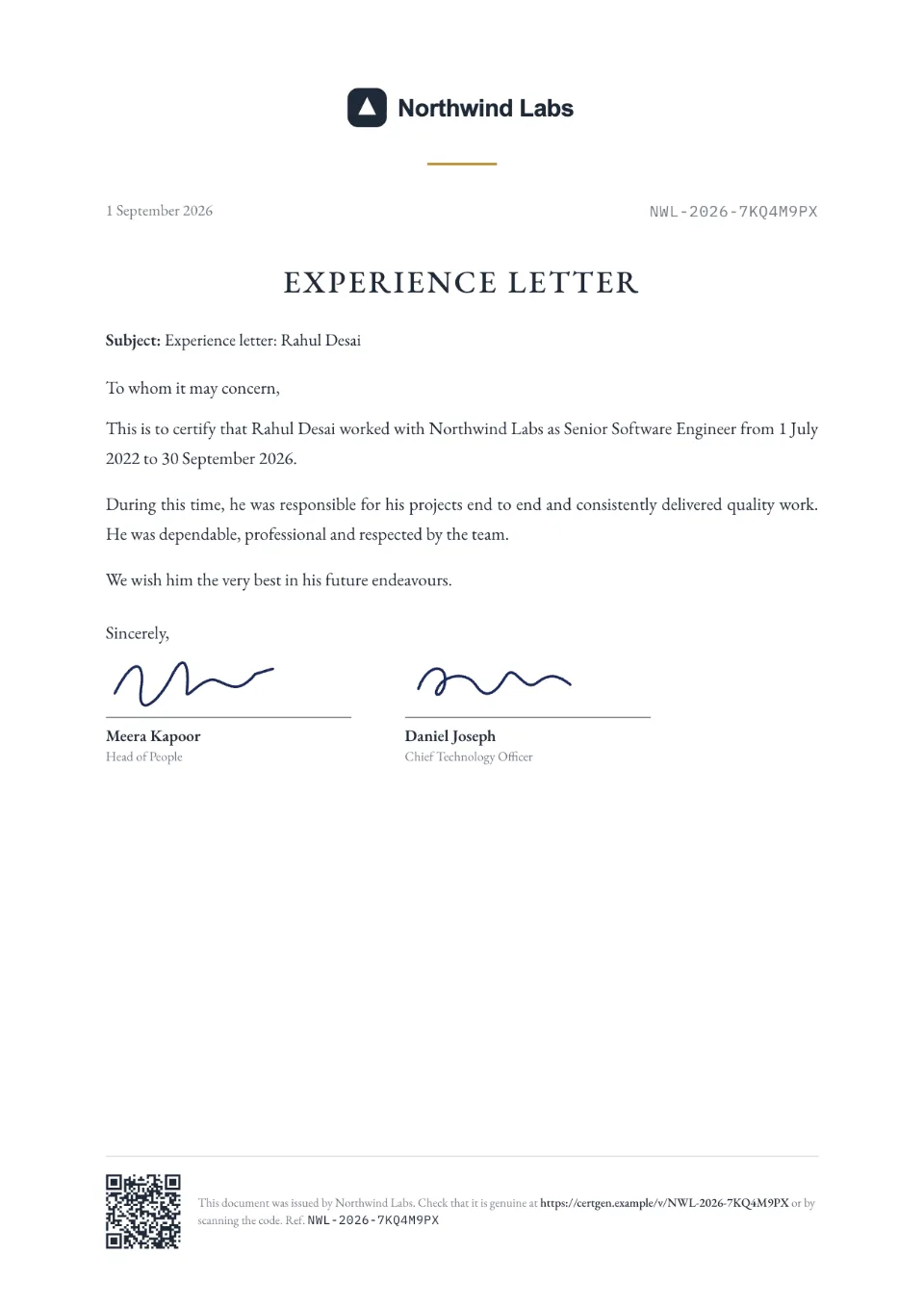
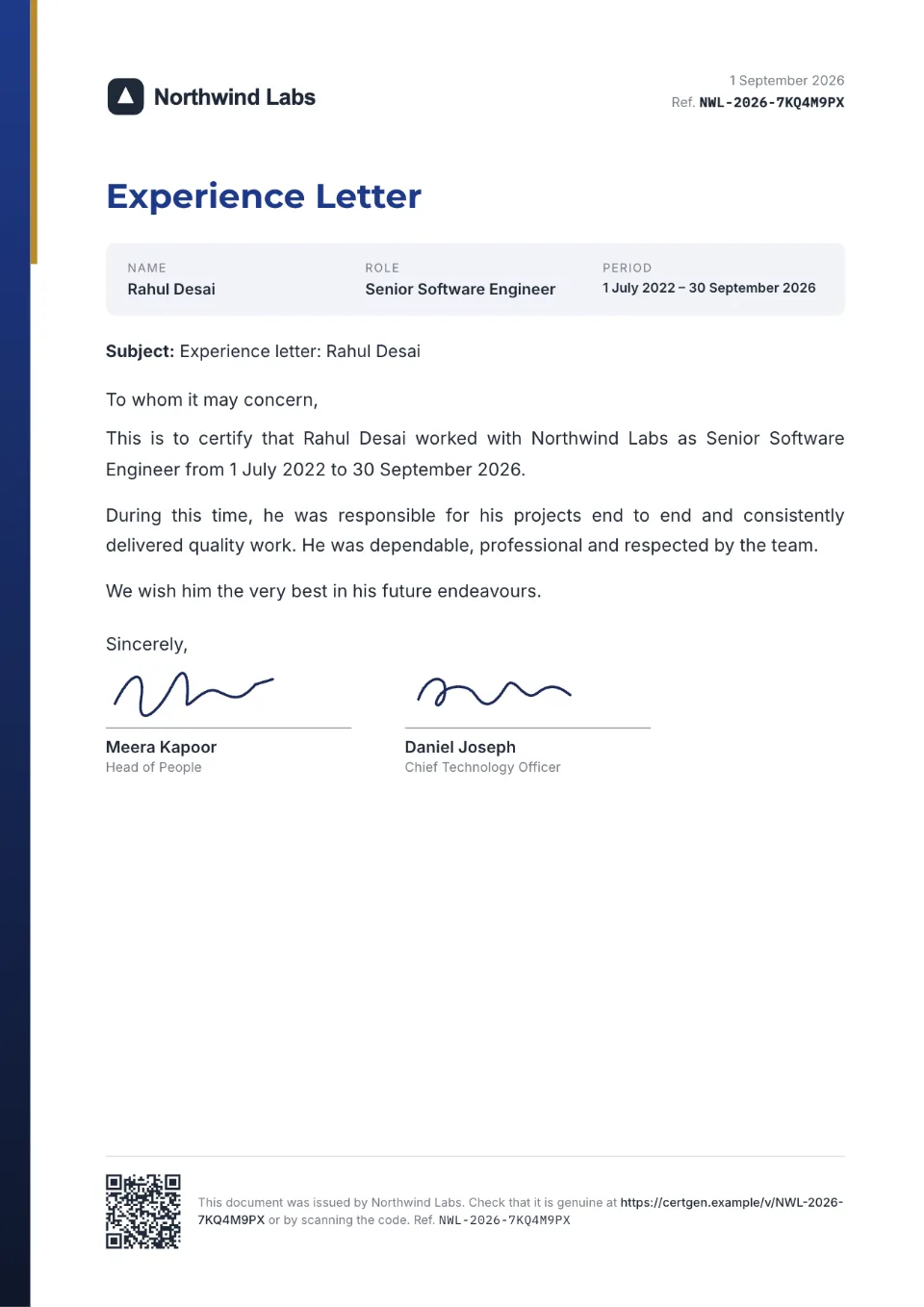
Verifiable letters, without changing how HR works
- 1
Pick the letter
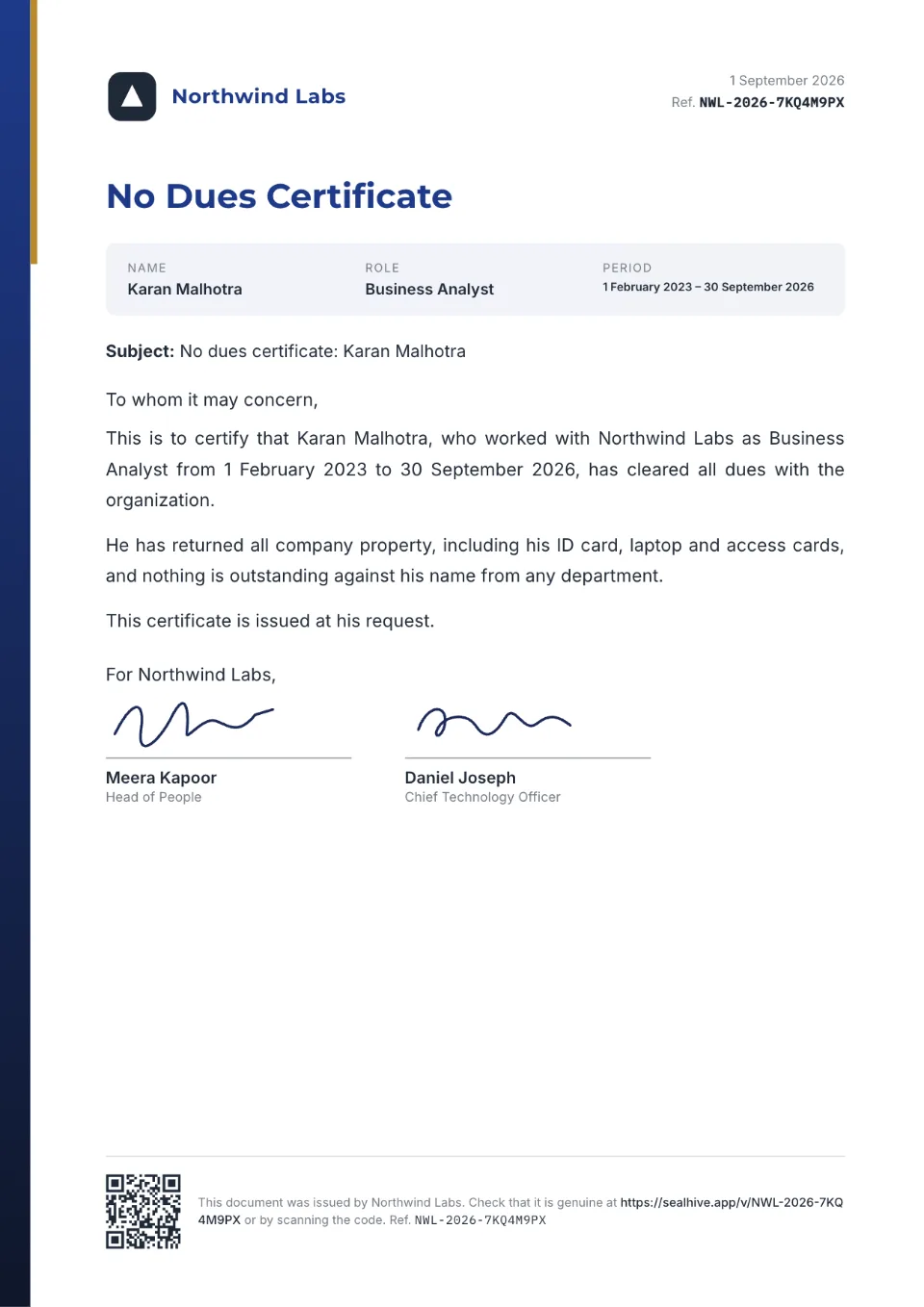
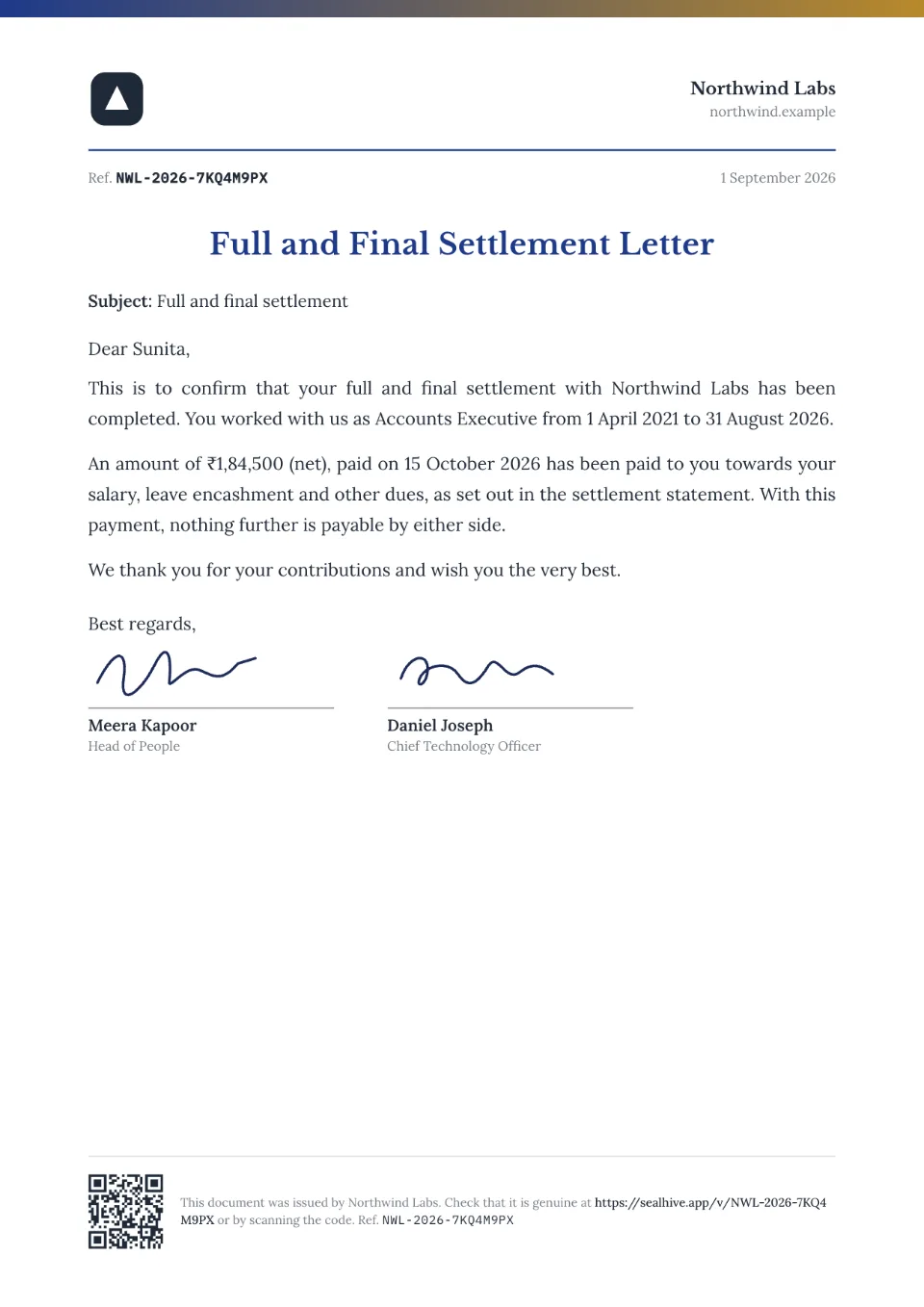
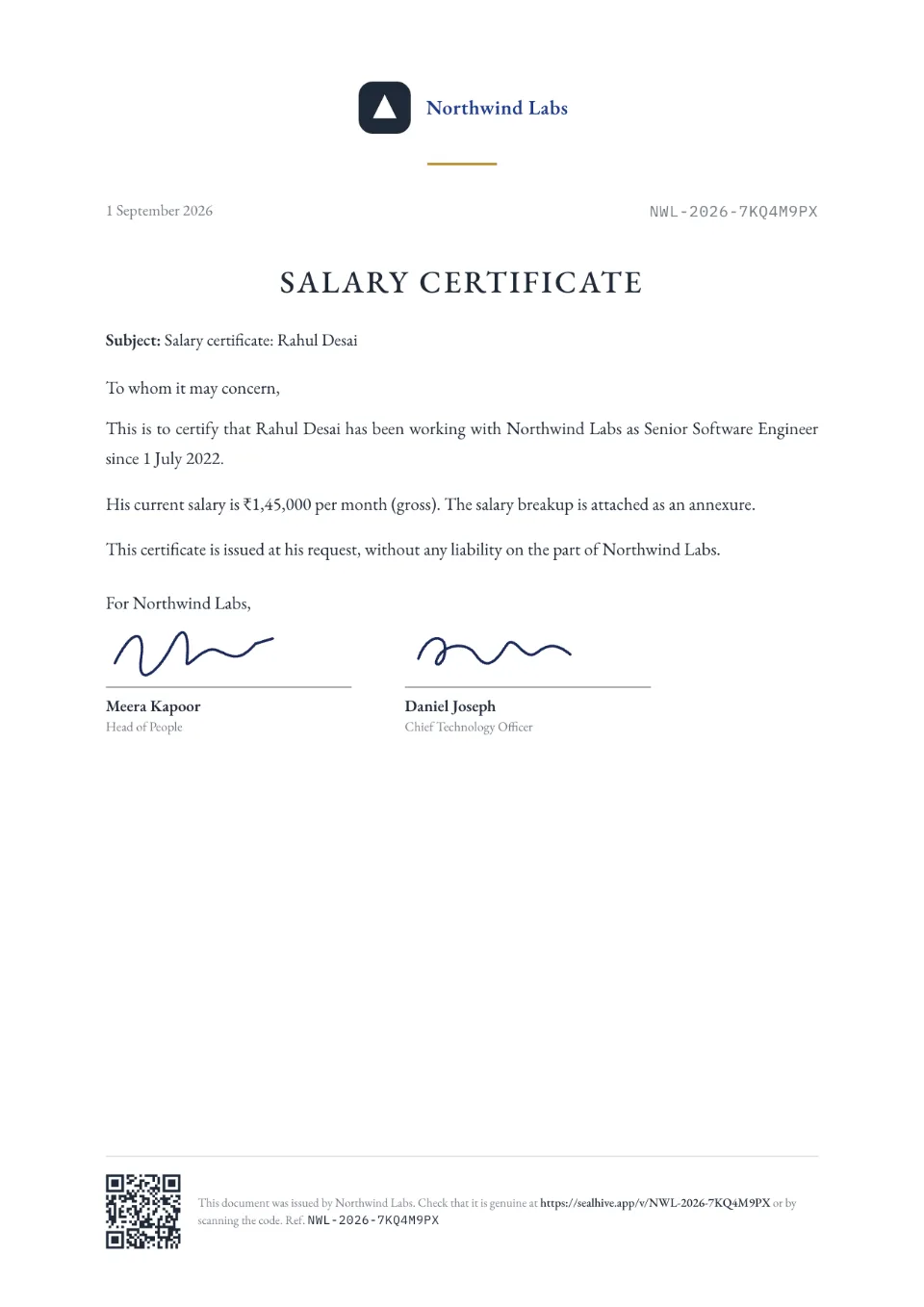
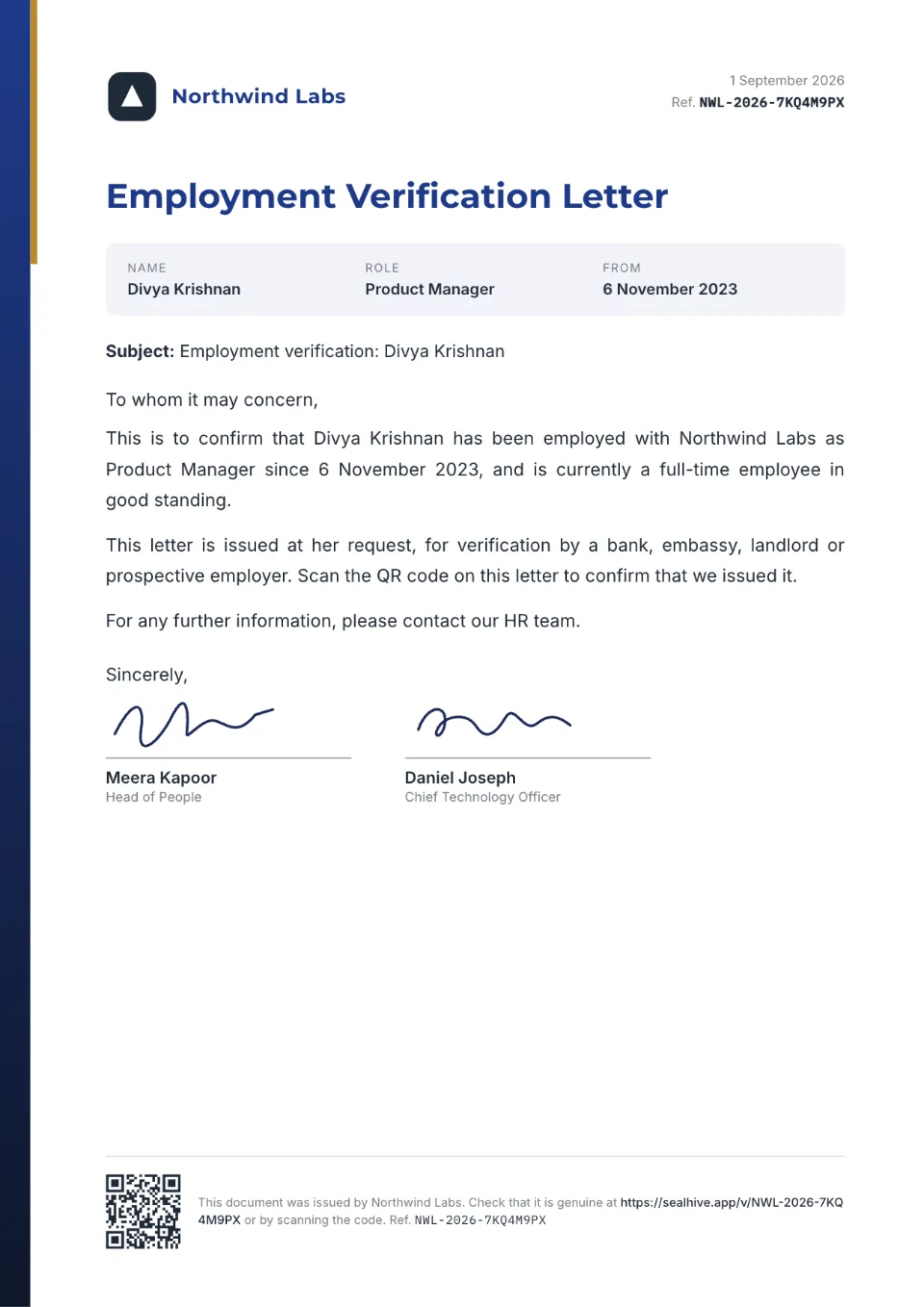
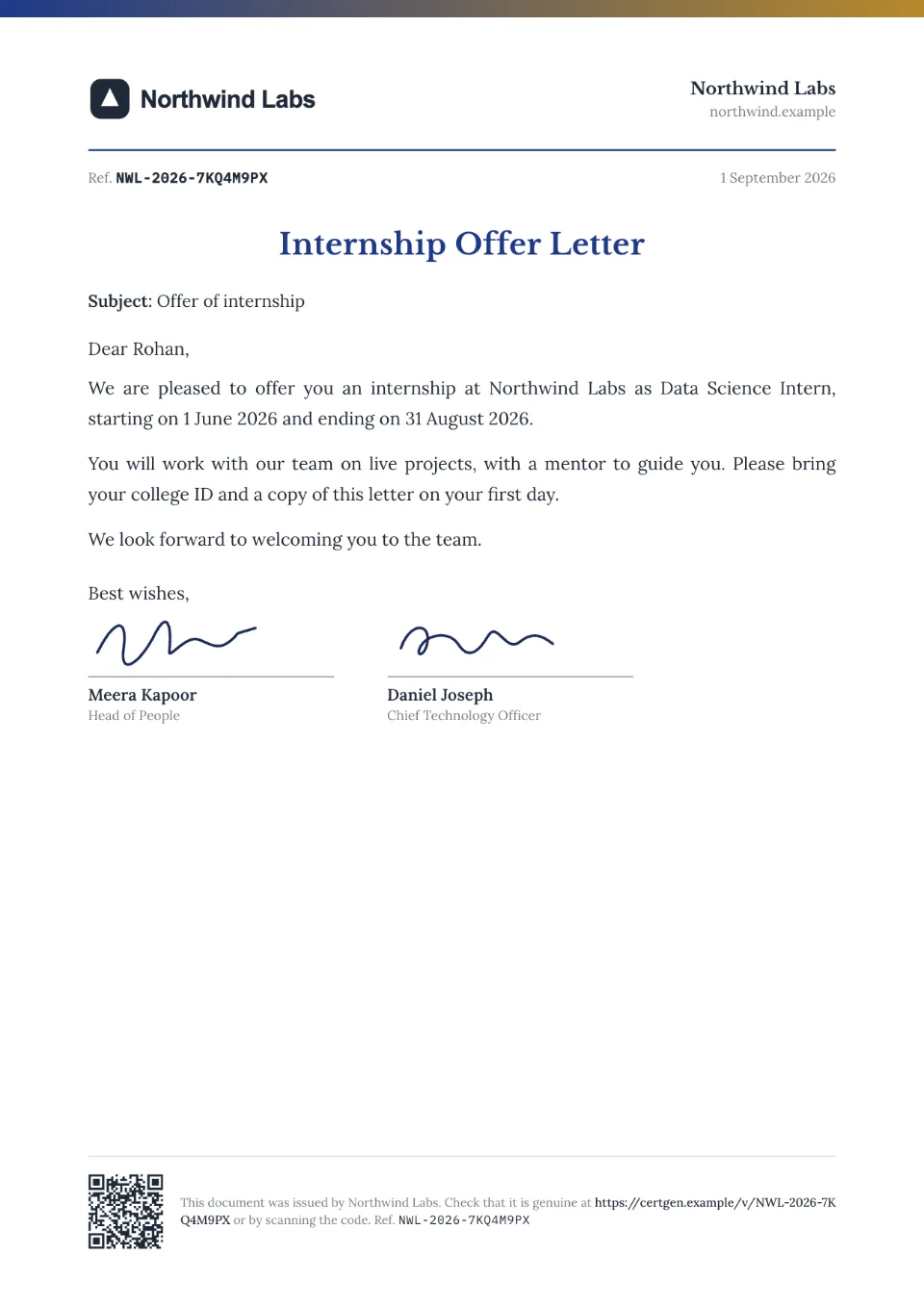
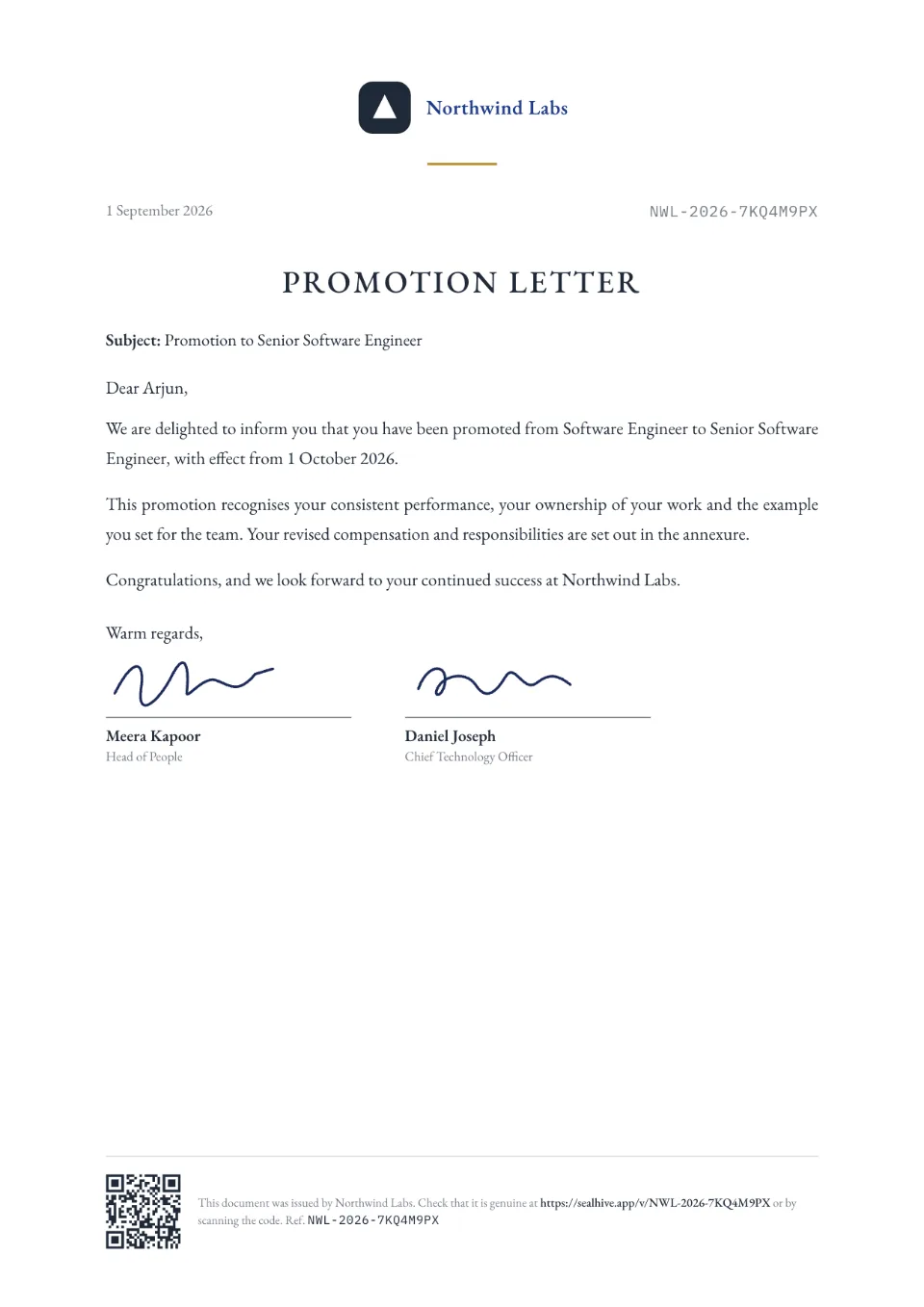
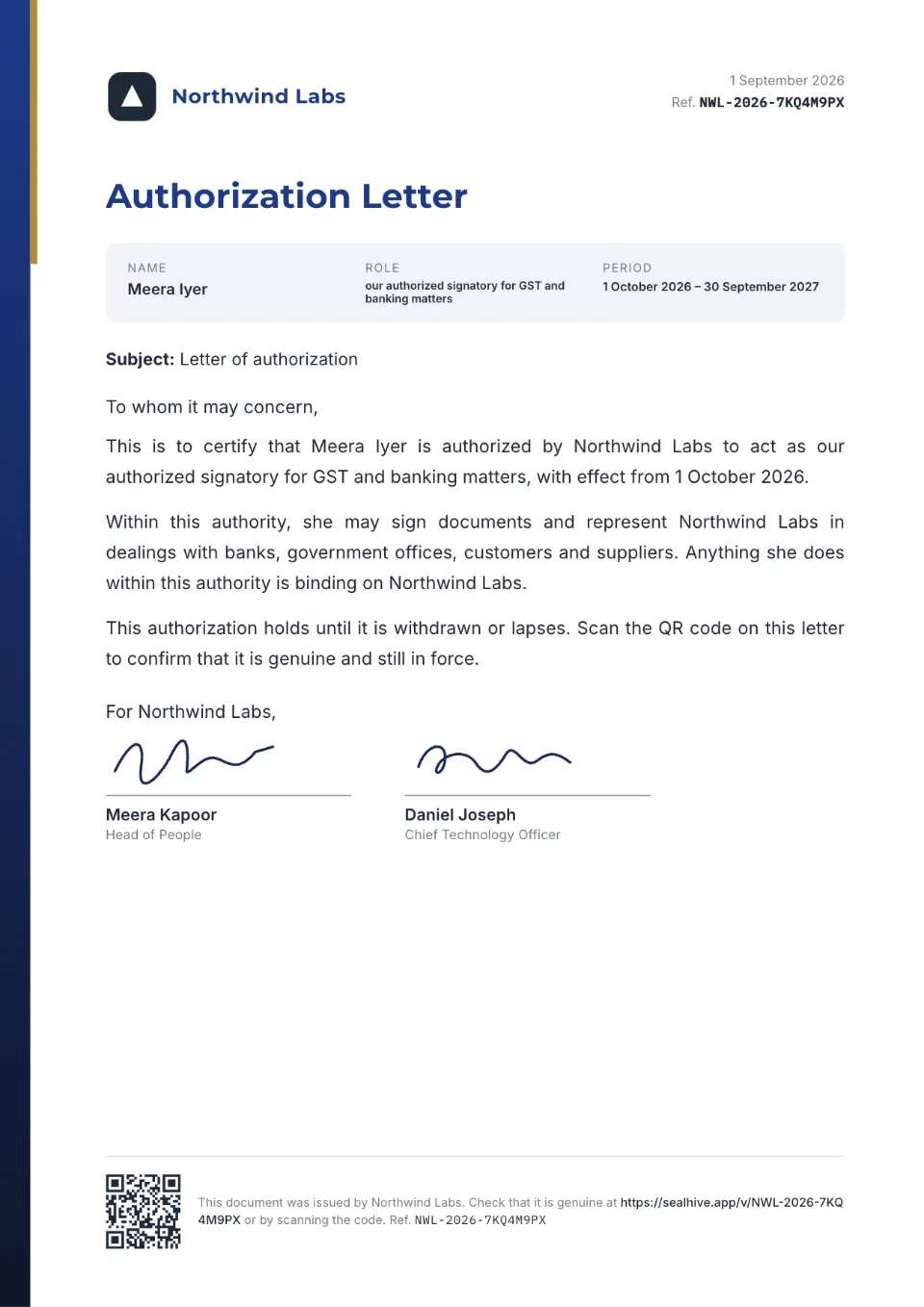
Start from ready formats for letters of intent, offer, appointment, experience, relieving, no dues, settlement and salary letters, and adjust the wording to your policy.
- 2
Fill in, upload a list, or bring PDFs
Fill in one letter, upload a CSV for many, or upload the PDFs your HR system already produces and stamp a QR code on them.
- 3
Verifiers scan
Background-check agencies and future employers scan the QR code or enter the number and see the letter as you issued it.
Why HR teams make letters verifiable
Fewer verification requests
Checkers confirm a letter themselves from its page, instead of emailing or calling HR.
Fake letters stand out
An edited experience letter doesn't match its verification page, and a made-up one has no page at all.
Works with your HR system
Keep generating letters where you do today and upload the PDFs to stamp a QR code on each.
Pay stays private
Offer, salary and settlement letters show only a summary to whoever scans them; the employee's private link has the full letter. Pages aren't listed or searchable.
Team access and a log
Pro and Business give HR colleagues their own logins, and the activity log records who issued, revoked or changed what.
What it costs
Your first letter is free. Bulk letters and stamping your own PDFs come with the Starter, Pro and Business plans and with one-time credit packs; team logins come with Pro and Business.
See all plans and prices- Credit packs
- from $5, one-time
- Starter
- $19 a month
- Pro
- $49 a month
Prices in US dollars. Sales tax or VAT is added at checkout where it applies.
Templates to start from
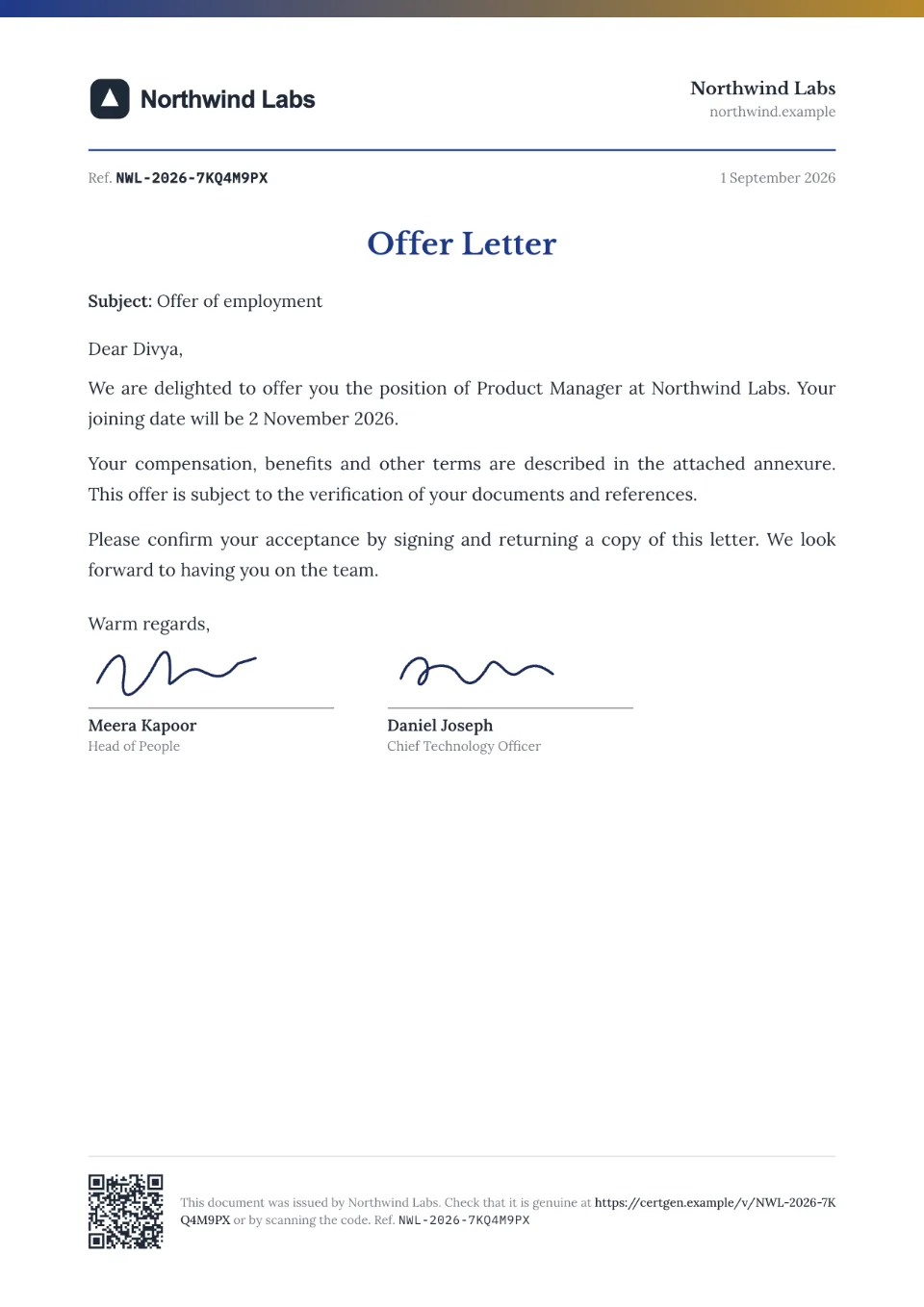
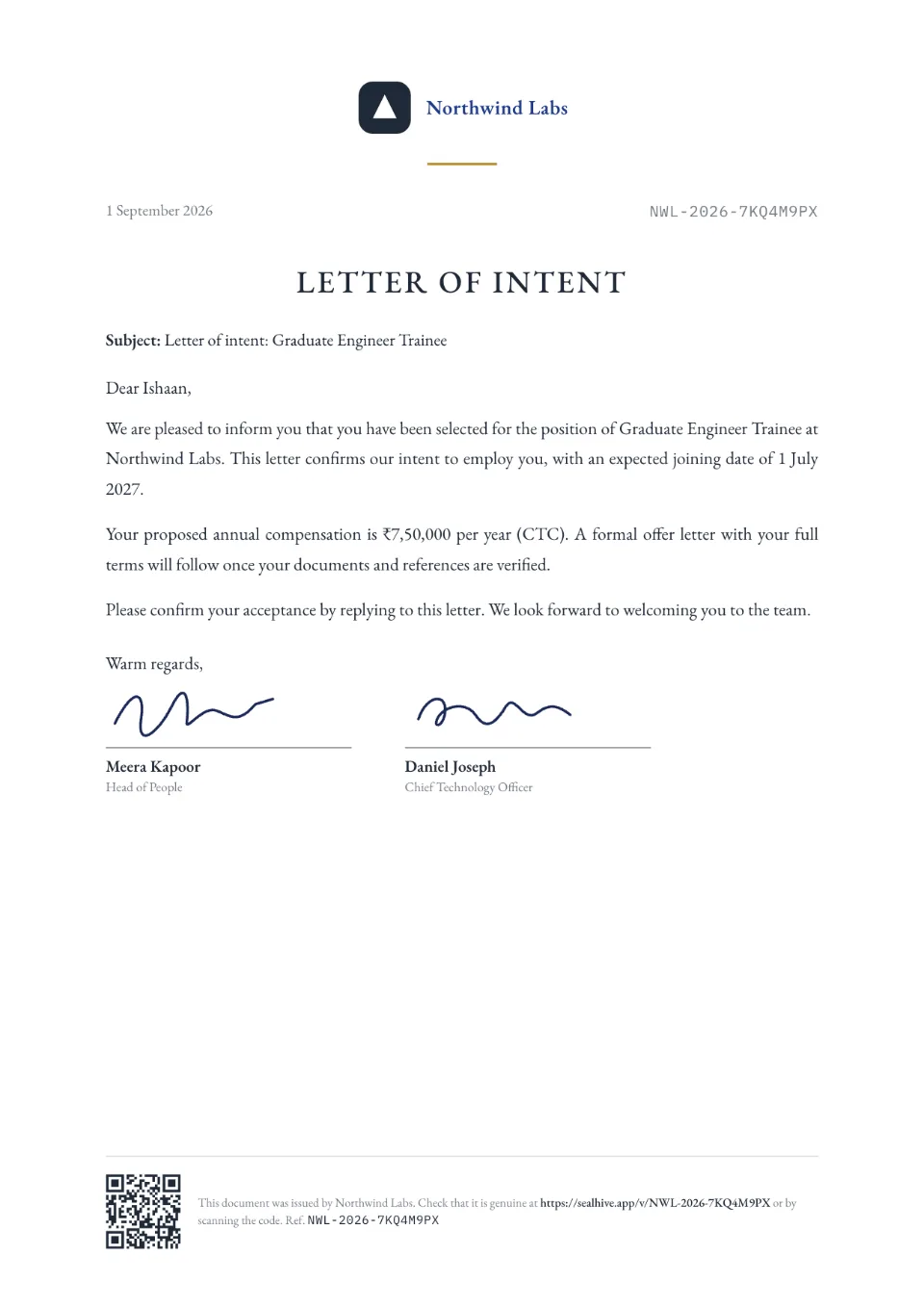
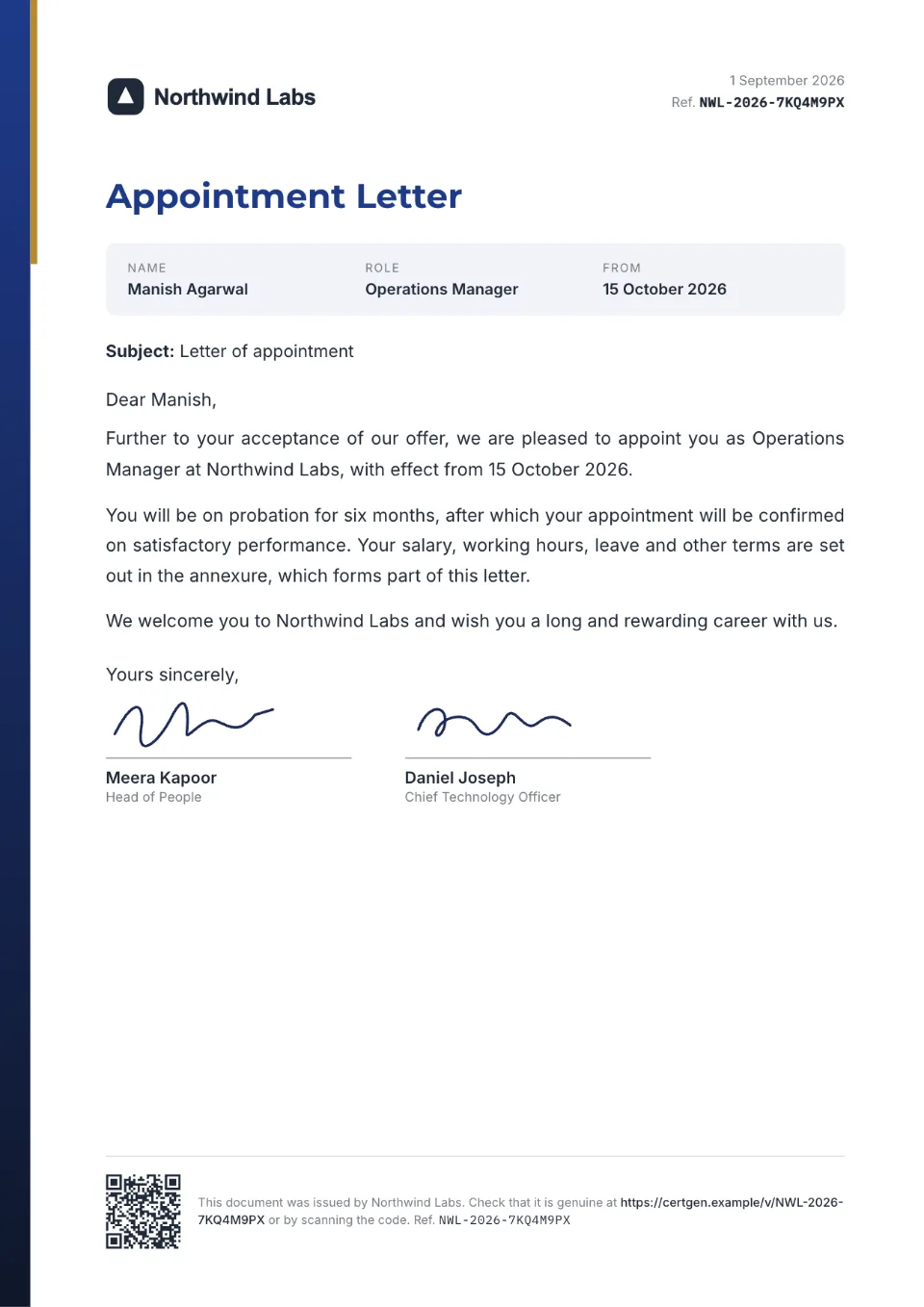
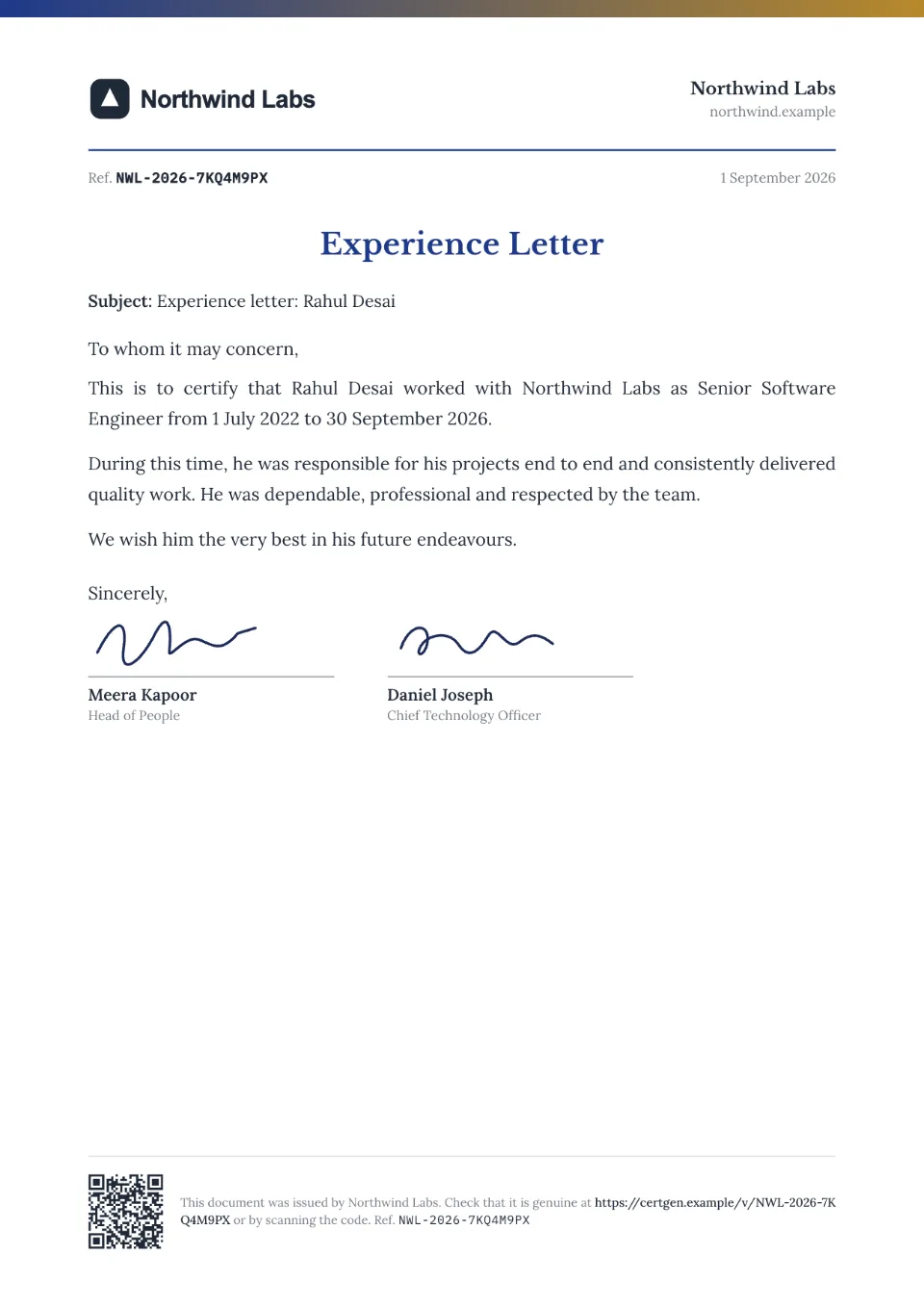
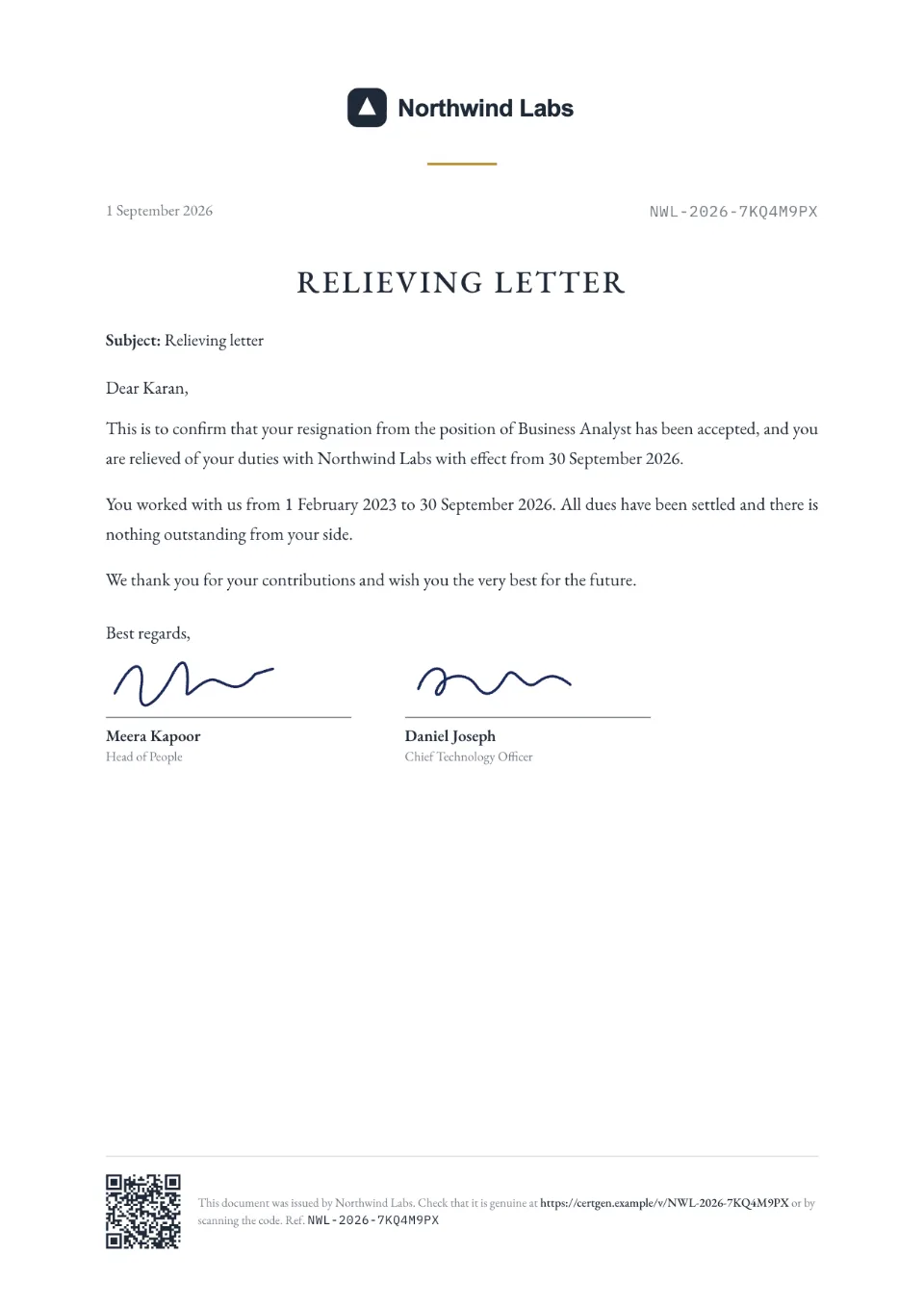
Each comes with sample wording, a free Word download and a generator you can try without an account.
Frequently asked questions
How can an employer verify an experience letter?
If the letter was issued with SealHive, they scan its QR code or type its number at sealhive.app/verify and see the letter as your company issued it. Anything that differs on the copy they were given is a red flag.
Can we make letters from our HR software verifiable?
Yes. Upload each letter as a PDF and SealHive stamps a QR code and number on it, without changing anything else. Each upload uses half a credit.
Who can see the details on a letter's page?
Only people with the letter or its link: pages aren't listed or searchable. Letters with pay in them, such as offer, salary and settlement letters, show only a summary there (who it's for, the role and dates), and the employee's private link has the full letter. If an employee asks, you can hide their name, or withdraw the letter and delete its details.
Can an offer letter expire?
Yes. Fill in the date the offer is open until and, after that day, its page says the offer has expired. To pull an offer back sooner, withdraw it from your dashboard and its page says it was withdrawn.
Can we issue letters for many employees at once?
Yes. Upload a CSV with a row per employee, including their role and dates, and every letter fills in on your template (paid plans and packs).
What if a letter was issued by mistake?
Revoke it from your dashboard and its page says it's revoked. To fix a detail, reissue it with the correction for free; the old page links to the new letter.
Related
- Verifiable PDFsStamp a QR code and number on PDFs you already make, and give each a verification page.Read more about Verifiable PDFs
- Certificate verification systemA verification page for everything you issue, with revoke, corrections and expiry.Read more about Certificate verification system
- Your own verification domainVerification pages on verify.yourcompany.com, with a verified-issuer badge.Read more about Your own verification domain
Issue your first certificate free
Every design and your brand kit are free to use, and each certificate comes with a QR code anyone can verify.