Event or competition
CERTIFICATE OF PARTICIPATION

This certificate is proudly presented to
[Name]
for participating in
[Event name]

held on [Date] at [Venue].

[Signature]
[Name], [Title]
Recognise everyone who took part in your competition, fest, quiz, debate or event. Pick a design, upload your participant list and issue certificates in minutes. Each one has a QR code, so students can prove it's genuine.
Updated · 11 designs · 4 sample formats, free in Word
Type your details and see your certificate of participation change as you go. Free, no sign-up needed to try.
Free account. Your first one is free, as a PDF with a QR code anyone can scan to verify it. What you typed comes with you in this browser.
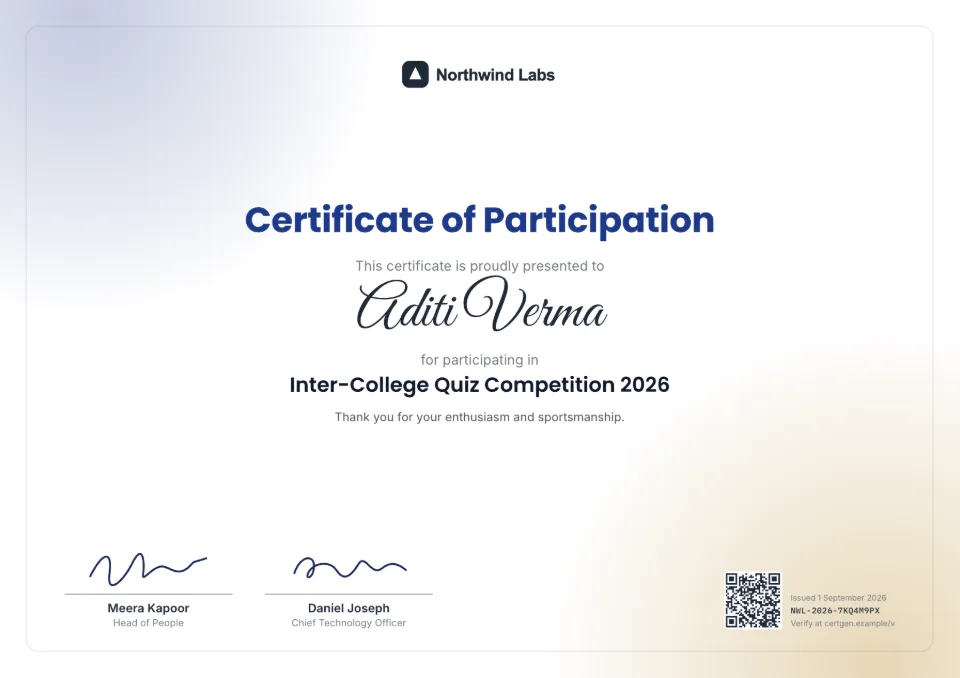
Sample certificate of participation in the Aurora design.
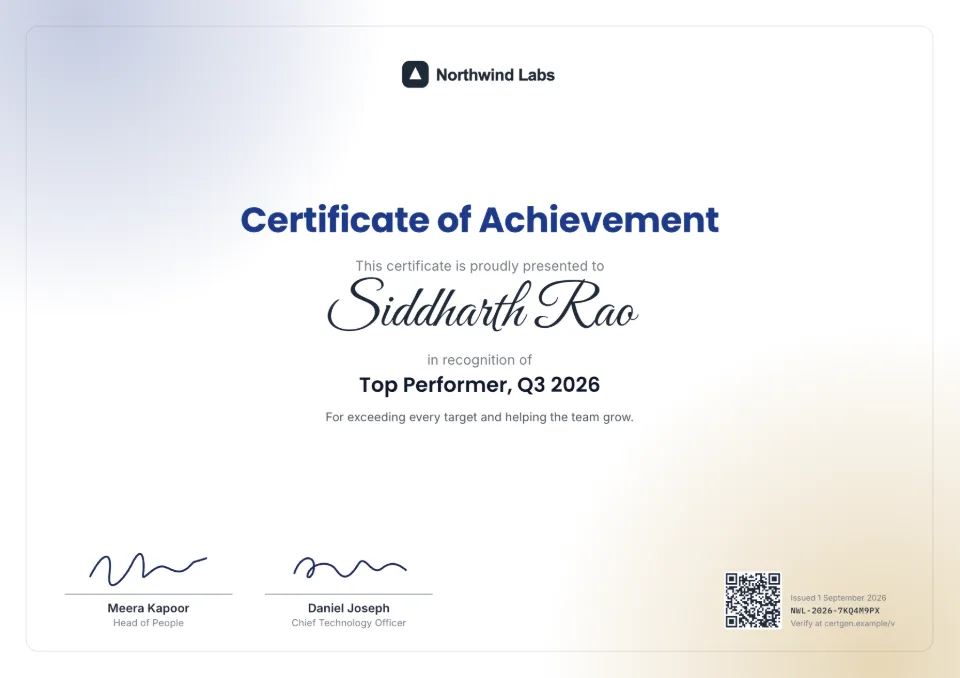
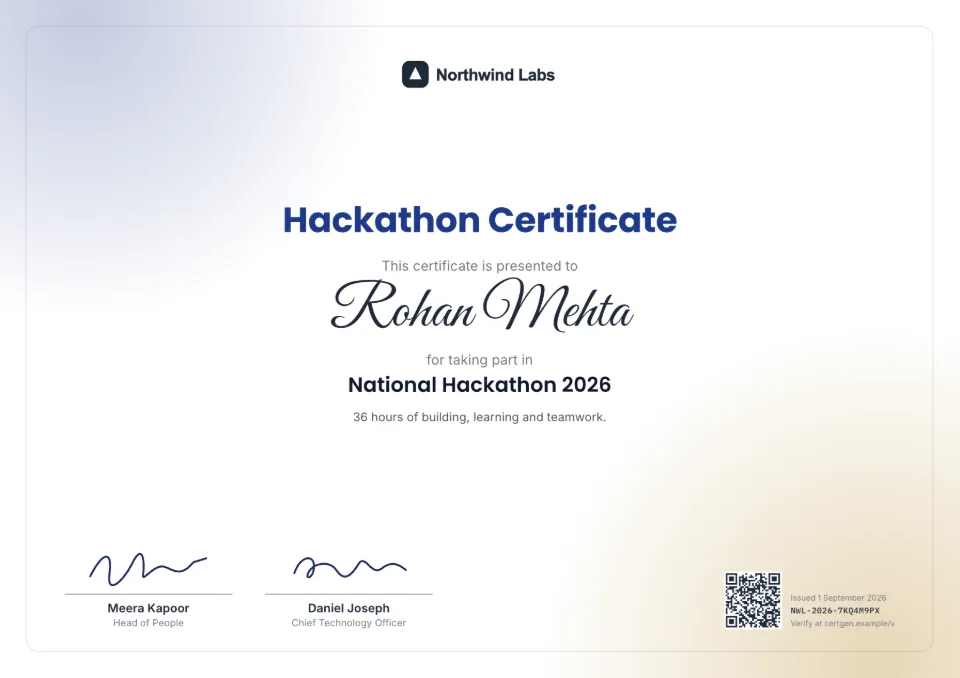
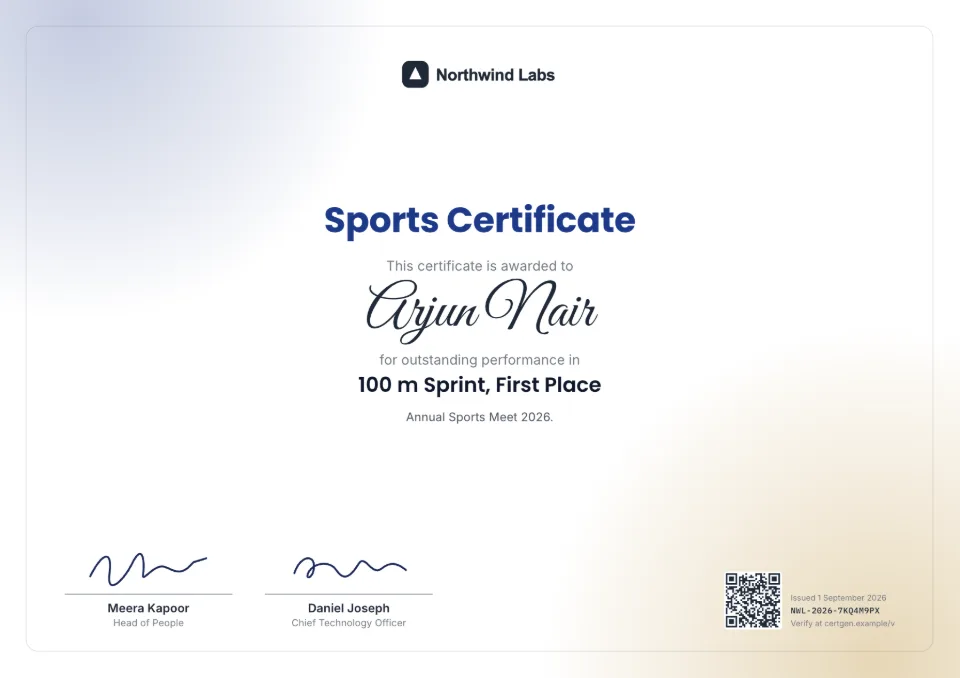
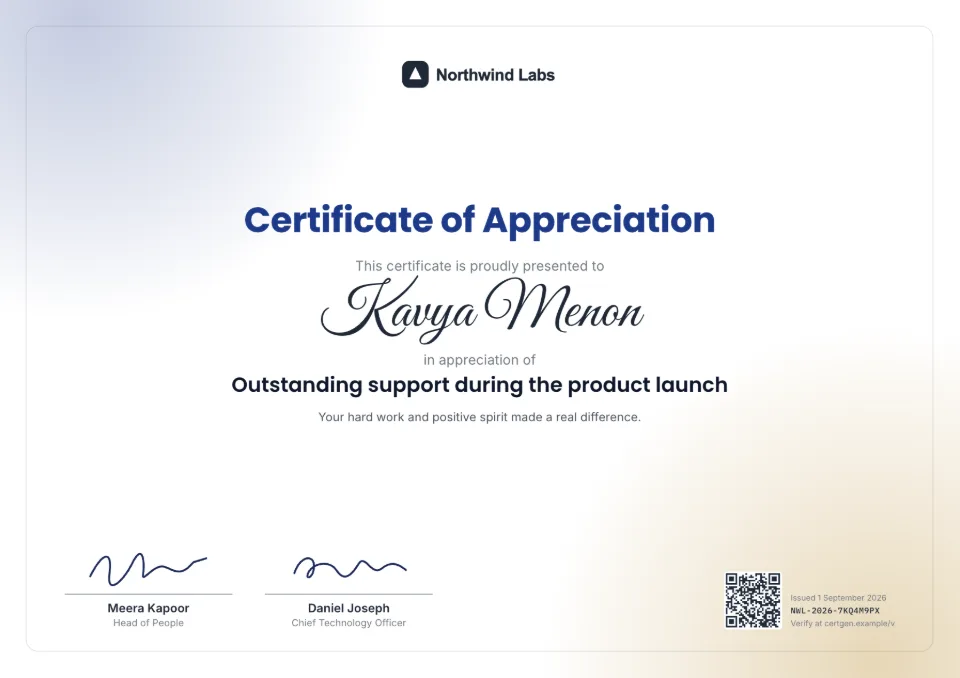
Every design takes your logo, colors and signatures.
Type the name and details above, or, on paid plans, upload a spreadsheet to make a certificate for everyone at once.
Add your logo, colors and signatures once in your brand kit; every design uses them.
Download the PDF, or on paid plans email it to the recipient. Each certificate gets a QR code and a page where anyone can check it's genuine.
Sample wording to adapt, free to copy or download in Word. In SealHive, names, roles and dates fill in for you.
CERTIFICATE OF PARTICIPATION This certificate is proudly presented to [Name] for participating in [Event name] held on [Date] at [Venue]. [Signature] [Name], [Title]
CERTIFICATE OF PARTICIPATION

This is to certify that [Name] of Class [Class] participated in the [Competition, e.g. Inter-School Science Quiz] held at [School] on [Date].

We appreciate [his/her/their] enthusiasm and spirit.

[Signature]
[Teacher in charge]   [Signature]
[Principal]
CERTIFICATE OF PARTICIPATION

Presented to [Name], [College], for participating in [Event] at [Fest name] [Year], organised by [Organising college] on [Date].

[Signature]
[Student Coordinator]   [Signature]
[Faculty Coordinator]
CERTIFICATE OF PARTICIPATION

[Name] took part in [Challenge name], an online [coding/design/writing] challenge held from [Start date] to [End date] with [number] participants.

[Signature]
[Organizer]
| Certificate | Use it for | Example |
|---|---|---|
| Certificate of attendance | Being present at a session or event | Attended a webinar or conference |
| Certificate of participation | Taking an active part | Took part in a quiz, hackathon or workshop |
| Certificate of achievement | A result or a win | First place, top score, best project |
Logo, colors, fonts and signatures, set once in your brand kit.
Scanning it opens a verification page with who issued it, to whom and when.
How it works: A QR code on every copyIts verification page shows the issued details, so an edited copy won't match. You can revoke it anytime.
How it works: Hard to fakeYes. Issue participation certificates to everyone and achievement or merit certificates to the winners, in the same design if you like.
Yes. Each certificate has its own link where the student can view and download the PDF.
Every document issued with SealHive carries a QR code and a short link. Scanning it opens its verification page, on SealHive or the issuer's own domain, showing who issued it and when, whether it's still valid and, unless the recipient asked to hide it, their name. An edited copy won't match the details on that page.
Yes, to start. You can try the generator with your own details without an account, and your first certificate or letter is free. After that, buy a credit pack or a plan: one credit issues one certificate or letter. Bulk issue and emailing recipients come with packs and plans.
Free to try. Your first one is on us, and it comes with a QR code anyone can verify.
Create a certificate of participation