Make any PDF verifiable
Already make certificates or letters in Word, Canva or your HR system? Upload the PDF and SealHive stamps a QR code and certificate number onto it, linked to a verification page anyone can check.
Your first certificate is free. No card needed. · Updated
Add a verification QR code to a PDF
- 1
Upload your PDF
Upload the finished certificate or letter, up to 15 MB, with the recipient's name and details exactly as you made it.
- 2
Place the QR code
Put the QR code and number in a corner or drag them where they fit, and set their size. For a multi-page PDF, stamp the first page or every page.
- 3
Send the stamped copy
Download the verifiable PDF and send it to the recipient. Its verification page names your organization and the recipient, and offers the original PDF to compare.
Why stamp the PDFs you already have
Keep your own design
Nothing changes on your document except the QR code and number you place.
Edits are easy to catch
The verification page offers the original PDF, so anyone can compare a copy against it.
Revoke when needed
Revoke a stamped PDF any time; its page then says it's revoked. To correct one, revoke it and upload the fixed copy.
Made for HR letters
Offer, experience and relieving letters from your HR system become checkable without changing how you write them.
Half a credit each
Stamping a PDF uses half a credit, half of what issuing a certificate from a template costs.
What it costs
Making your own PDFs verifiable comes with the Starter, Pro and Business plans and with one-time credit packs. Each PDF uses half a credit.
See all plans and prices- Credit packs
- from $5, one-time
- Starter
- $19 a month
- Pro
- $49 a month
Prices in US dollars. Sales tax or VAT is added at checkout where it applies.
Templates to start from
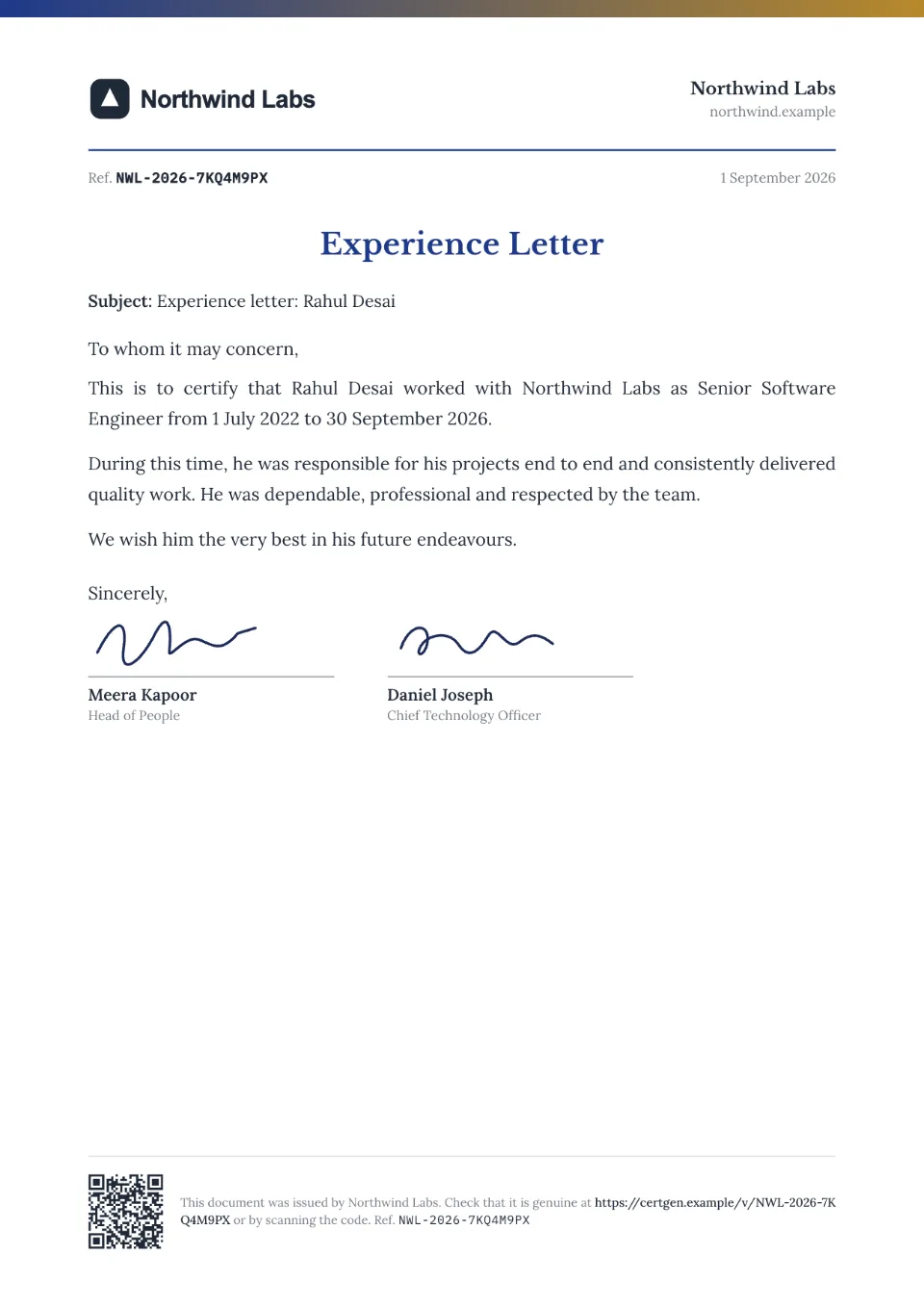
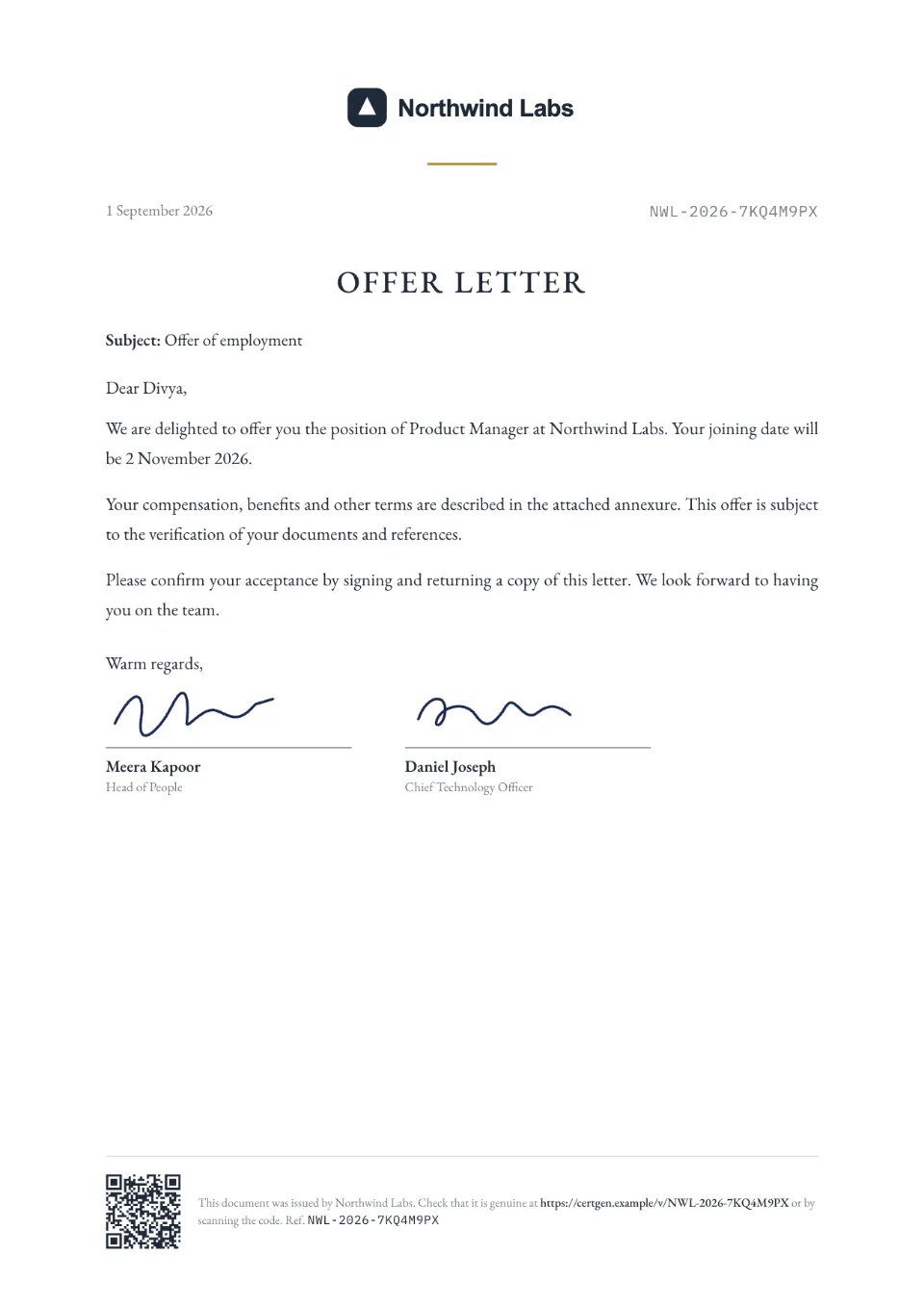
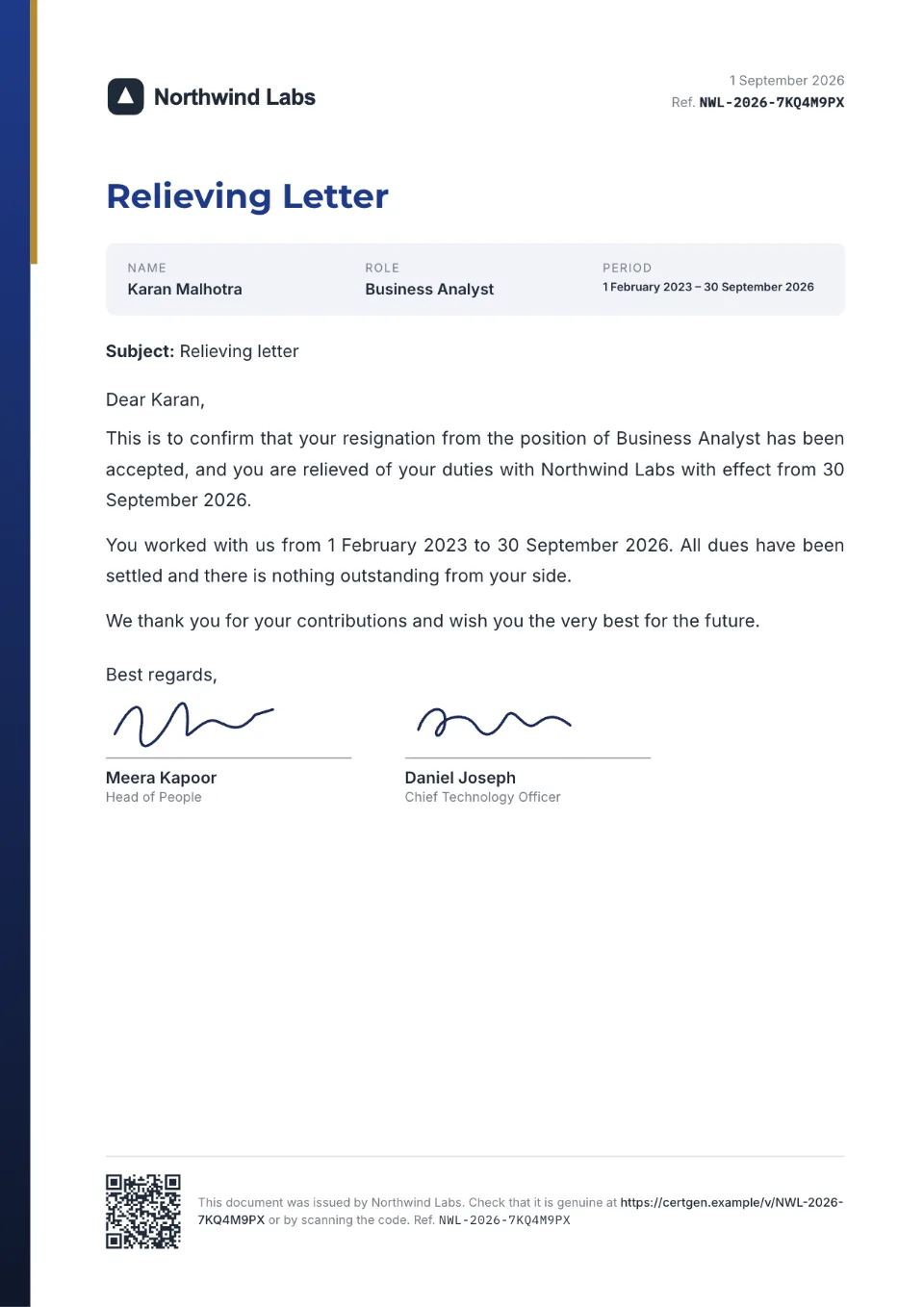
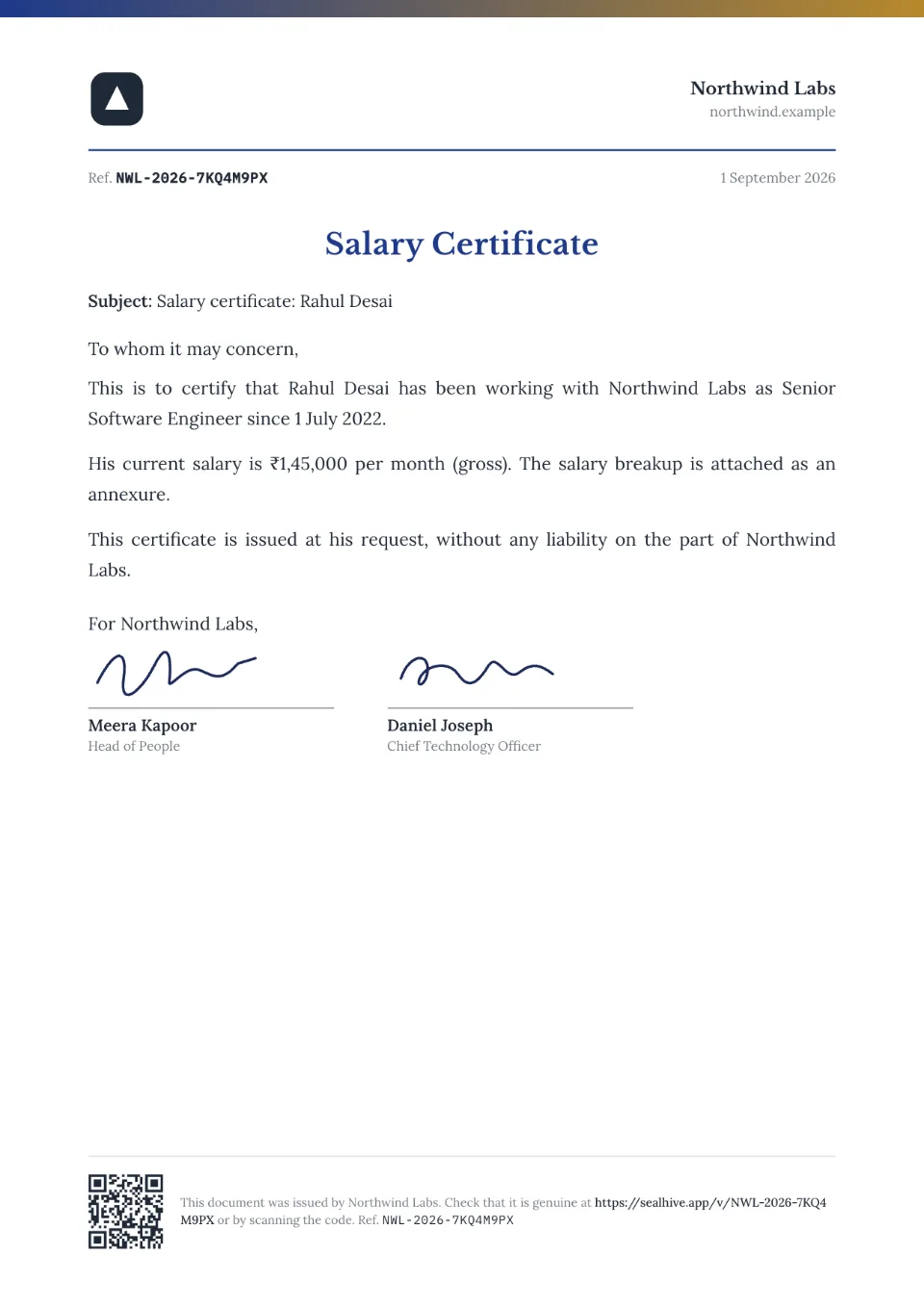
Each comes with sample wording, a free Word download and a generator you can try without an account.
Frequently asked questions
Can I add a QR code to an existing PDF certificate?
Yes. Upload the PDF, place the QR code and number, and download the stamped copy. The QR code opens a verification page for that document, not just a link to a file.
How is this different from a PDF QR code generator?
A normal generator makes a QR code that opens a file or website. SealHive's QR code opens your organization's record of the document, with its status, which you can revoke later. That's what makes the document checkable.
What PDFs can I upload?
Any PDF up to 15 MB, such as certificates exported from Canva or Word, letters from your HR software or scanned documents. You stamp the first page or every page.
Can I correct a stamped PDF?
Revoke it and upload the corrected PDF, which gets a new number and uses half a credit. The revoked page stays up and says it's revoked, so old copies don't pass as current.
Does the recipient need an account?
No. Recipients, and anyone checking the document, just open the link or scan the code.
Related
- Certificate verification systemA verification page for everything you issue, with revoke, corrections and expiry.Read more about Certificate verification system
- HR teamsOffer, experience and relieving letters that background checks can verify.Read more about HR teams
- QR code certificatesEvery certificate carries a QR code that opens its live verification page.Read more about QR code certificates
Issue your first certificate free
Every design and your brand kit are free to use, and each certificate comes with a QR code anyone can verify.