E-certificates for events and webinars
Send every attendee, speaker and volunteer their e-certificate straight from your registration or attendance list. Each one has a QR code so participation can be checked, and attendees can add it to LinkedIn.
Your first certificate is free. No card needed. · Updated
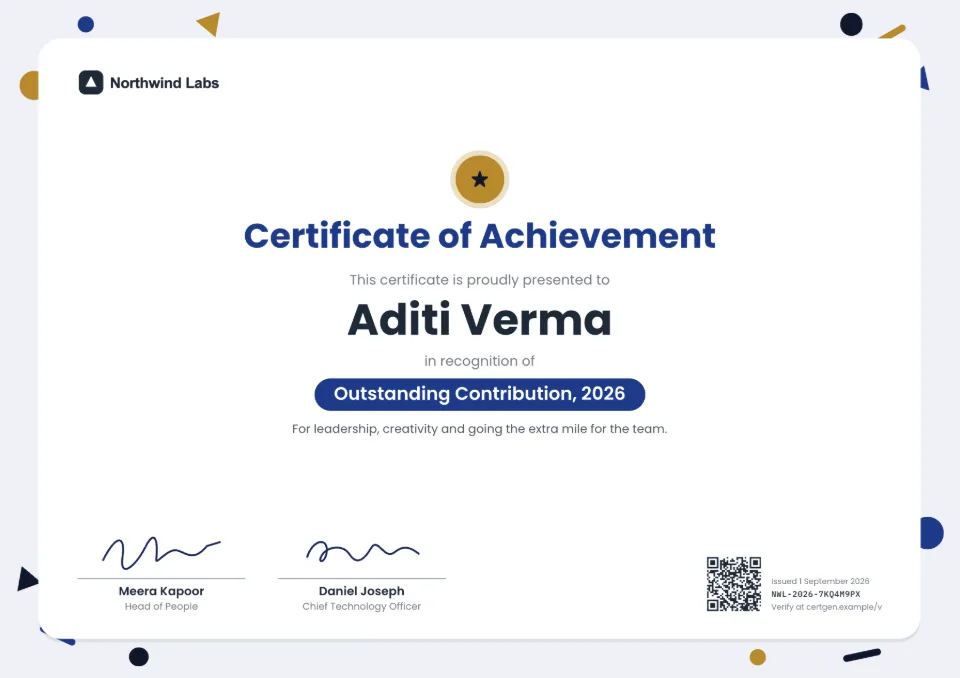
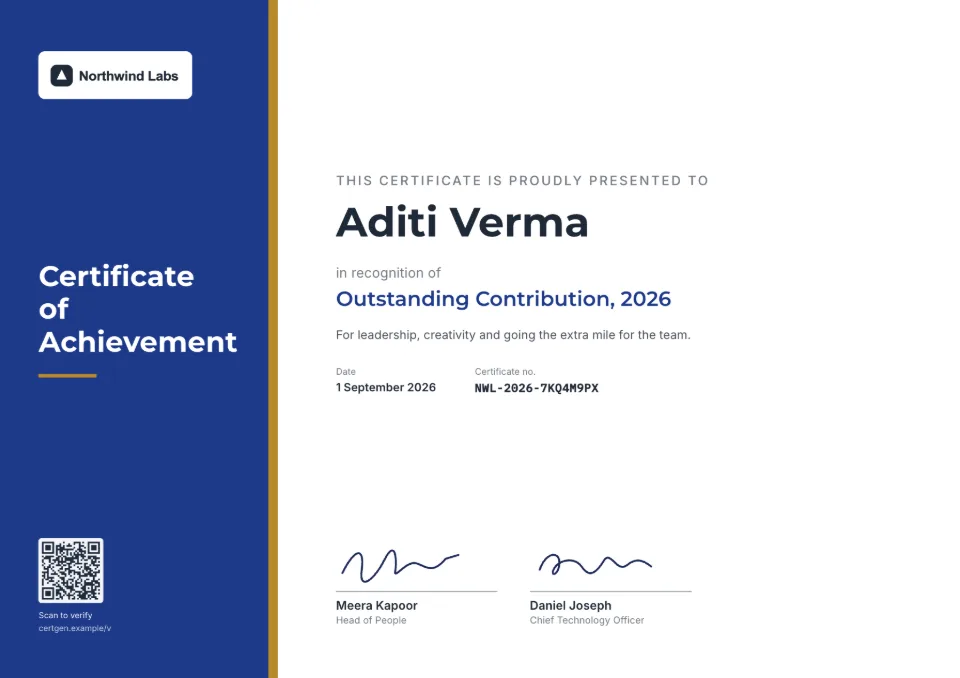
E-certificates for everyone who attended
- 1
Export your attendee list
Download attendance from Zoom or Google Meet, or responses from Google Forms or your registration tool, as a CSV.
- 2
Match the columns
Upload the file, choose a participation or appreciation design and match the name, email and event columns.
- 3
Issue and email
Issue the batch and every attendee gets an email with a link to view, download and share their e-certificate.
Made for events of any size
Webinars and online events
Works with any attendee export that opens in a spreadsheet, so no integration is needed.
Different certificates per role
Run one batch for attendees and others for speakers, winners and volunteers, each with its own wording.
Delivered by email
Each person gets their own email and link, so you don't attach hundreds of PDFs by hand.
Shared on LinkedIn
Attendees add their certificate to LinkedIn with a verification link, which shows your event's name to their network.
Fix a name in seconds
Someone spells their name wrong on the form? Reissue their certificate for free; their old link points to the new one.
What it costs
Your first certificate is free. Batches and email delivery come with the Starter, Pro and Business plans and with one-time credit packs, whose credits never expire between events.
See all plans and prices- Credit packs
- from $5, one-time
- Starter
- $19 a month
- Pro
- $49 a month
Prices in US dollars. Sales tax or VAT is added at checkout where it applies.
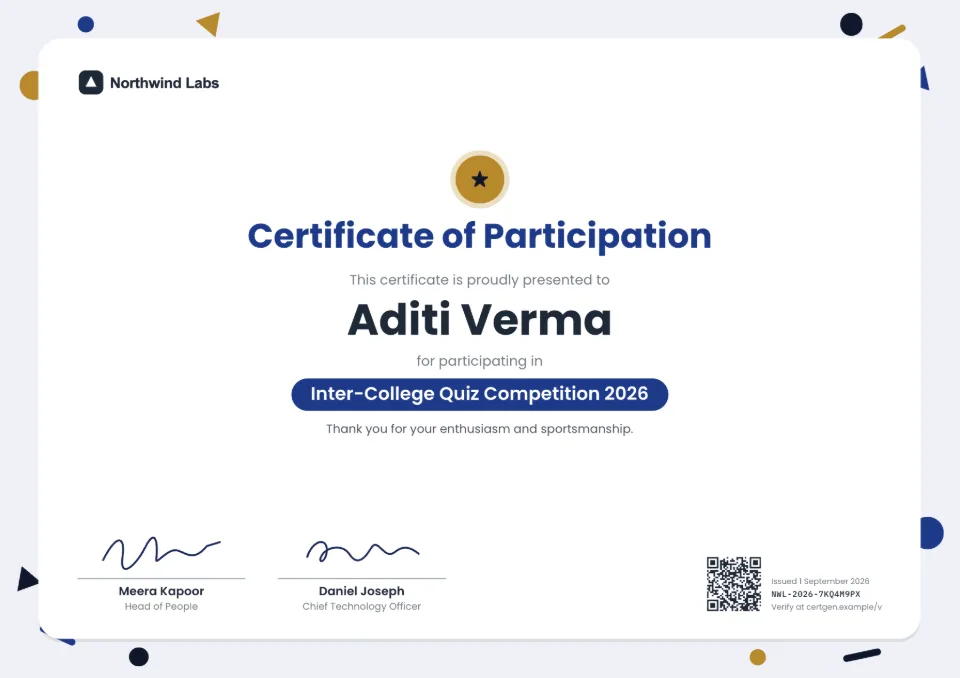
Templates to start from
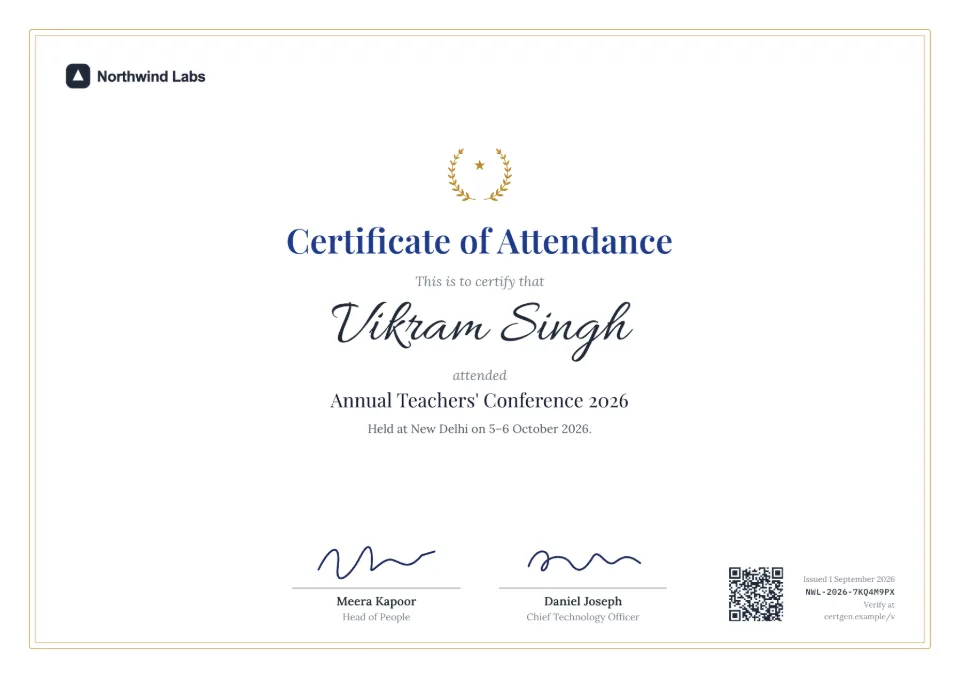
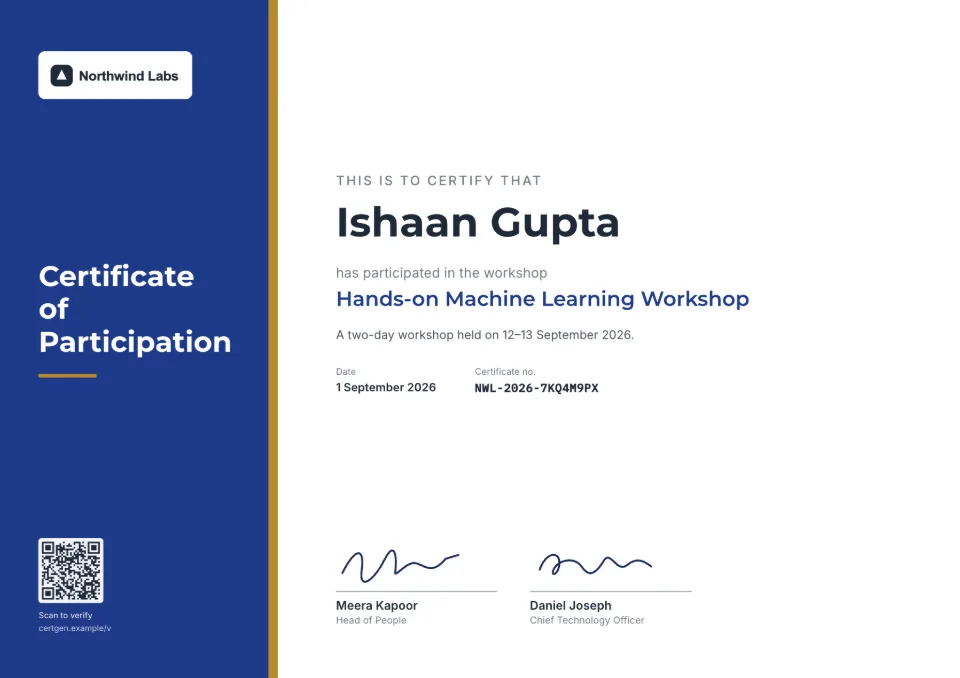
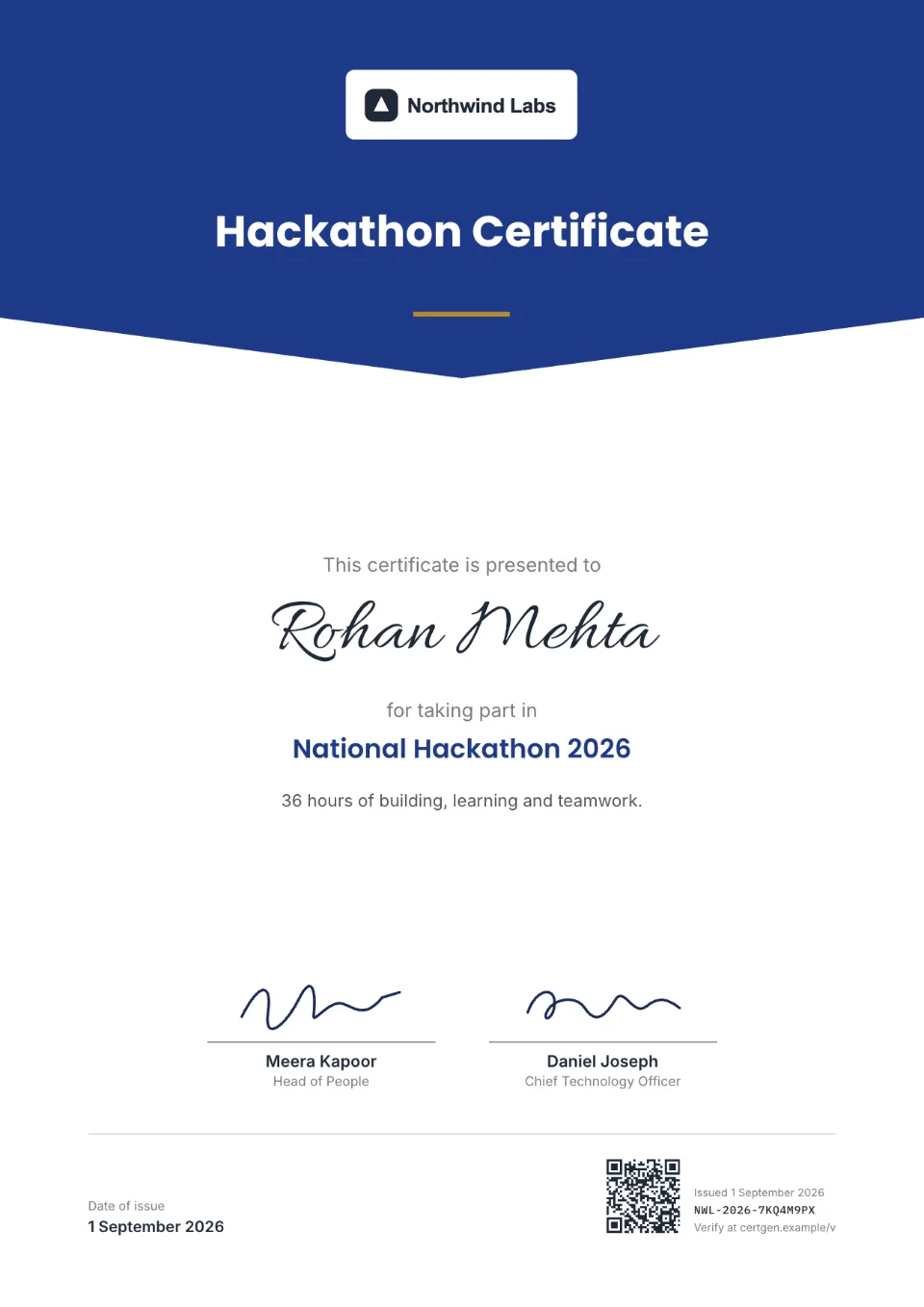
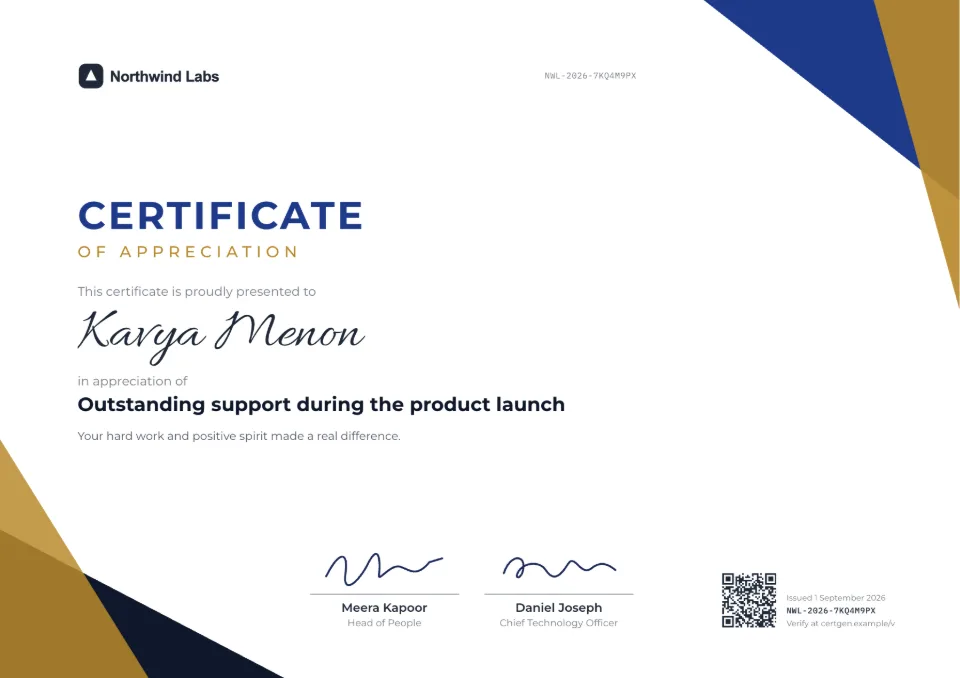
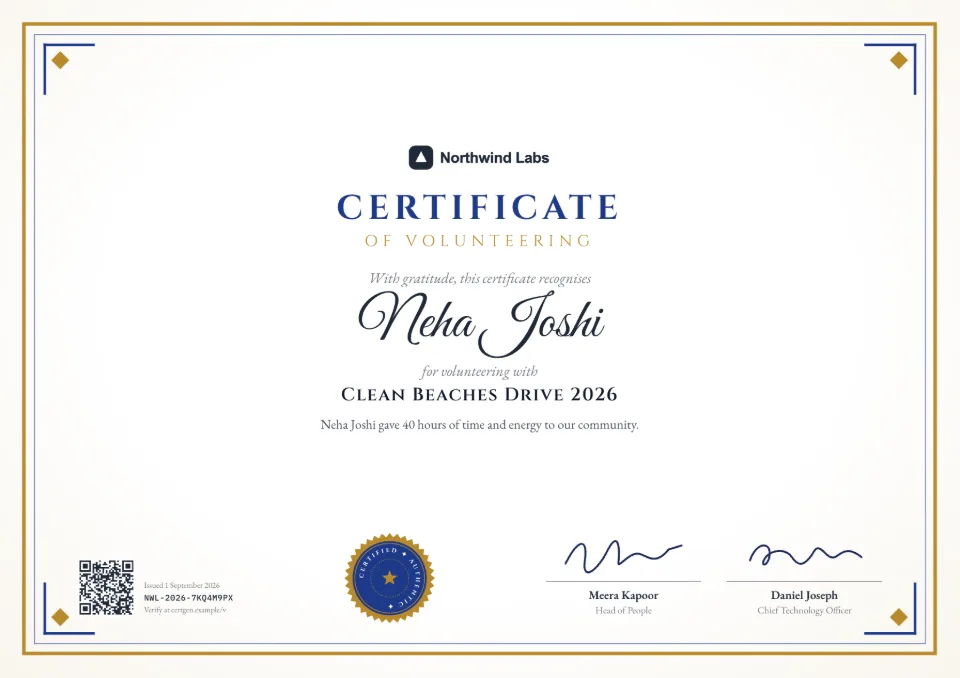
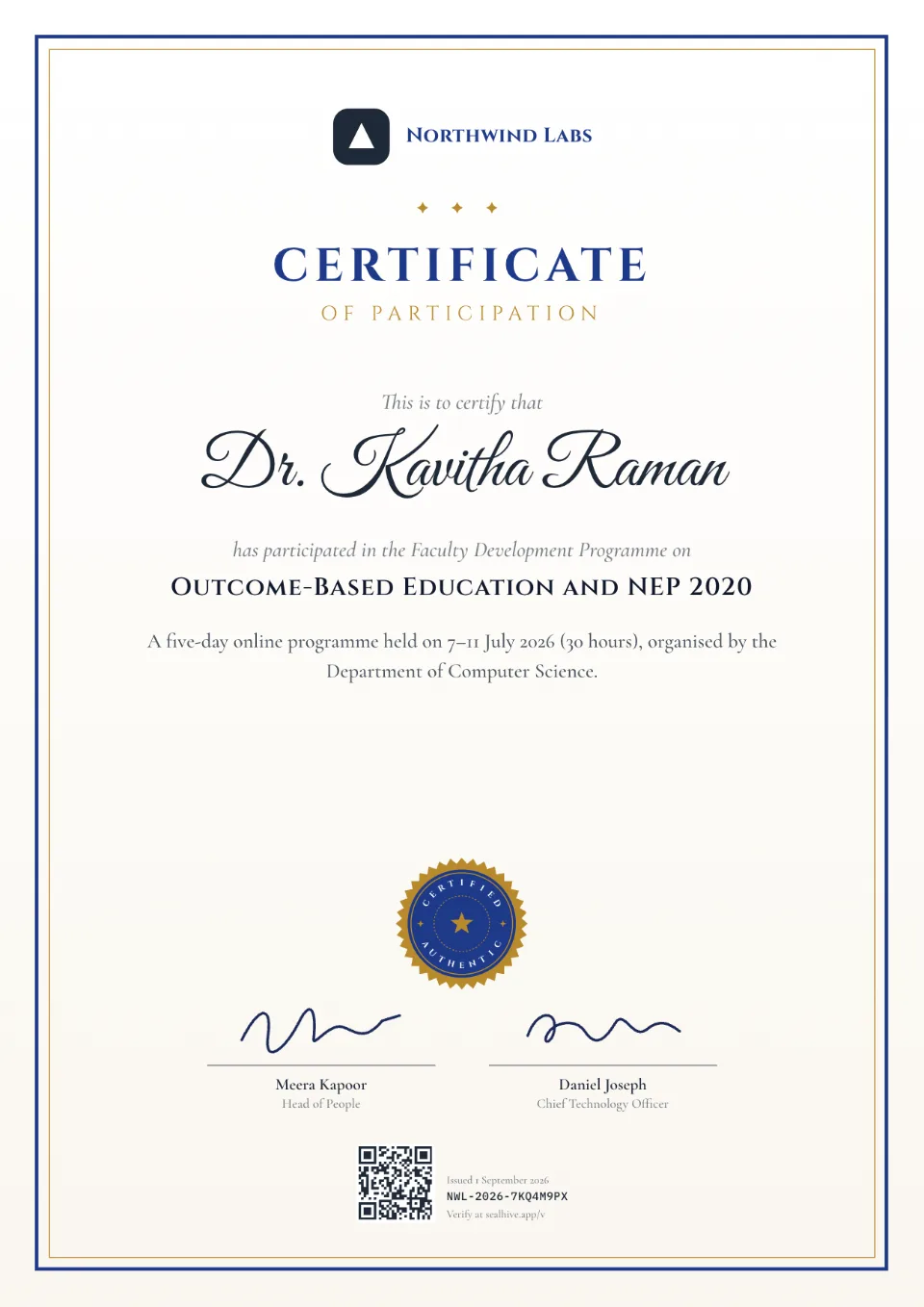
Each comes with sample wording, a free Word download and a generator you can try without an account.
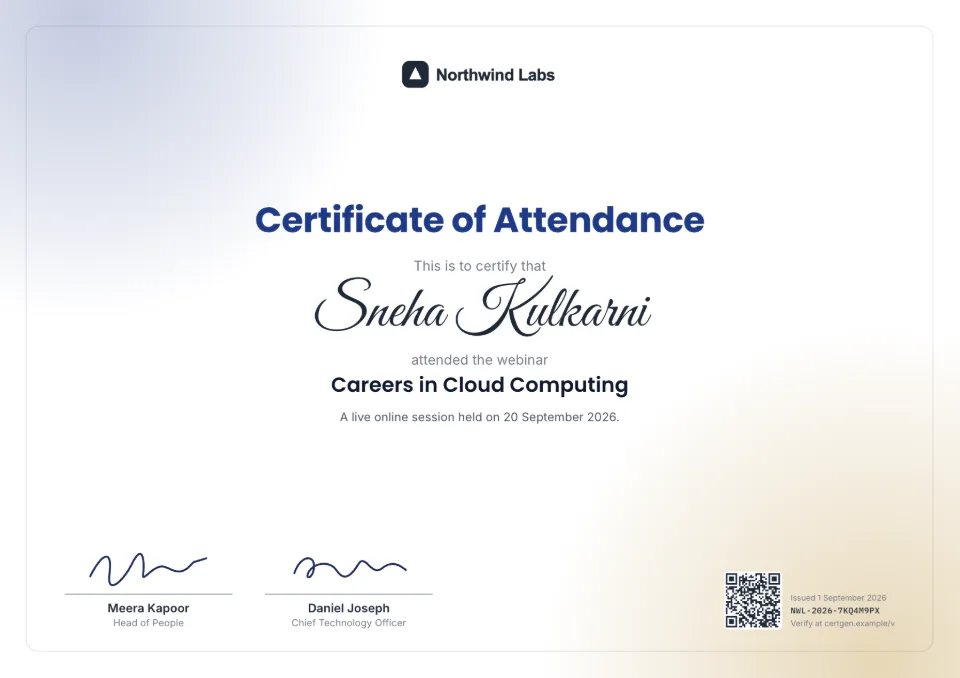
Frequently asked questions
How do I send certificates to webinar attendees?
Download the attendee report from your webinar tool as CSV, upload it to SealHive, match the name and email columns and issue. Each attendee gets an email with their own certificate link.
Can I make certificates from Google Forms responses?
Yes. Open the responses in Google Sheets, download them as CSV (File › Download › CSV) and upload the file. Remove anyone who didn't attend first.
Can speakers and attendees get different certificates?
Yes. Run a batch for each group with its own wording and design, such as "Certificate of Participation" for attendees and "Certificate of Appreciation" for speakers.
What is an e-certificate?
A certificate issued and shared digitally, usually as a PDF or link, instead of on paper. SealHive's e-certificates also have a QR code and verification page, so anyone can confirm they're genuine.
Can attendees verify their certificate later?
Yes. The verification link keeps working after the event and even if your plan ends, so attendees can share it on job applications years later.
Related
- Bulk certificate generatorUpload a spreadsheet and issue a certificate for every row, up to 2,000 at a time.Read more about Bulk certificate generator
- QR code certificatesEvery certificate carries a QR code that opens its live verification page.Read more about QR code certificates
- Free certificate makerEvery design and your brand kit for free, and your first certificate on us.Read more about Free certificate maker
Issue your first certificate free
Every design and your brand kit are free to use, and each certificate comes with a QR code anyone can verify.