Free certificate maker
Pick a design, add your details and download your certificate as a PDF. You can try any template without an account, and your first certificate is free, with a QR code that proves it's genuine.
Your first certificate is free. No card needed. · Updated
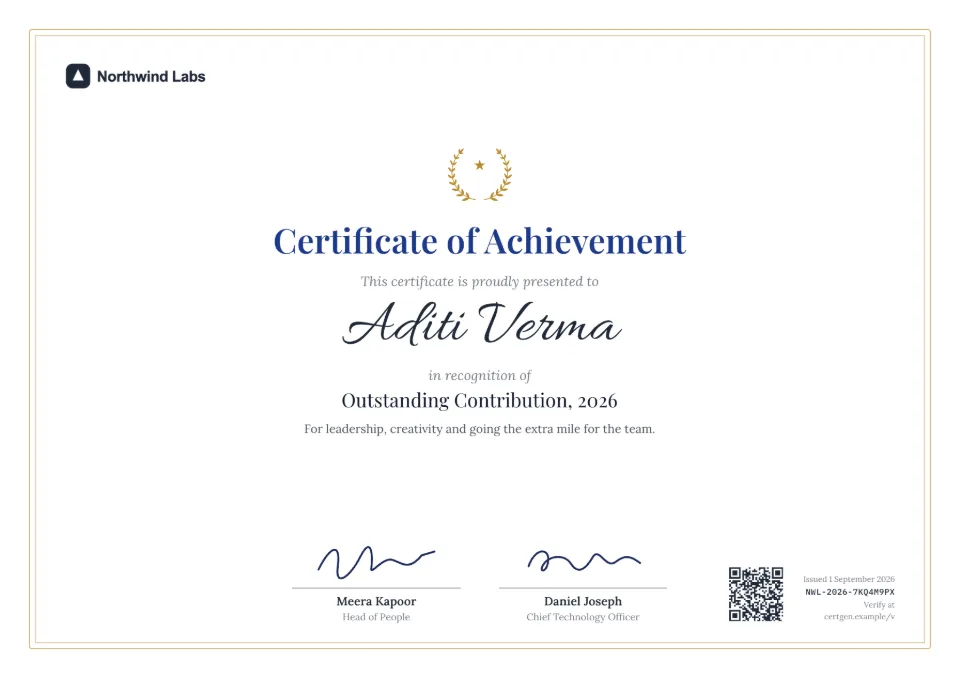
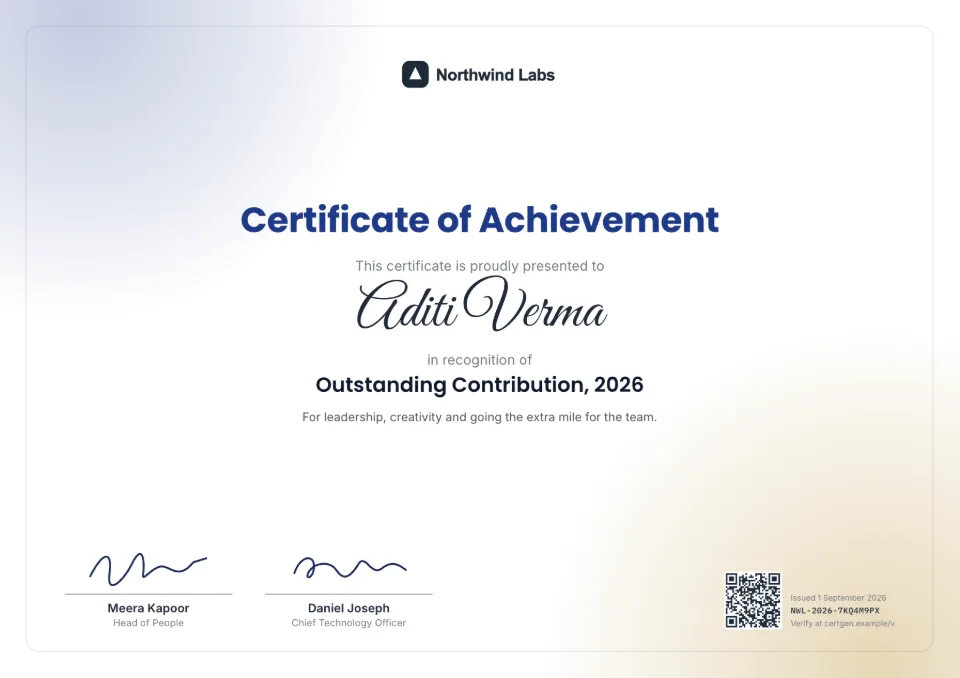
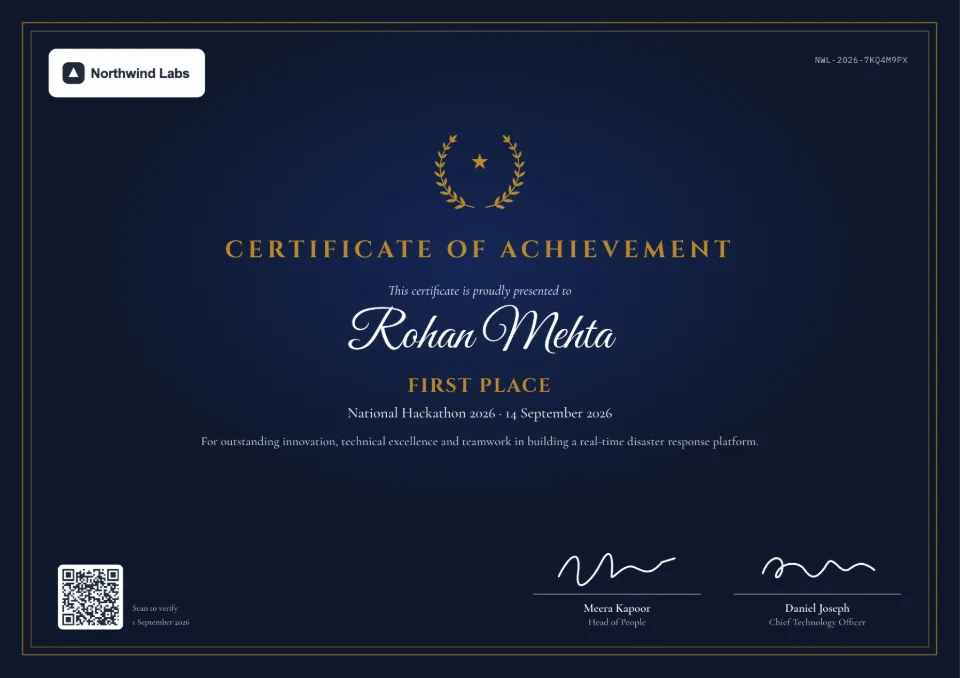
Make a certificate online in three steps
- 1
Pick what you're making
Choose the kind of certificate or letter below, from internships to awards. Its page has a generator you can try with your own text, no account needed.
- 2
Add your brand
Sign up free, then add your logo, colors, fonts and signature images once. Every design uses them.
- 3
Download or share
Issue it to get a print-ready PDF in A4 or US Letter, with a QR code and a link anyone can open to check it.
What you get for free
Every design and your brand kit
All the certificate and letter designs, with your logo, colors, fonts and signature images.
Unlimited previews
Change the wording, design and colors as often as you like. Previews never use credits.
A real verification page
Your free certificate gets a QR code and a page that stays live, just like paid ones.
Free Word formats
Each template page has sample wordings to copy or download in Word, without signing up.
Hindi names
Names in Hindi or Marathi print correctly, and there's a bilingual Hindi–English internship design.
What it costs
The free plan includes every design, your brand kit, unlimited previews and your first certificate. Free certificates carry a small "Verified with SealHive" line in the corner. For more certificates, buy a one-time pack or a plan.
See all plans and prices- Free plan
- $0, your first certificate included
- Credit packs
- from $5, one-time
- Starter
- $19 a month
Prices in US dollars. Sales tax or VAT is added at checkout where it applies.
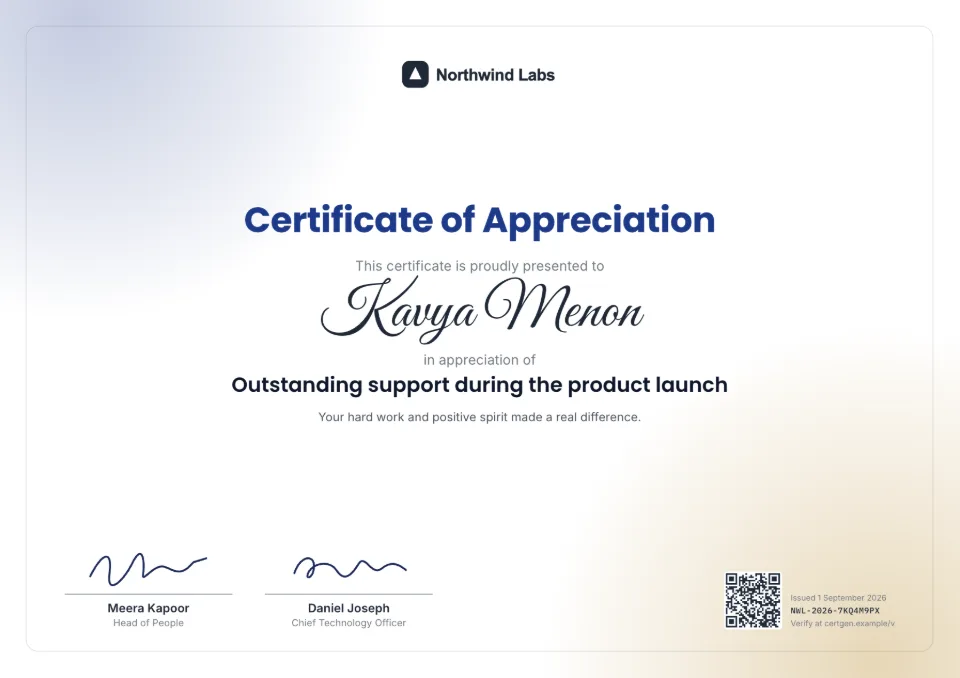
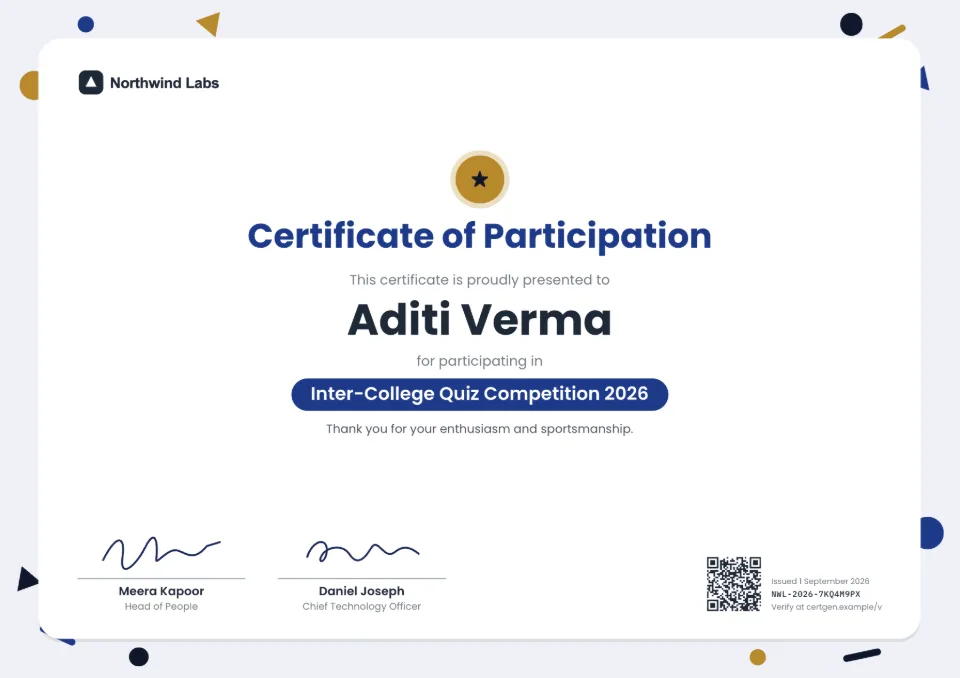
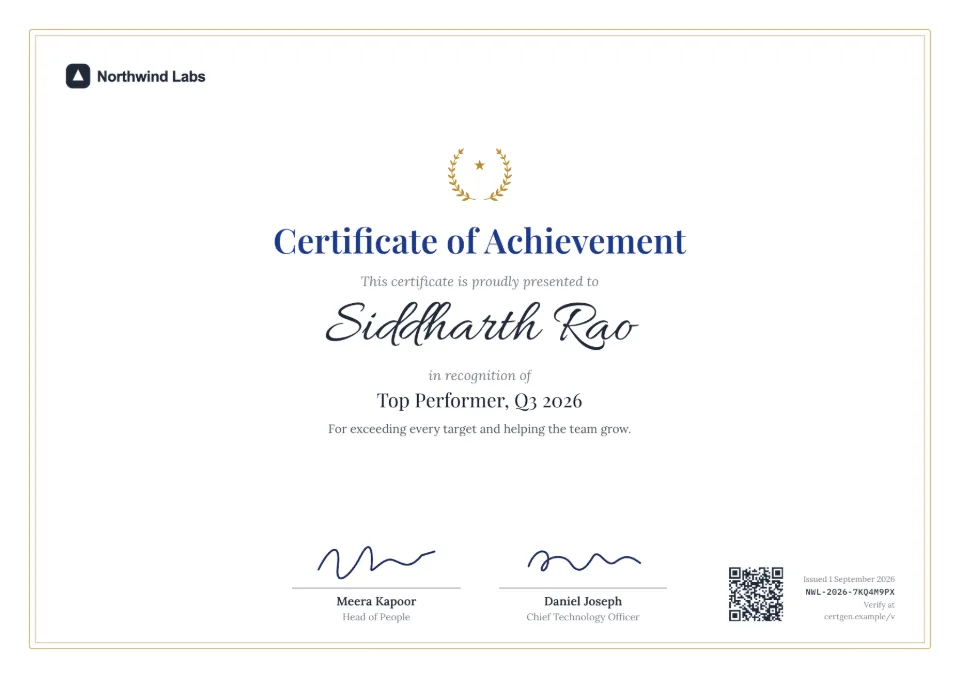
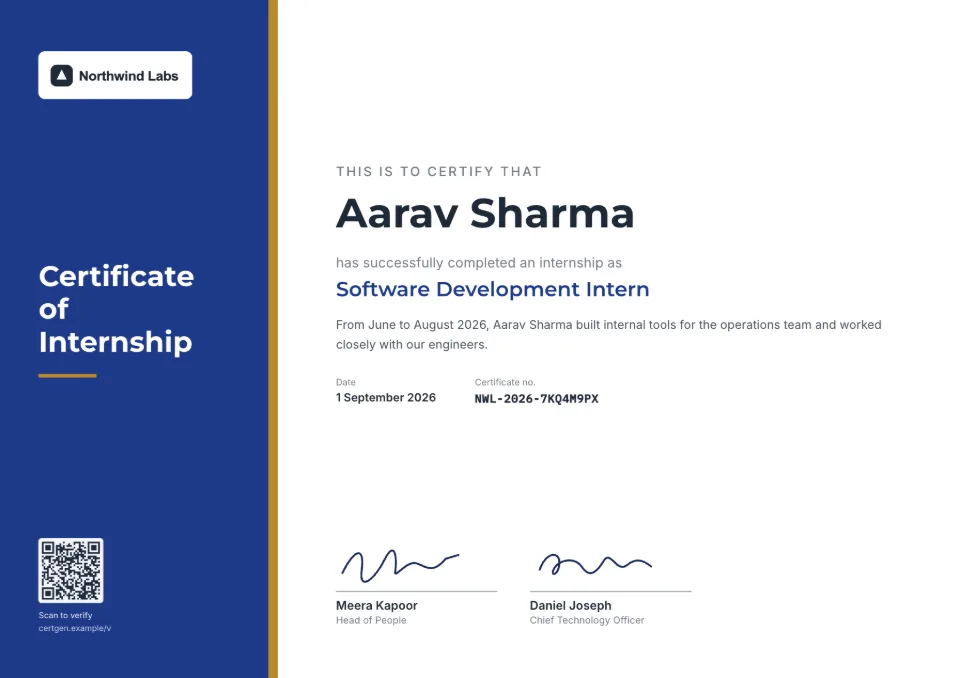
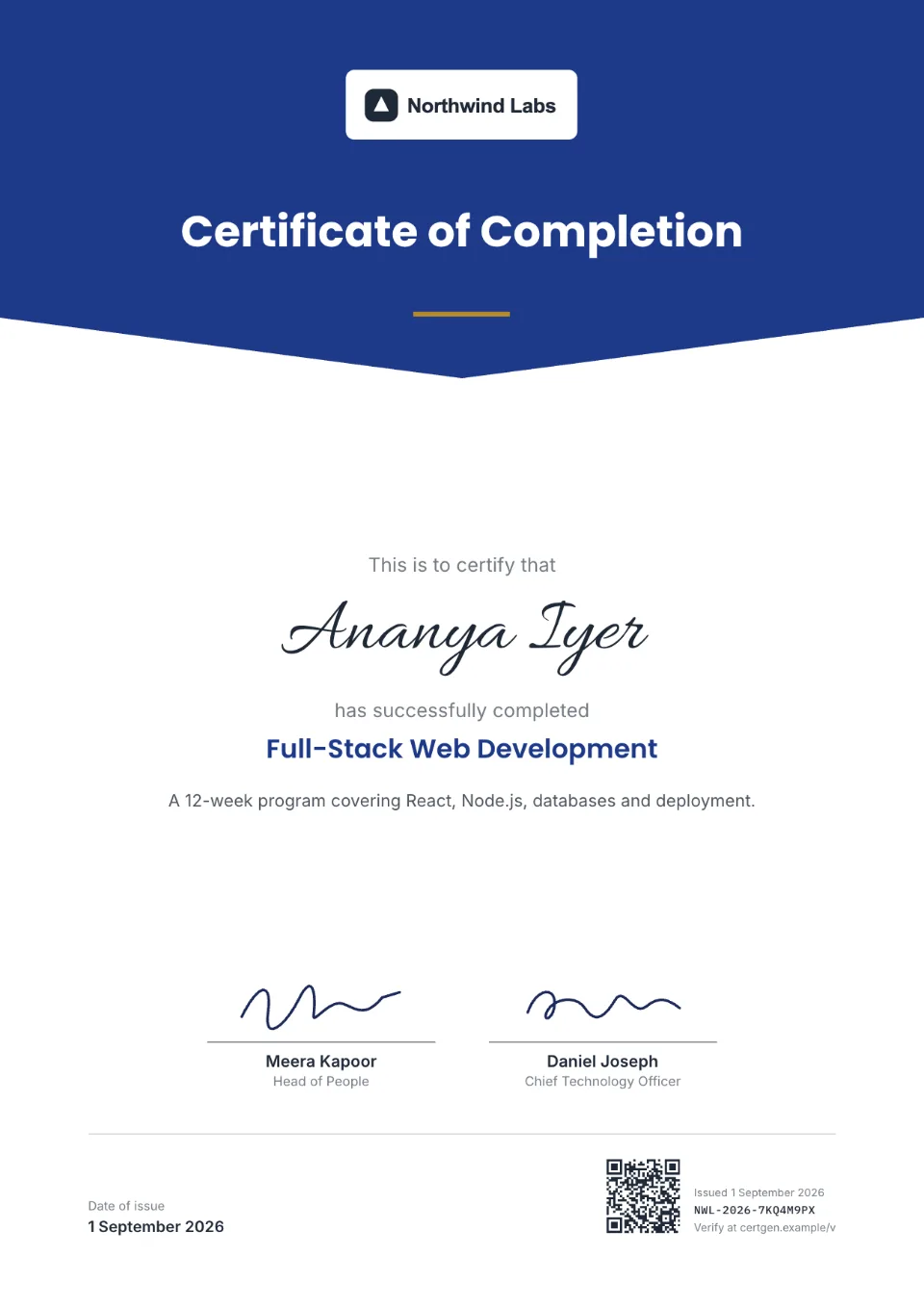
Pick what you're making
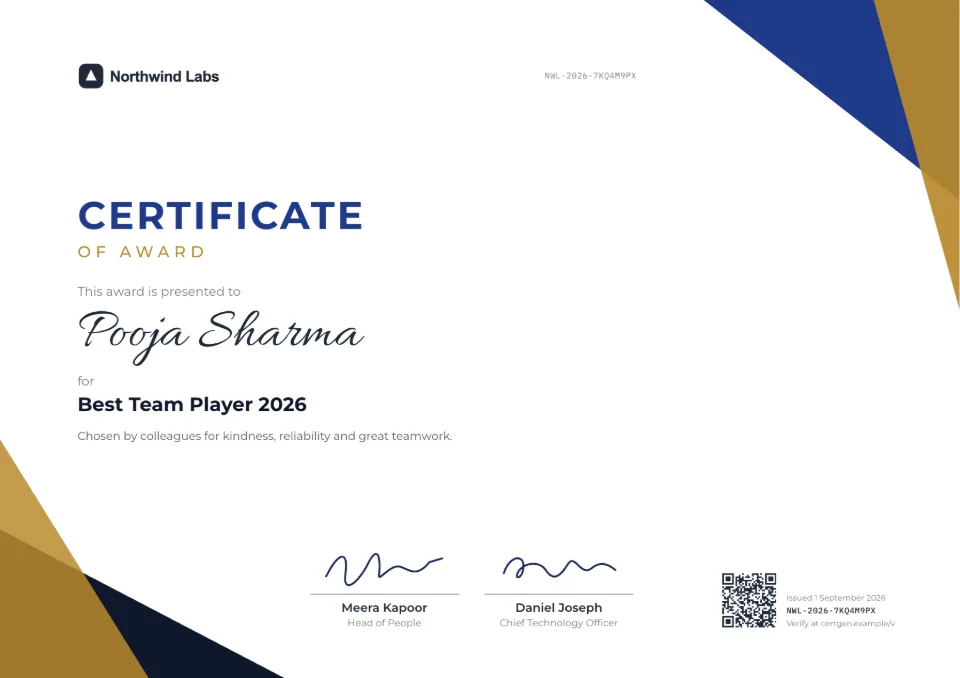
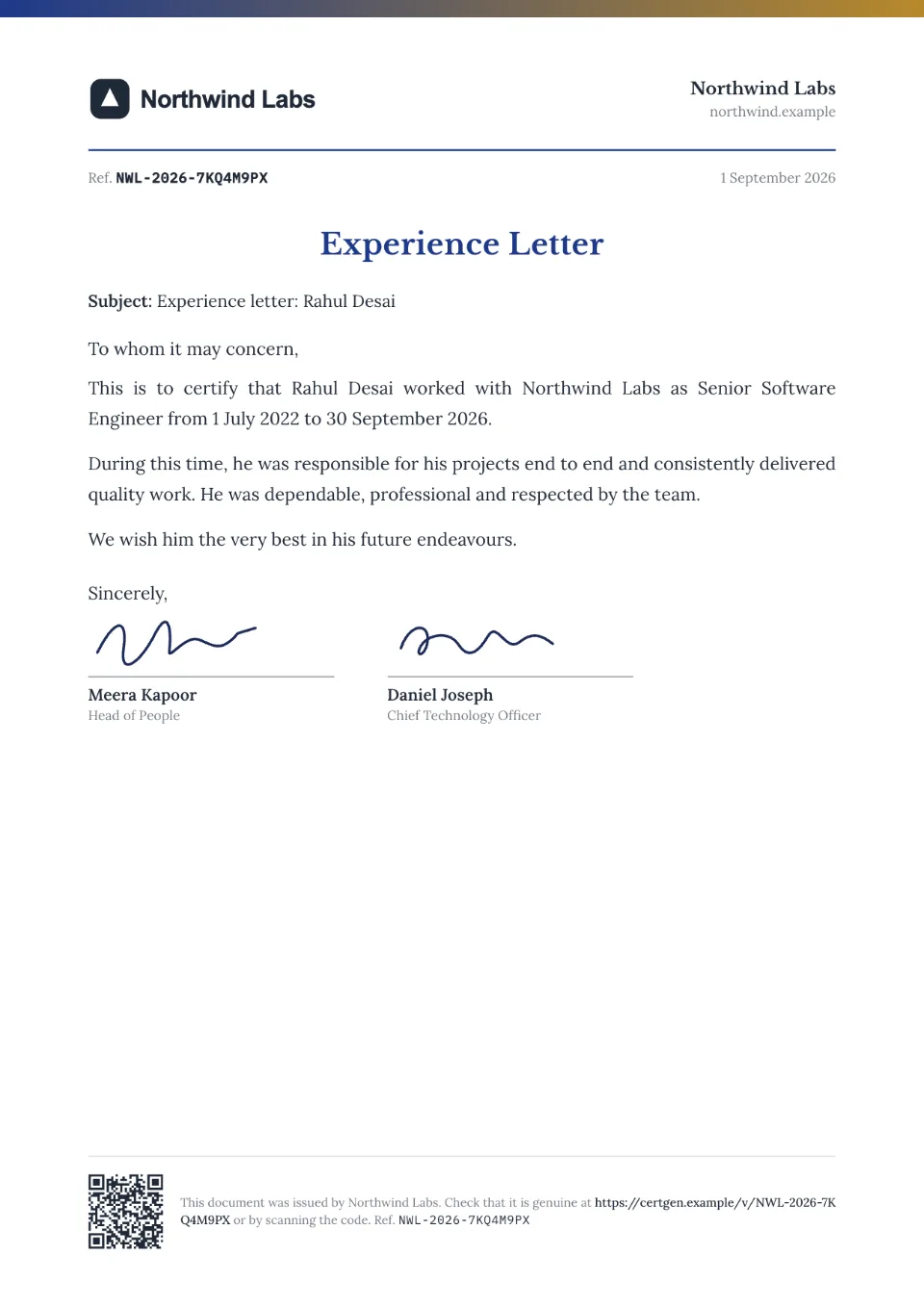
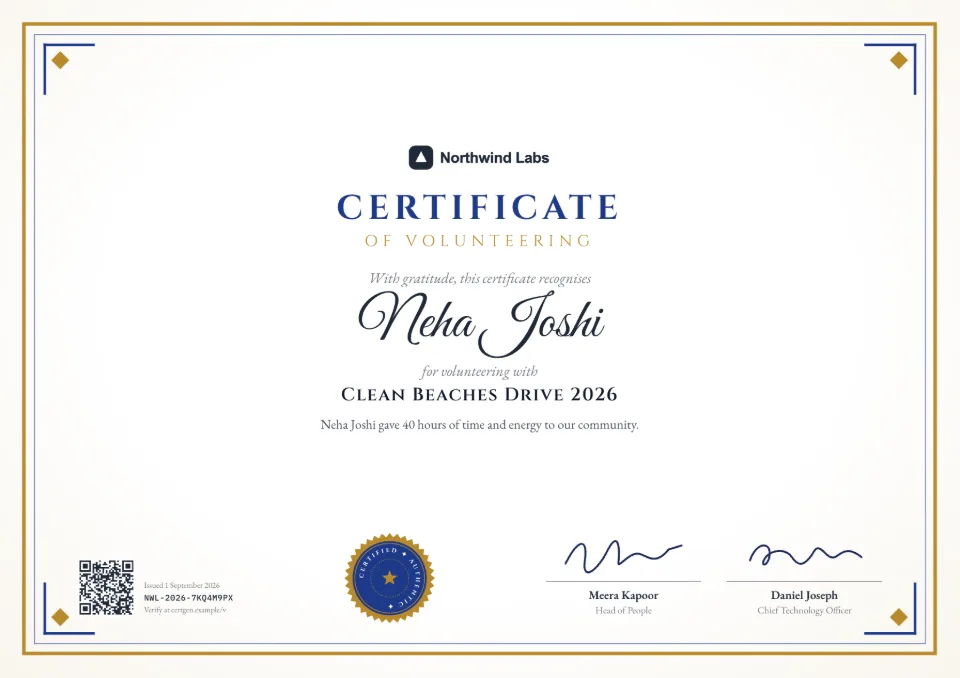
Each comes with sample wording, a free Word download and a generator you can try without an account.
Frequently asked questions
Is it really free?
Yes. Designing, previews and your first certificate are free, and no card is needed. After that, each certificate uses one credit from a one-time pack or a monthly or yearly plan.
Is there a watermark?
There's no watermark across the design. Certificates on the free plan, packs and Starter carry a small "Verified with SealHive" line in the bottom corner; Pro and Business remove it.
Can I make a certificate without signing up?
You can try any template's generator with your own details without an account. Downloading the finished certificate, with its QR code, needs a free account, so the verification page has a real issuer behind it.
Can I add my logo and signature?
Yes, on the free plan too: upload your logo and signature images in the brand kit. On paid plans, the signature studio also cleans up a phone photo of a signature, or lets you draw or type one.
Can I print it?
Yes. Certificates download as print-ready PDFs in A4 or US Letter, whichever your organization's settings use.
Related
- QR code certificatesEvery certificate carries a QR code that opens its live verification page.Read more about QR code certificates
- Bulk certificate generatorUpload a spreadsheet and issue a certificate for every row, up to 2,000 at a time.Read more about Bulk certificate generator
- Events & webinarsE-certificates for attendees, speakers and volunteers, from your attendee list.Read more about Events & webinars
Issue your first certificate free
Every design and your brand kit are free to use, and each certificate comes with a QR code anyone can verify.