Beautiful certificates your recipients can prove are real.
Design in your brand colors, issue one or thousands, and give every certificate a QR code that opens a tamper-proof verification page.
- No credit card needed
- Hindi & Indic names supported
- Revoke anytime
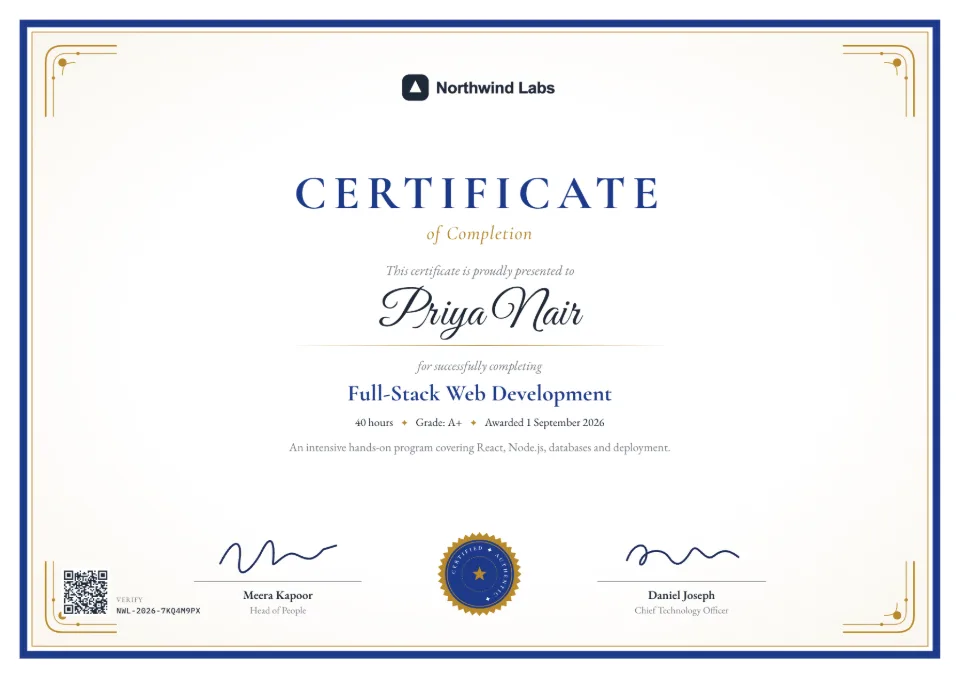
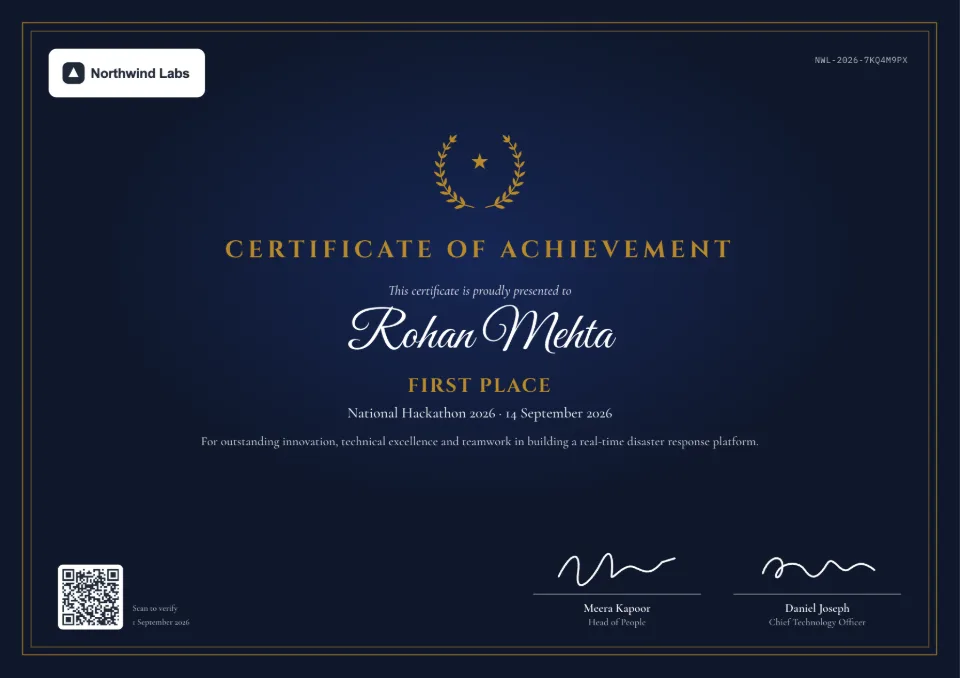
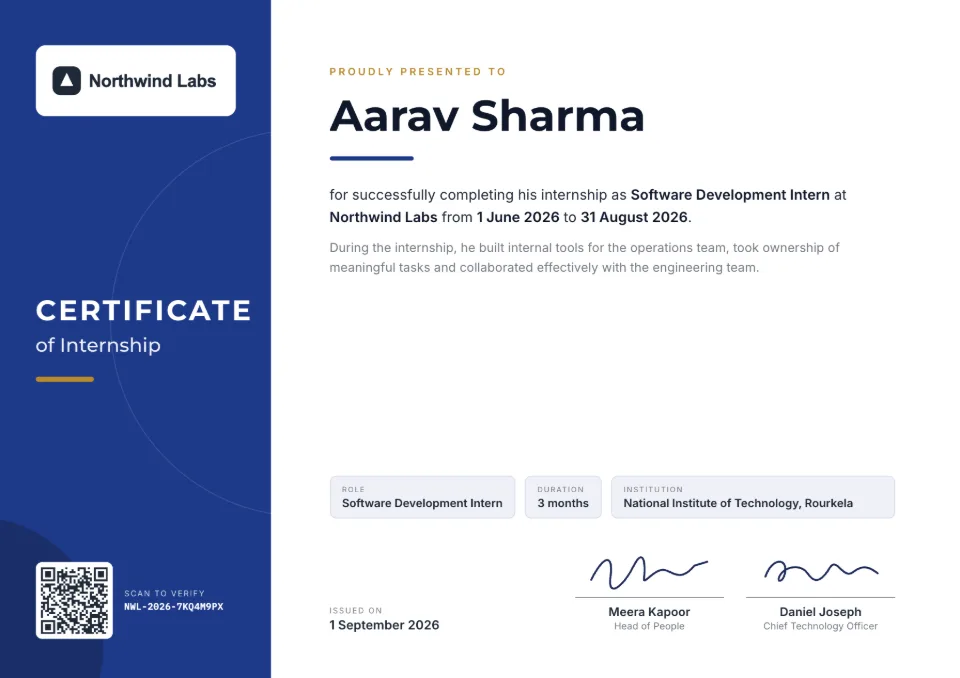
25
certificate & letter templates
1-click
brand recoloring
Forever
live verification links
₹0
to issue your first one
Everything you need
From design to verification, in one place
Your brand, everywhere
Set your logo, colors, fonts and signatures once. Every template instantly appears in your brand.
Templates for every occasion
Internships, courses, trainings, events, awards and letters — including bilingual Hindi designs.
Bulk issue from a spreadsheet
Upload a CSV, match the columns, preview and issue hundreds of certificates in one go. Export the links as CSV. Starter and up, or with a credit pack.
QR verification built in
Every certificate carries a QR code and a unique number that open its live verification page.
Bring your own PDF
Already have certificates? Upload a PDF, place a QR code on it and make it verifiable in seconds. Starter and up, or with a credit pack.
Tamper-evident & revocable
Anyone can drop a PDF on the verify page to check it hasn't been edited. Revoke one or many at any time.
Fix mistakes for free
Spelled a name wrong? Reissue with corrections at no cost — the old certificate points people to the new one.
Expiry dates & reminders
Give certifications a validity date. Expired ones show as expired, and you see what's expiring soon.
Built for teams
Invite colleagues as admins or members (3 people on Pro, 10 on Business), and see who issued, revoked or changed what in the activity log.
Verification
One scan. A clear answer.
Employers, universities and visa officers scan the QR code — or type the certificate number — and see a page that answers one question: is this real?
- Live status, alwaysValid, expired, revoked or replaced — the page shows the current status, not what was printed.
- Proof it came from youOn Pro, verify your domain to show a green badge, and host verification on verify.yourcompany.com.
- Catches edited PDFsDrop a PDF on the page: it's checked against the original file's fingerprint, privately in the browser.
- Easy to shareRecipients download the PDF and add the certificate to their LinkedIn profile in one click.
Brand kit
Pick your colors once. Every template follows.
Templates are built on color slots, so your primary, secondary and accent colors flow through every design — with automatic contrast checks so text always stays readable.
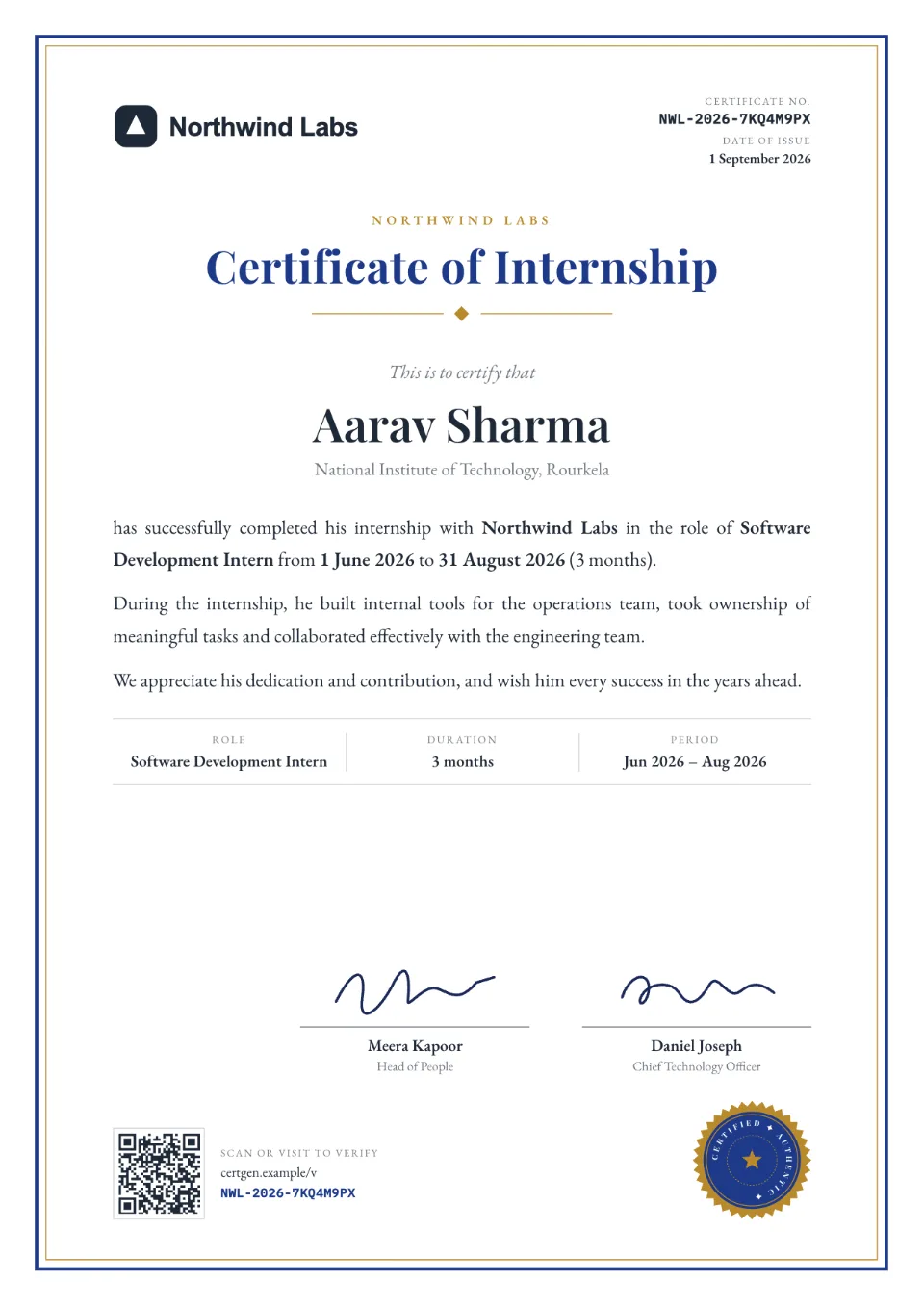
Templates
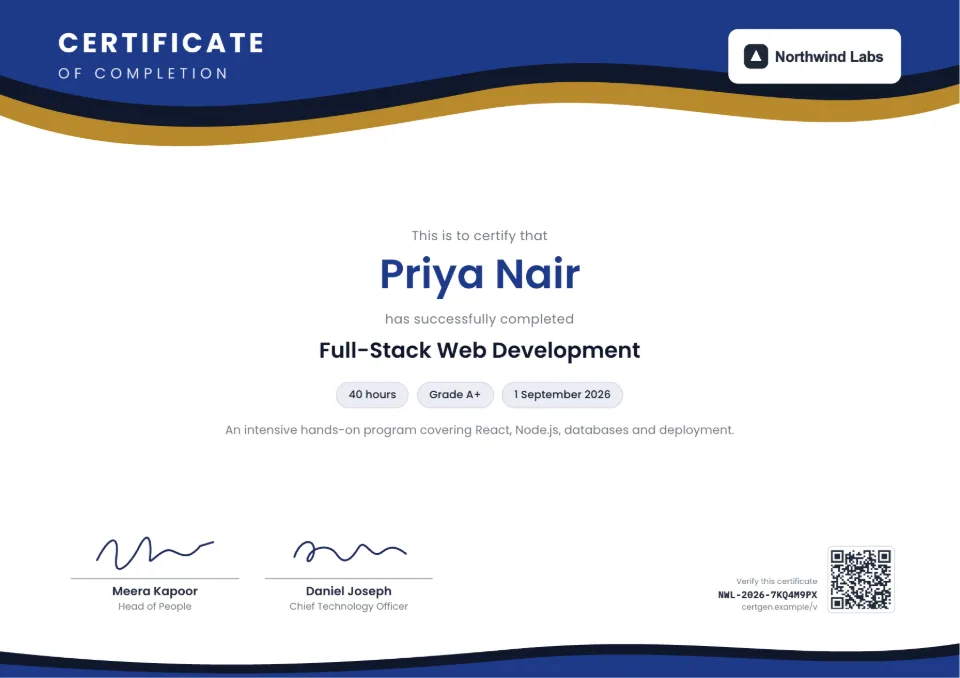
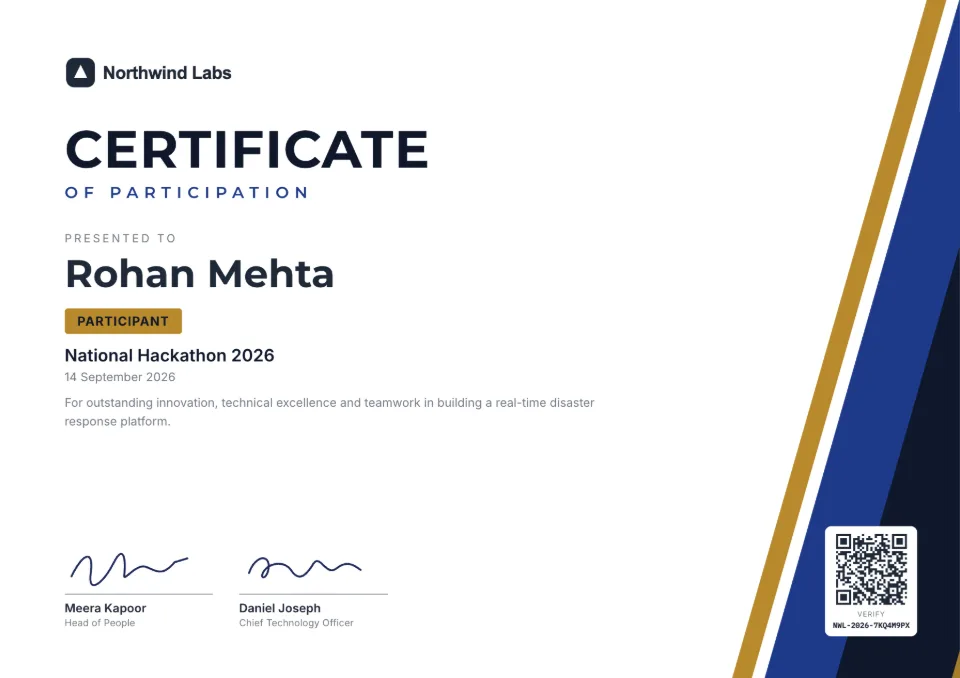
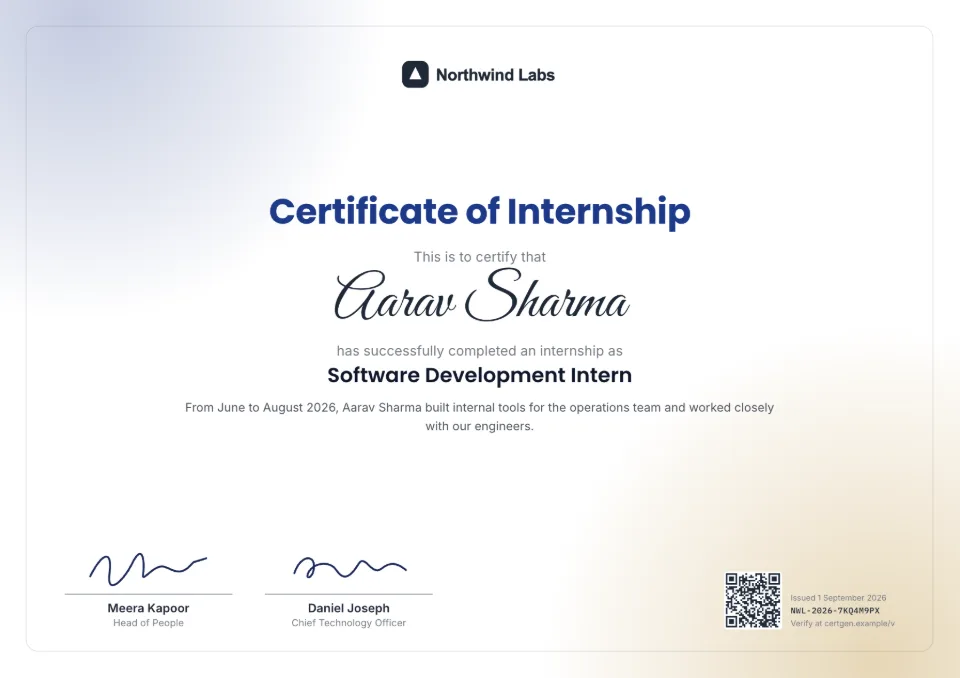
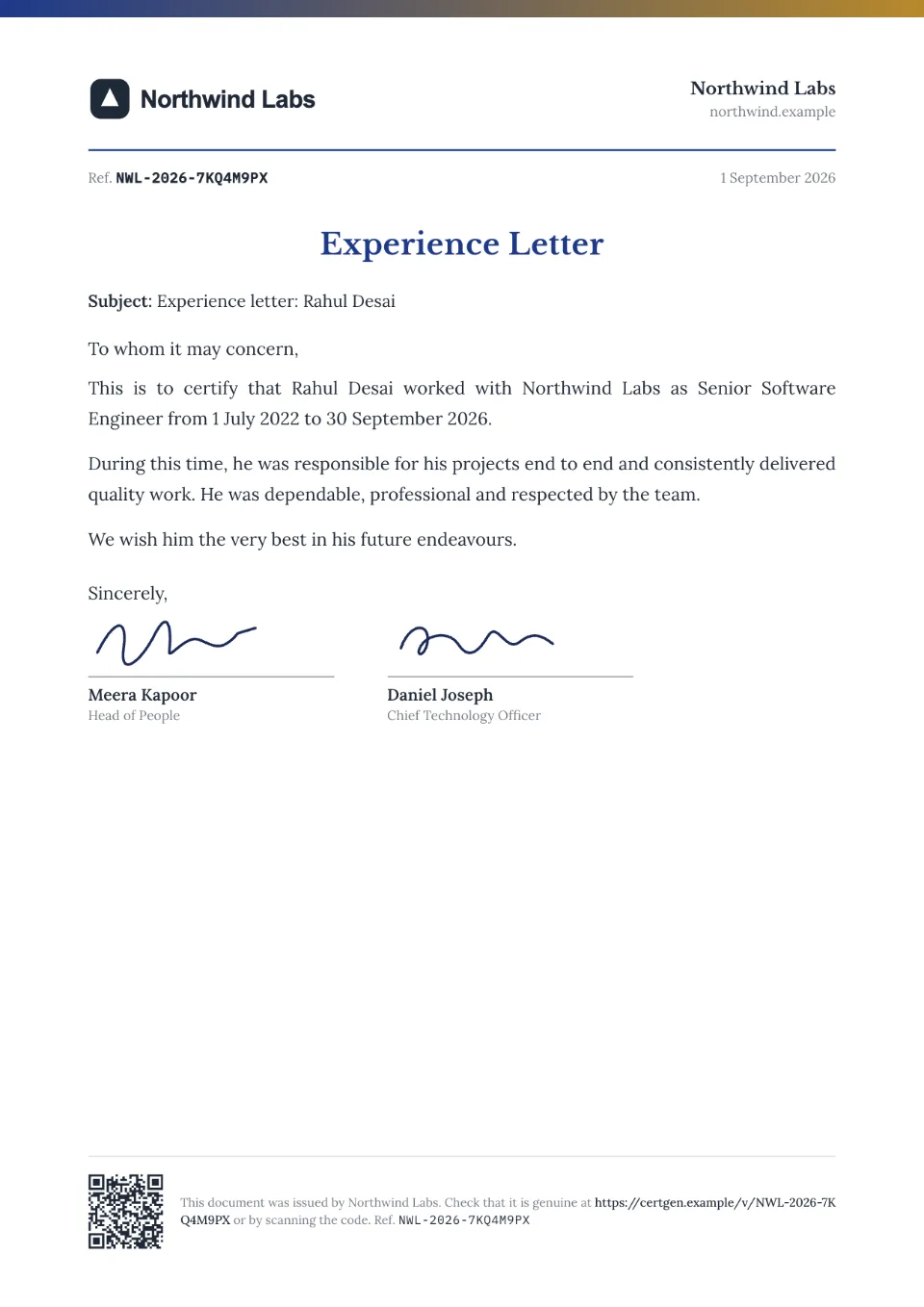
Certificates and letters for every occasion
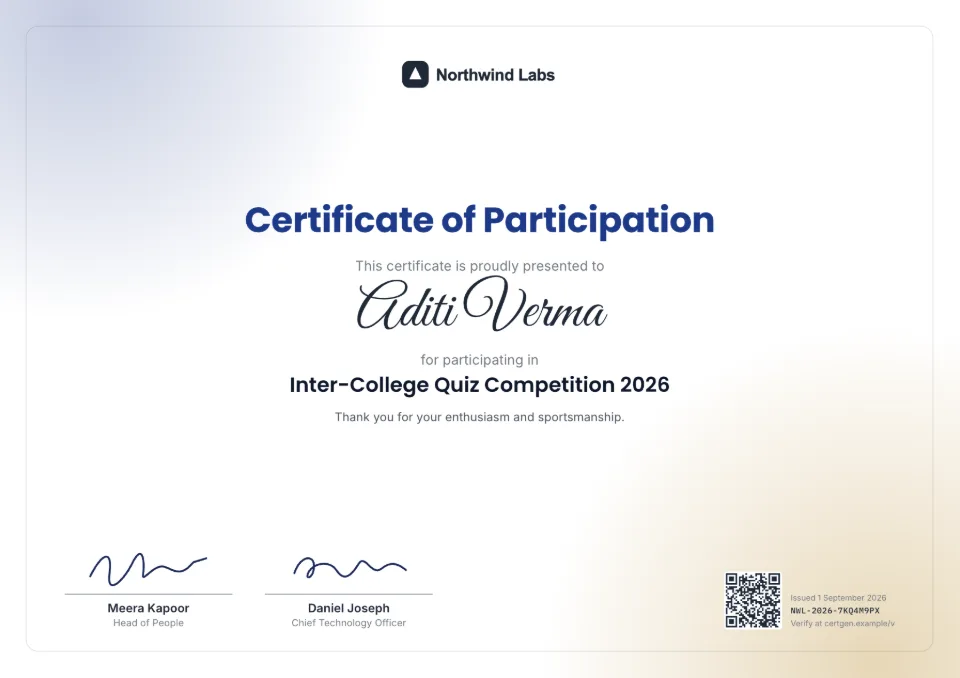
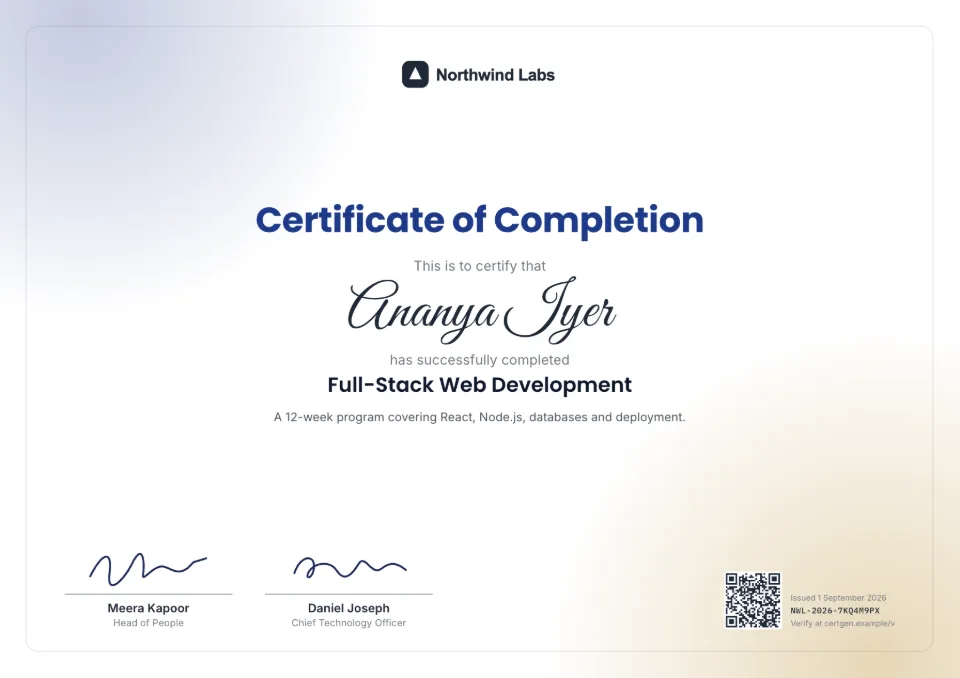
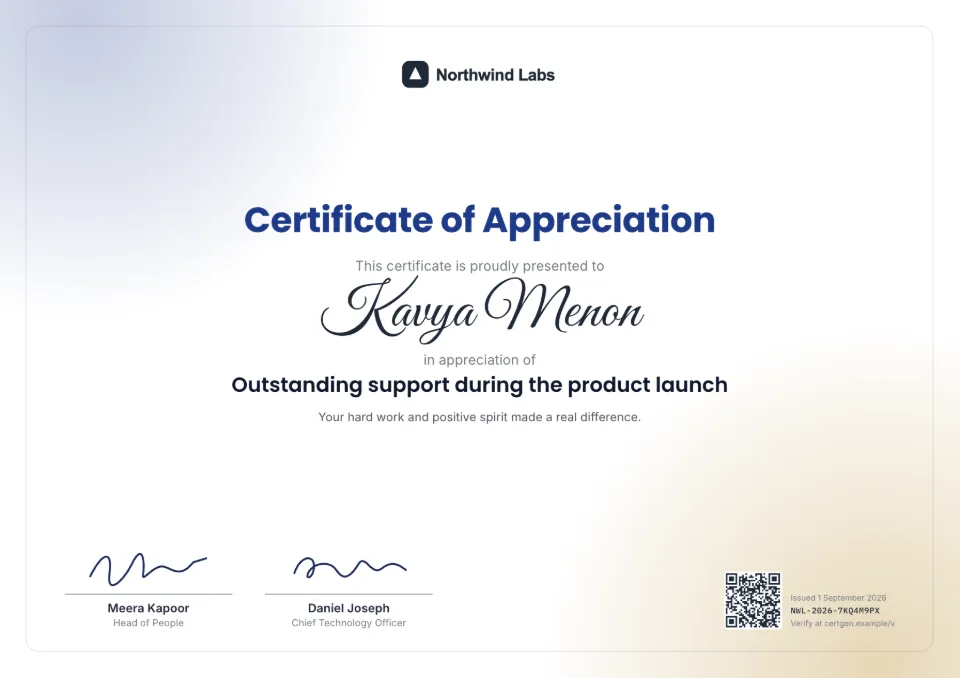
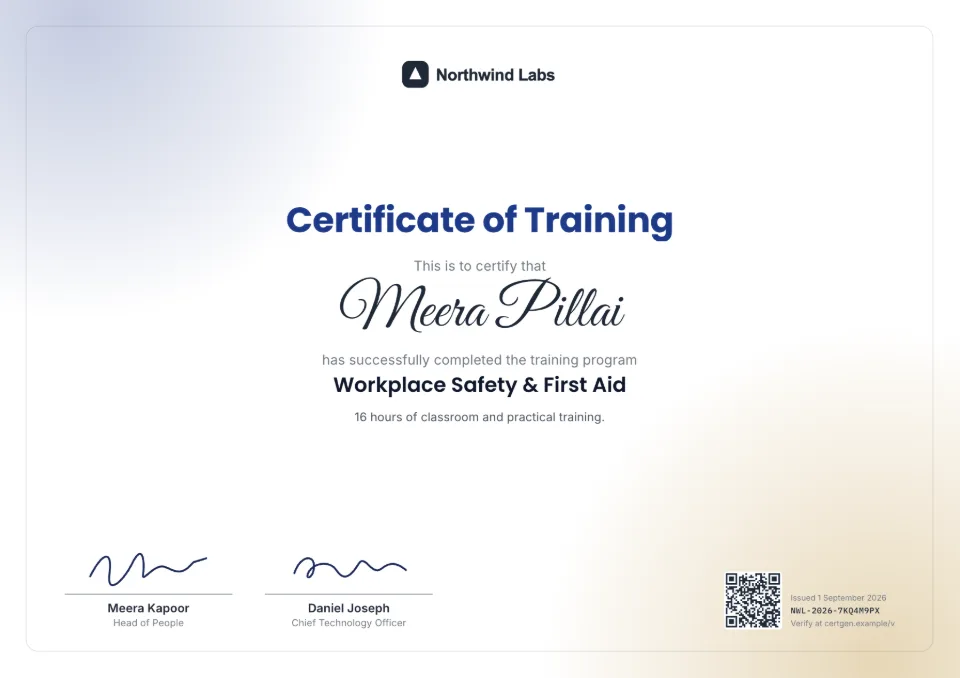
Who it's for
Made for anyone who hands out certificates
Colleges & universities
Internship, course completion and merit certificates for whole batches.
Completion certificatesCompanies & HR
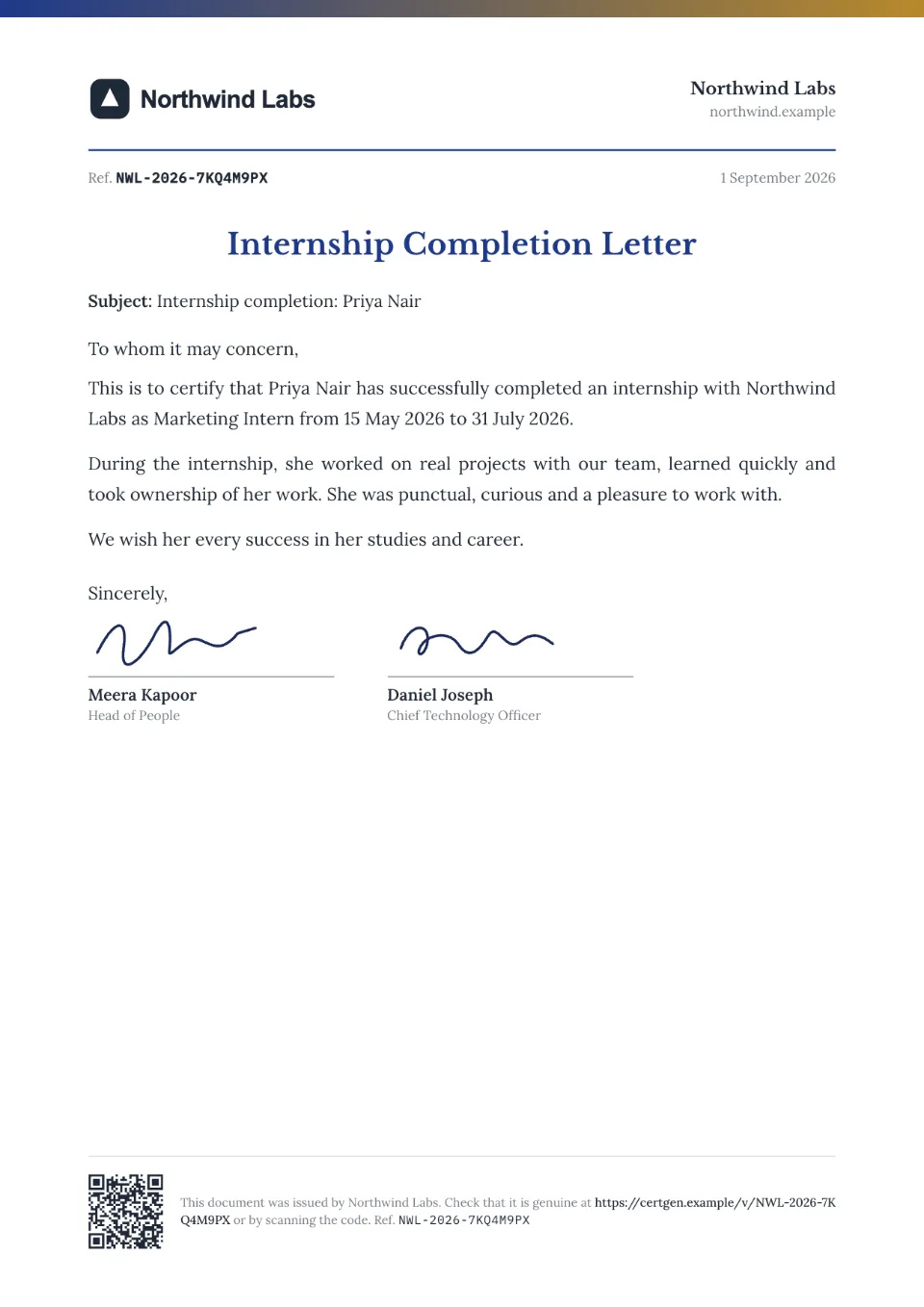
Experience, offer and relieving letters, internship certificates and employee awards.
Experience lettersTraining & ed-tech
Course, training, workshop and webinar certificates with hours and topics.
Training certificatesEvents & hackathons
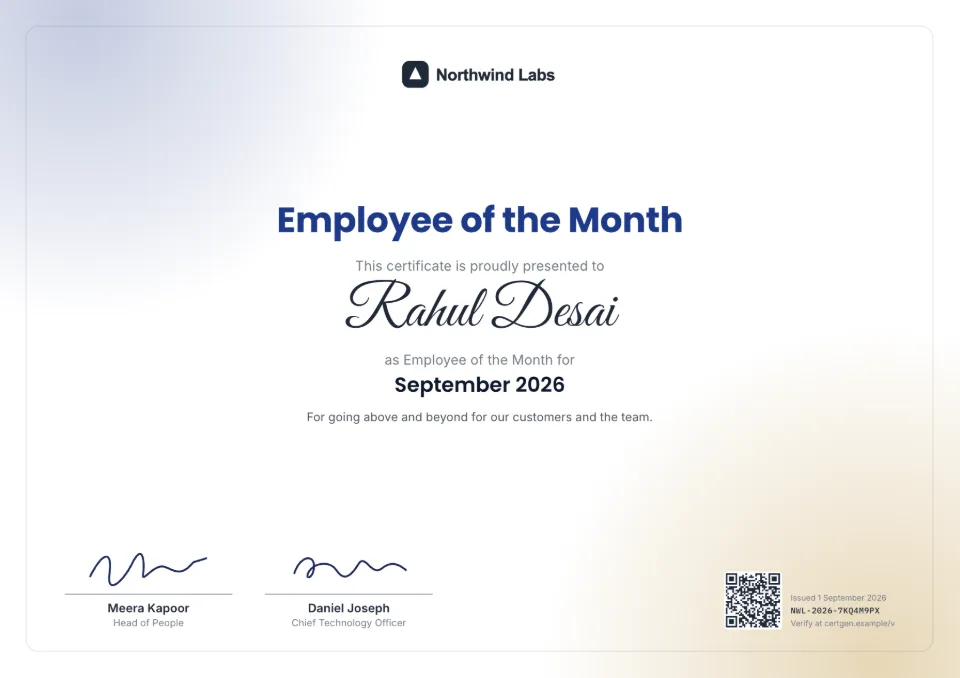
Winners, speakers, volunteers and participants — issued the same day.
Participation certificatesHow it works
Step 1
Set up your brand
Add your logo, colors and signatures. Takes about two minutes.
Step 2
Pick a template & fill it in
Issue one certificate with a live preview, or upload a CSV for a whole batch.
Step 3
Share & get verified
Download PDFs or email recipients. Anyone can verify by scanning the QR code.
Got a certificate to check?
Enter the certificate number printed on it, or scan its QR code.
Questions, answered
What does the free plan include?
You can design and preview with every template and your full brand kit for free, and issue your first certificate — QR verification included — without paying anything.
How does verification work?
Each certificate has a unique number and QR code linking to a verification page that shows the issuer, recipient, dates and status. Viewers can also drop the PDF on that page to confirm it matches the original file exactly.
Will verification links ever stop working?
No. Verification links stay live forever — even if you stop paying — because a printed certificate can't be updated later.
Can I use certificates I already designed?
Yes. Upload your own PDF, drag a QR code onto it, and we'll stamp it and register it for verification. This comes with the Starter, Pro and Business plans and with credit packs.
Do names in Hindi and other Indian scripts work?
Yes. Certificates include Devanagari fonts, so names and text in Hindi, Marathi and other Devanagari scripts render correctly.
What if I make a mistake on a certificate?
Reissue it with corrections for free. The original is revoked and its verification page sends people to the corrected certificate, so links you already shared keep working.
How do people know a certificate really came from us?
On the Pro and Business plans, verify your organization's domain with a DNS record and every verification page shows a green badge with your domain. Verification pages can also live on your own domain, like verify.yourcompany.com.
Can my team issue certificates too?
Yes. On Pro (3 people) and Business (10 people), invite colleagues as admins (full access) or members (issue and manage certificates). The activity log shows who did what.
Issue your first certificate in minutes
Free to start. No credit card. Your verification links stay live forever.