Verification on your own domain
On Pro and Business, certificate links and QR codes can point to your own subdomain, such as verify.yourcompany.com, so recipients and employers see your name in the address.
Your first certificate is free. No card needed. · Updated
Set up your verification domain
- 1
Choose a subdomain
Pick a subdomain of a domain you own, such as verify.yourcompany.com or certificates.yourcollege.edu.in, and add it in SealHive's settings.
- 2
Add two DNS records
Add the CNAME and TXT records SealHive shows at your domain provider. The HTTPS certificate is set up for you, and "Check status" tells you when it's live.
- 3
New links use it
Certificates issued from then on carry links and QR codes on your domain. Earlier certificates keep their sealhive.app links, which keep working.
What changes with your own domain
Your address on every link
QR codes, shared links and emails point to your subdomain instead of sealhive.app.
Verified-issuer badge
Prove you own your organization's domain with a DNS record, and verification pages show a green badge with it.
No SealHive mark
Pro and Business certificates don't carry the small "Verified with SealHive" line.
Plain link previews
Links from your domain shared on WhatsApp or LinkedIn show a preview without SealHive branding.
Old links keep working
Switching domains never breaks a certificate that's already out there.
What it costs
Your own verification domain and the verified-issuer badge come with the Pro and Business plans, which also remove the SealHive mark and add team members.
See all plans and prices- Pro
- $49 a month
- Business
- $129 a month
Prices in US dollars. Sales tax or VAT is added at checkout where it applies.
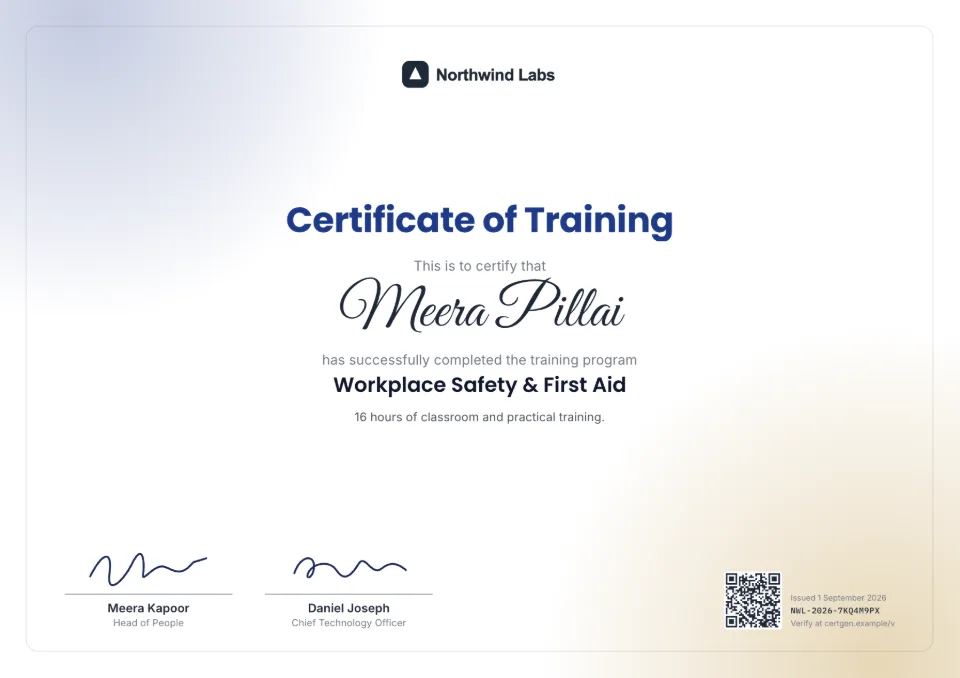
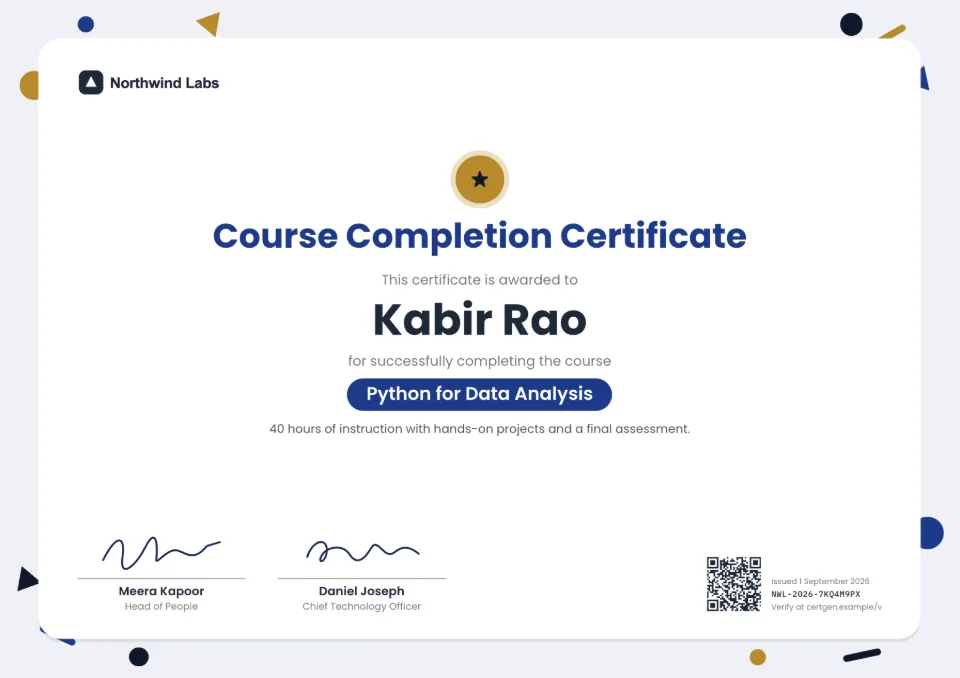
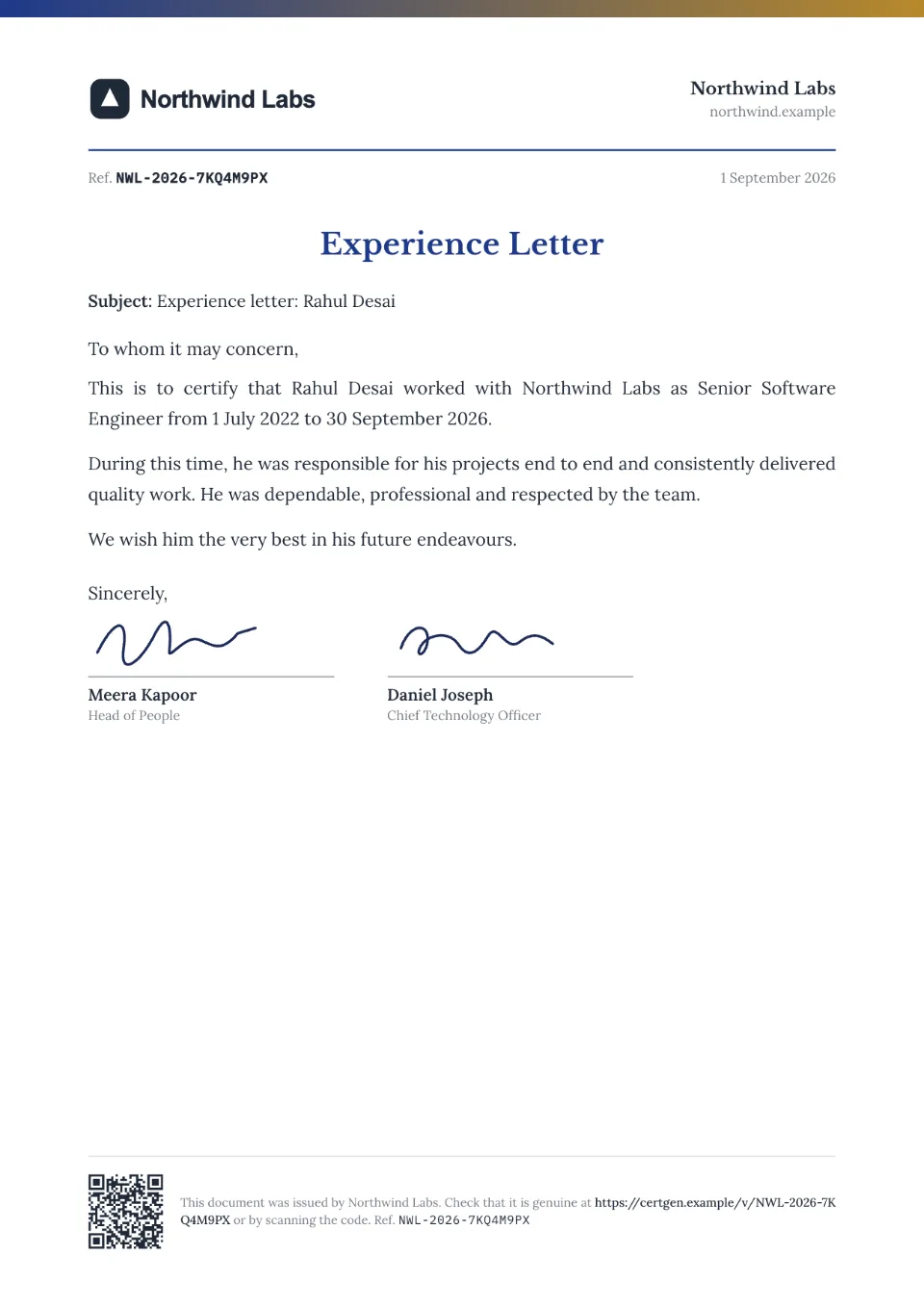
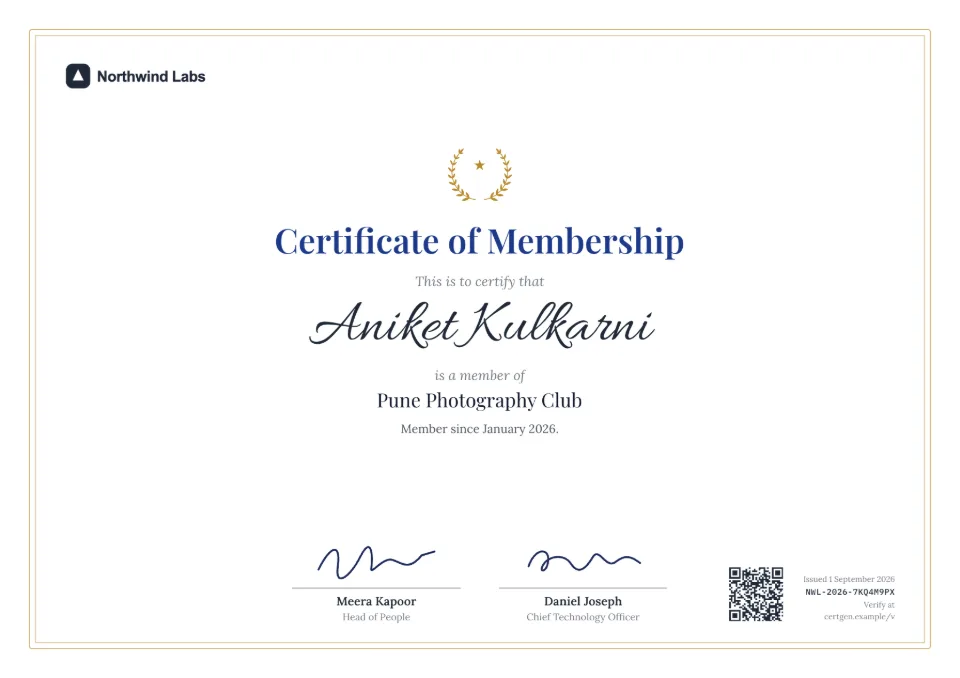
Templates to start from
Each comes with sample wording, a free Word download and a generator you can try without an account.
Frequently asked questions
What is a custom verification domain?
It's your own web address for certificate verification pages, such as verify.yourcompany.com. The pages work exactly like SealHive's, but the address shows your organization's name.
Do we need our own domain?
Yes, one where you can add DNS records. You use a subdomain of it, so your main website and email aren't affected.
What happens to certificates we issued before?
They keep their sealhive.app links, which keep working. Only certificates issued after your domain is live use it.
What is the verified-issuer badge?
In settings, prove you own your organization's domain by adding a DNS TXT record. Verification pages then show a green badge with that domain, so checkers know the certificate came from you.
Which plans include it?
Pro and Business. Both also remove the SealHive mark from certificates and include a team: 3 people on Pro and 10 on Business, counting you.
Related
- Certificate verification systemA verification page for everything you issue, with revoke, corrections and expiry.Read more about Certificate verification system
- QR code certificatesEvery certificate carries a QR code that opens its live verification page.Read more about QR code certificates
- Training & coaching institutesCourse and training certificates for every batch, from one spreadsheet.Read more about Training & coaching institutes
Issue your first certificate free
Every design and your brand kit are free to use, and each certificate comes with a QR code anyone can verify.