CERTIFICATE OF INTERNSHIP

This is to certify that [Name], a student of [College], has successfully completed an internship at [Organization] as [Role] from [Start date] to [End date].

During the internship, [he/she/they] worked on [projects or responsibilities] and showed [qualities, e.g. dedication and a willingness to learn].

We wish [him/her/them] every success.

[Signature]
[Name], [Title]
Date: [Date] · Certificate no.: [Number]
Internships
Internship Certificate Templates & Generator
An internship certificate confirms that a student completed an internship with your organization: the role, the dates and, ideally, what they worked on. Fill in the generator below to see yours, pick a design and issue it in a minute. Each certificate gets a QR code, so colleges and employers can check it's real.
Updated · 12 designs · 5 sample formats, free in Word
Internship Certificate generator
Type your details and see your internship certificate change as you go. Free, no sign-up needed to try.
Free account. Your first one is free, as a PDF with a QR code anyone can scan to verify it. What you typed comes with you in this browser.
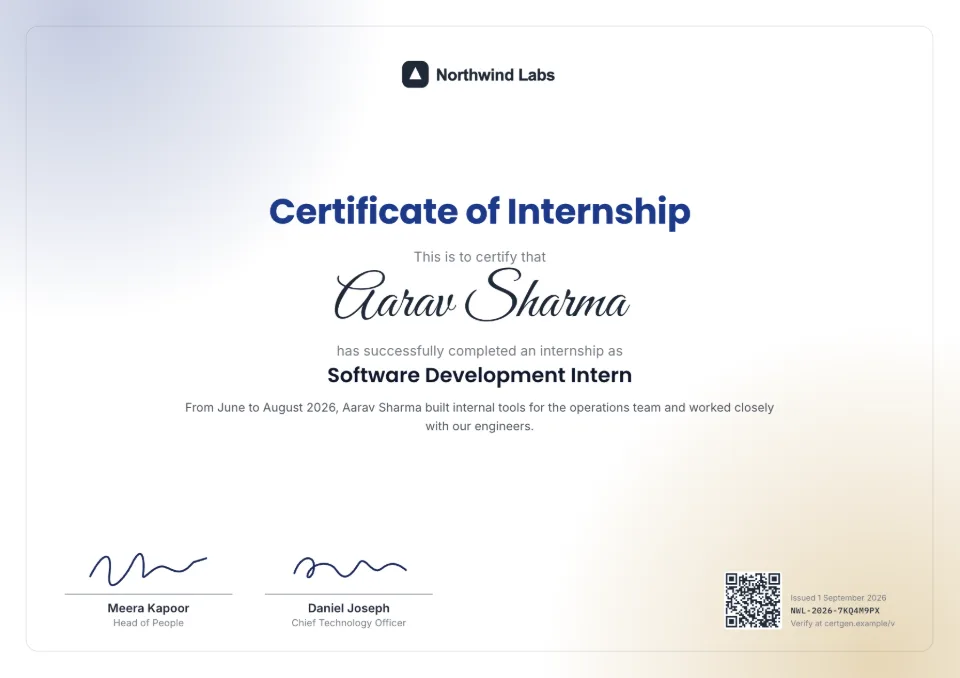
Sample internship certificate in the Aurora design.
12 internship certificate designs
Every design takes your logo, colors and signatures.
What to include in an internship certificate
- Intern's full name
- Role or position (e.g. Software Development Intern)
- Start and end dates, or the duration
- College or institution (optional)
- A line about their work or projects
- Your organization's name, logo and an authorised signature
- Date of issue and a certificate number
How to make an internship certificate
- 1
Fill in the details
Type the name and details above, or, on paid plans, upload a spreadsheet to make a certificate for everyone at once.
- 2
Choose a design and your brand
Add your logo, colors and signatures once in your brand kit; every design uses them.
- 3
Issue and share
Download the PDF, or on paid plans email it to the recipient. Each certificate gets a QR code and a page where anyone can check it's genuine.
Internship Certificate format: 5 samples
Sample wording to adapt, free to copy or download in Word. In SealHive, names, roles and dates fill in for you.
Summer internship
CERTIFICATE OF SUMMER INTERNSHIP

This is to certify that [Name], pursuing [Course] at [College], completed a summer internship with the [Team] team at [Organization] from [Start date] to [End date].

Over [number] weeks, [he/she/they] [main contribution, e.g. built a dashboard used by our sales team]. [His/Her/Their] work was thorough and delivered on time.

[Signature]
[Name], [Title]
Virtual (remote) internship
CERTIFICATE OF VIRTUAL INTERNSHIP

This is to certify that [Name] has successfully completed a [duration] virtual internship with [Organization] as [Role], from [Start date] to [End date].

Working remotely, [he/she/they] completed [number] assignments on [topics], attended weekly reviews with [his/her/their] mentor and met every deadline.

[Signature]
[Mentor's name], [Title]
Industrial training
CERTIFICATE OF INDUSTRIAL TRAINING

This is to certify that [Name], a student of [Branch, Year] at [College], has undergone industrial training at our [Plant or department], [Location], from [Start date] to [End date].

During the training, [he/she/they] studied [processes, e.g. production planning and quality control] and completed a project on [Project title].

[His/Her/Their] conduct during the training was good.

[Signature]
[Name], [Title]
With project and stipend
INTERNSHIP CERTIFICATE

This is to certify that [Name] worked with [Organization] as a paid intern ([Role]) from [Start date] to [End date], with a monthly stipend of [Amount].

[He/She/They] completed the project "[Project title]", which [result, e.g. reduced report preparation time by half].

We thank [him/her/them] for [his/her/their] contribution and wish [him/her/them] well.

[Signature]
[Name], [Title]
Internship certificate vs completion letter vs offer letter
| Document | What it says | When it's given | Who asks for it |
|---|---|---|---|
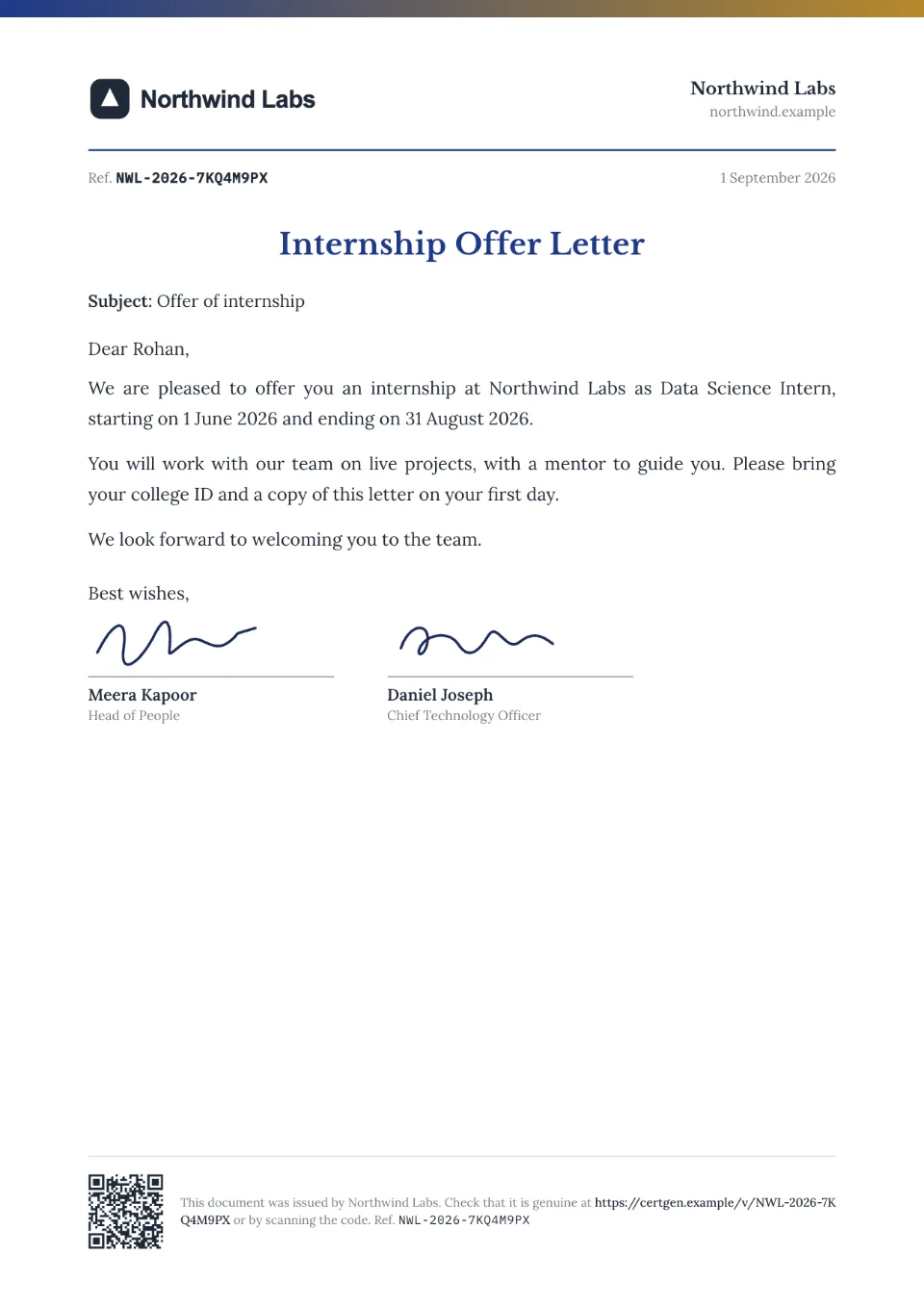
| Internship offer letter | The internship is offered: role, dates, stipend | Before the internship starts | The student and their college |
| Internship certificate | The internship was completed, in a short designed format | On the last day | The student, for their CV and LinkedIn |
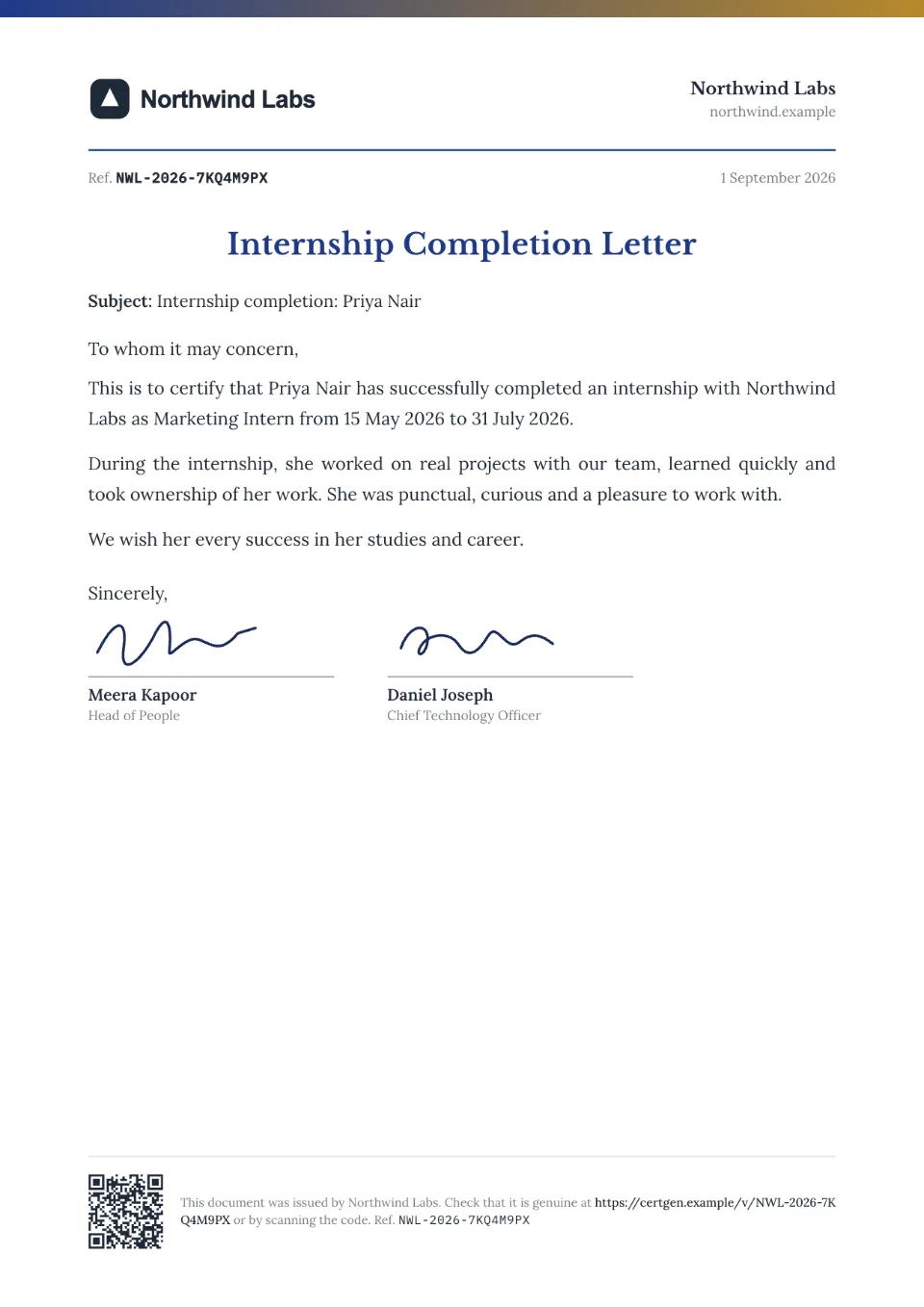
| Internship completion letter | The internship was completed, with more detail about the work | On or after the last day | Colleges (for credits) and future employers |
Your brand on every design
Logo, colors, fonts and signatures, set once in your brand kit.
A QR code on every copy
Scanning it opens a verification page with who issued it, to whom and when.
How it works: A QR code on every copyHard to fake
Its verification page shows the issued details, so an edited copy won't match. You can revoke it anytime.
How it works: Hard to fakeInternship Certificate questions
What is the difference between an internship certificate and an internship completion letter?
A certificate is a short, designed document that's easy to share and frame. A completion letter is on letterhead and usually says more about the work. Many companies give both; you can issue either from SealHive.
Can I issue internship certificates to a whole batch at once?
Yes, on paid plans and credit packs. Upload a CSV (save it from Excel or Google Sheets) with names, roles and dates, match the columns, check the preview and issue them all together. Each intern gets their own verification link.
Does the certificate have to show the internship dates?
No. The wording fills in the start and end dates and the length (for example "from 1 June 2026 to 31 August 2026 (3 months)"), but you can choose "Leave out the dates" for a certificate without them. When the dates are shown, anyone verifying the certificate sees the period too.
Do you have a Hindi or bilingual internship certificate?
Yes, there's a bilingual Hindi–English internship certificate template, along with English designs.
How does someone check that it's genuine?
Every document issued with SealHive carries a QR code and a short link. Scanning it opens its verification page, on SealHive or the issuer's own domain, showing who issued it and when, whether it's still valid and, unless the recipient asked to hide it, their name. An edited copy won't match the details on that page.
Is it free?
Yes, to start. You can try the generator with your own details without an account, and your first certificate or letter is free. After that, buy a credit pack or a plan: one credit issues one certificate or letter. Bulk issue and emailing recipients come with packs and plans.
Related templates
Make your first internship certificate in a minute
Free to try. Your first one is on us, and it comes with a QR code anyone can verify.
Create an internship certificate