Certificate verification system
SealHive is a ready-made verification system for organizations that issue certificates and letters. Each one gets a public page anyone can check, and you control its status from your dashboard, with nothing to build or host.
Your first certificate is free. No card needed. · Updated
How the verification system works
- 1
You issue
Issue certificates from a template, from a spreadsheet, or by uploading PDFs you already make elsewhere. Each gets a unique number.
- 2
They share
Recipients share the PDF or link with employers, universities or clients. The QR code and number are on the document.
- 3
Anyone checks
The checker scans the QR code or enters the number on the verify page and sees your record of it, with its current status.
Control every certificate after it's issued
Revoke
Withdraw a certificate issued by mistake or obtained unfairly. Its page then says it's revoked.
Correct and replace
Reissue with a fix for free. The old page says it was replaced and links to the corrected certificate.
Expiry dates
Set an expiry for trainings and memberships that need renewing. The page shows expired after that date, and your admins get reminder emails before it.
Privacy on request
Hide a recipient's name on the public page, or withdraw a certificate and delete their personal data when they ask.
Reports of fakes
Anyone viewing a certificate's page can report it as suspicious, and the report reaches SealHive's team.
Your domain and badge
On Pro and Business, host verification on verify.yourcompany.com and show a verified-issuer badge.
What it costs
Verification pages come with every certificate on every plan. Your own verification domain and the verified-issuer badge come with Pro and Business.
See all plans and prices- Free plan
- $0, your first certificate included
- Credit packs
- from $5, one-time
- Starter
- $19 a month
Prices in US dollars. Sales tax or VAT is added at checkout where it applies.
Templates to start from
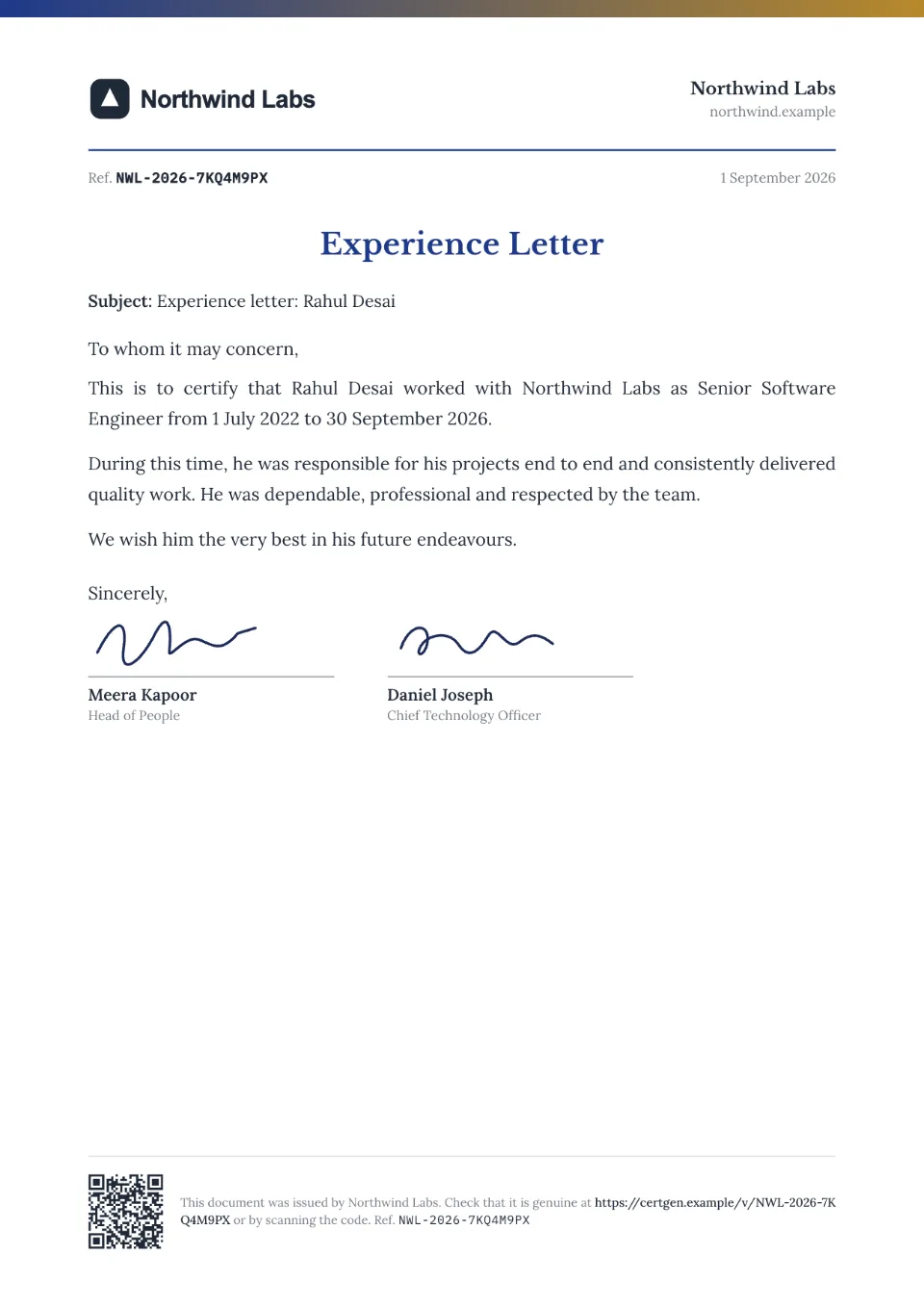
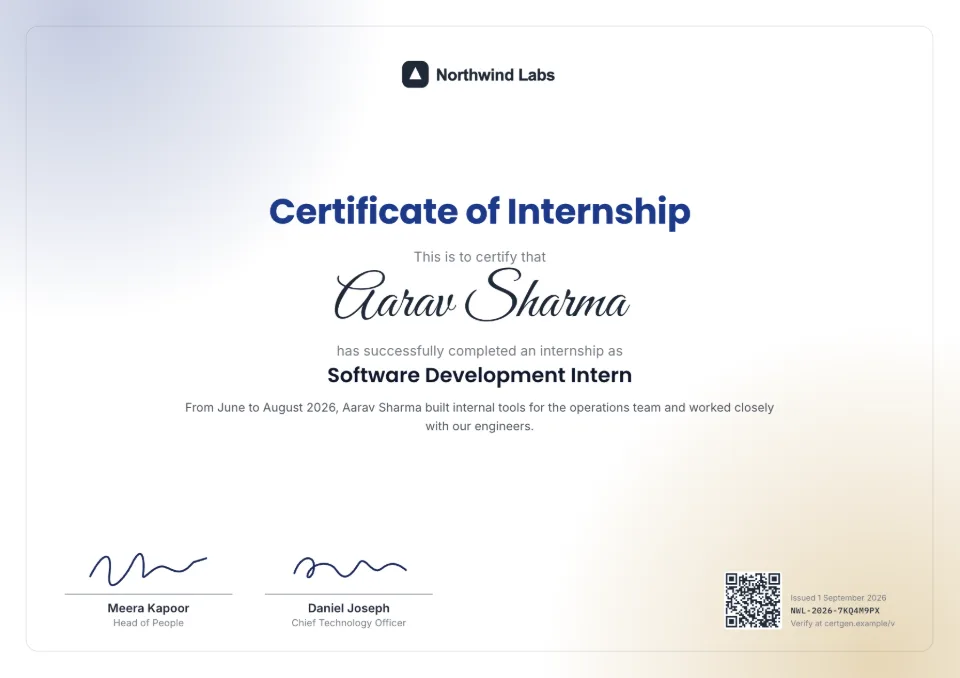
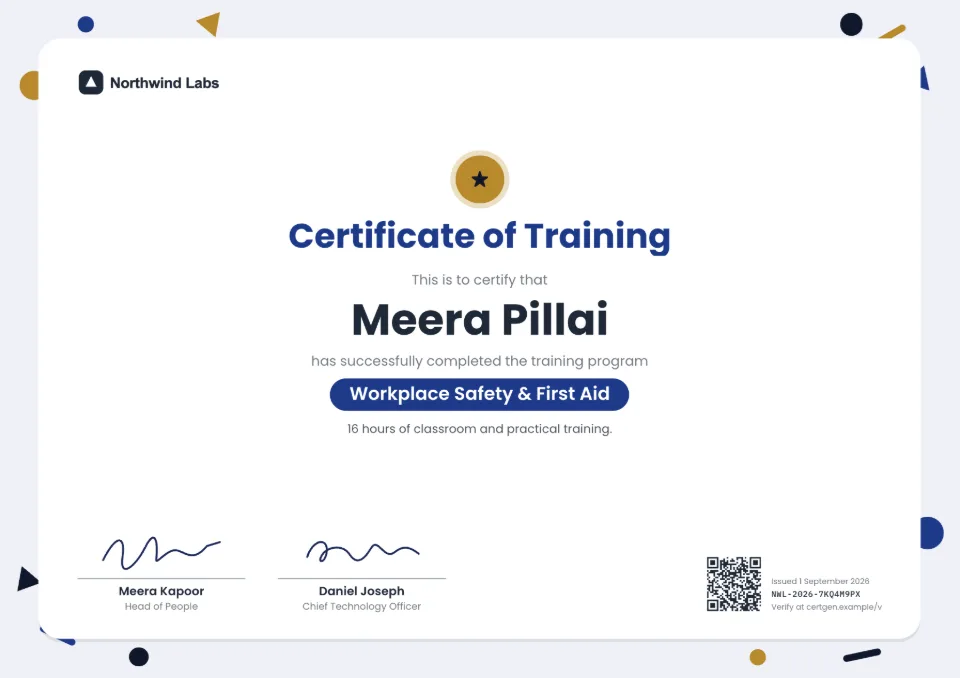
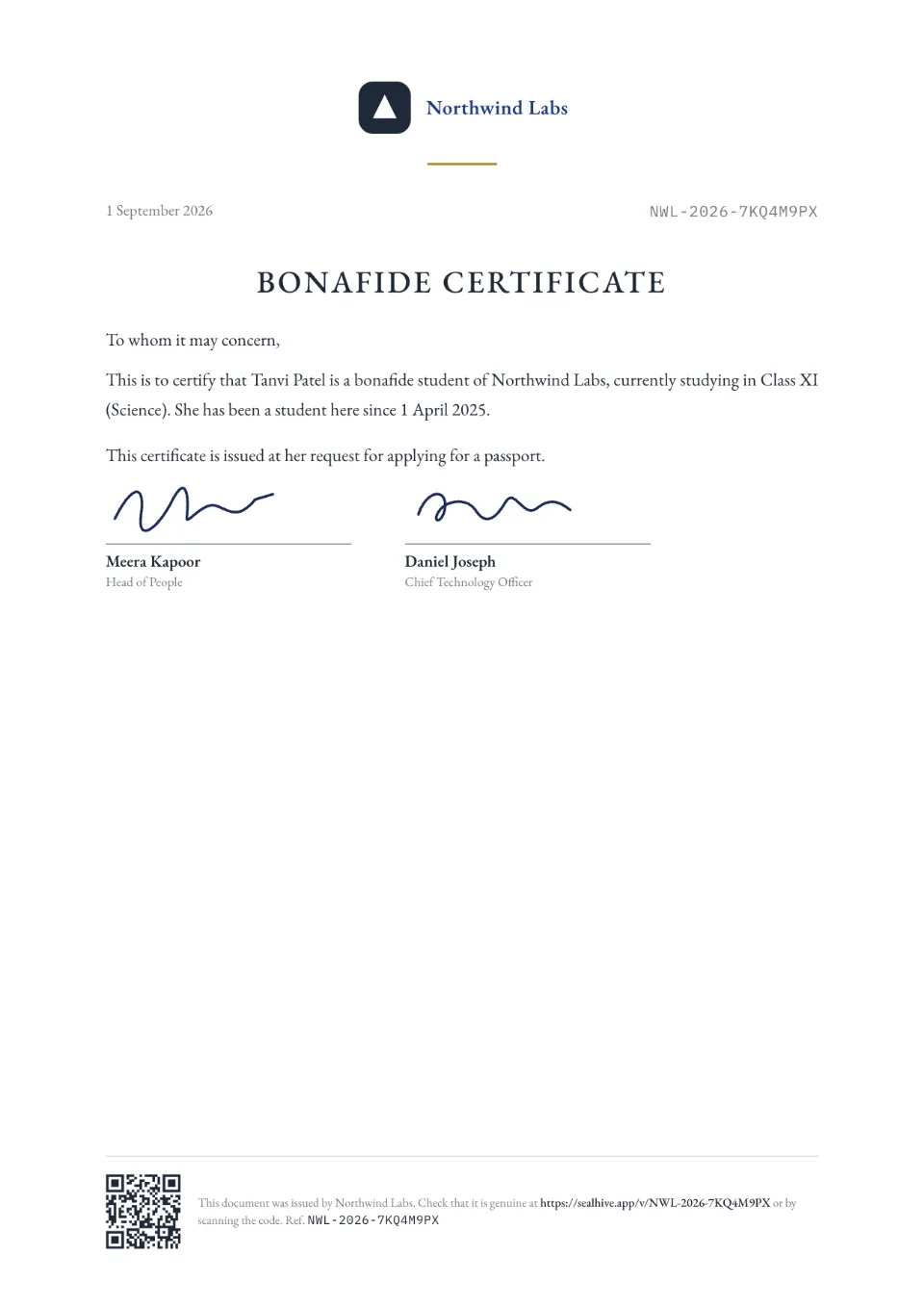
Each comes with sample wording, a free Word download and a generator you can try without an account.
Frequently asked questions
What is a certificate verification system?
It's a way for anyone checking a certificate to confirm with the issuer that it's genuine. With SealHive, each certificate has a QR code and number that open the issuer's record of it, so a check takes seconds instead of emails and phone calls.
How can someone tell a certificate is genuine?
Scan the QR code on it or type its number at sealhive.app/verify. The page shows the issuer's record. If the name, details or dates differ from the document, or the page says revoked or withdrawn, don't accept it.
Can we verify certificates issued before we used SealHive?
Yes, if you have them as PDFs. Upload each one and SealHive stamps a QR code and number on it, giving it a verification page like any other; then send the stamped copy to the recipient. Each upload uses half a credit (paid plans and packs).
Does it verify degrees or marksheets?
It verifies documents that organizations issue through SealHive, such as training certificates, internship certificates and HR letters. For board marksheets and university degrees in India, use the official route, such as DigiLocker or the National Academic Depository.
Do verification pages stay up if we stop paying?
Yes. Every certificate stays verifiable even if your plan ends, because printed certificates can't be updated. Only deleting your organization removes its pages.
Do we need developers to set it up?
No. Sign up, set up your brand kit and issue. There's nothing to install or host, and each verification page is live as soon as its certificate is issued.
Related
- QR code certificatesEvery certificate carries a QR code that opens its live verification page.Read more about QR code certificates
- Verifiable PDFsStamp a QR code and number on PDFs you already make, and give each a verification page.Read more about Verifiable PDFs
- Your own verification domainVerification pages on verify.yourcompany.com, with a verified-issuer badge.Read more about Your own verification domain
Issue your first certificate free
Every design and your brand kit are free to use, and each certificate comes with a QR code anyone can verify.