Business & partners

Authorization Letter Format & Templates

An authorization letter lets a person act for your organization: sign documents as an authorized signatory, represent you at a bank or government office, or collect documents on your behalf. Whoever relies on it needs to know it's genuine and still in force, so a QR code that opens its live status, including whether it has been withdrawn, is worth more than a stamp.

Updated · 3 designs · 3 sample formats, free in Word

Authorization Letter generator

Type your details and see your authorization letter change as you go. Free, no sign-up needed to try.

Design
Colors

Free account. Your first one is free, as a PDF with a QR code anyone can scan to verify it. What you typed comes with you in this browser.

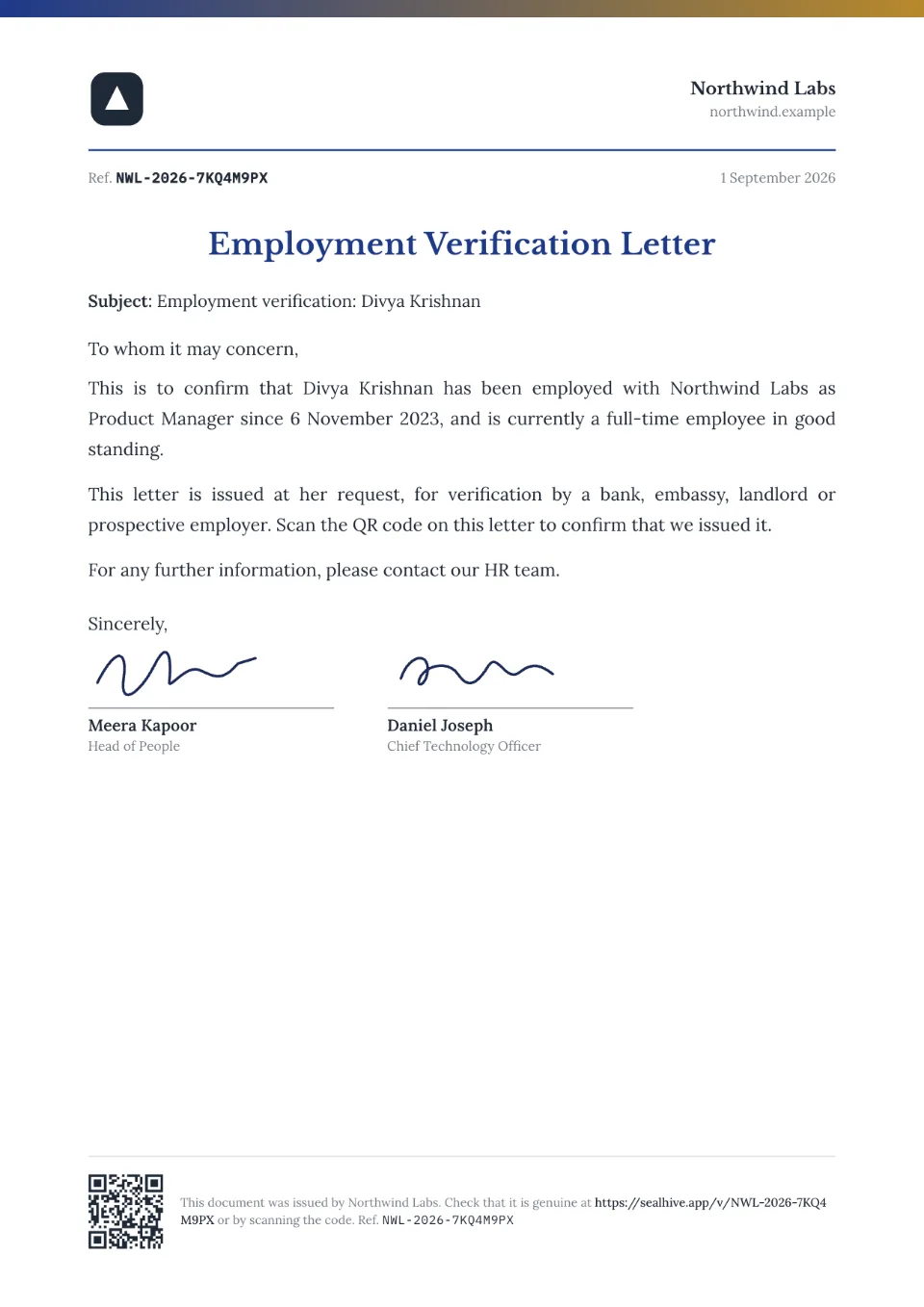
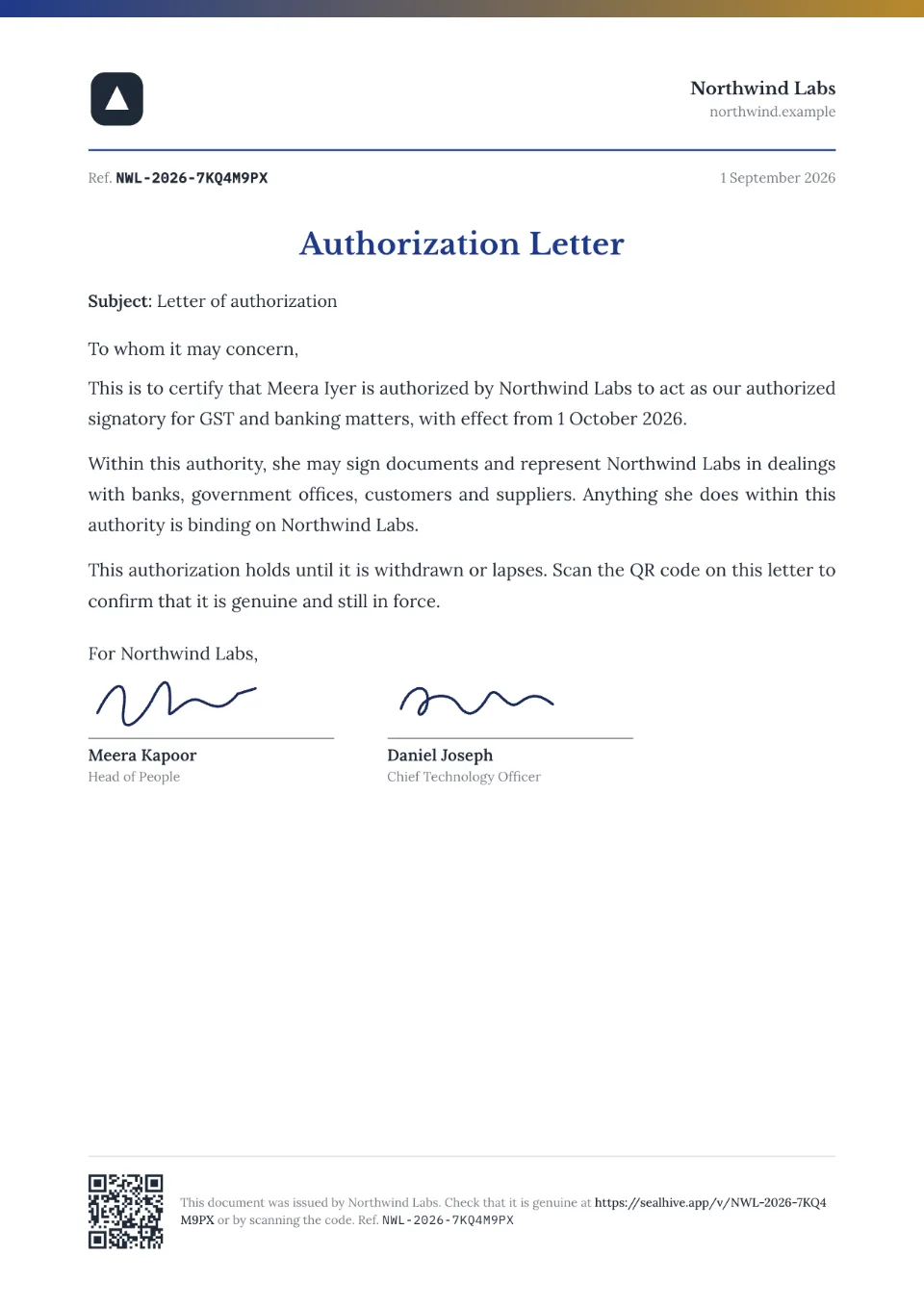
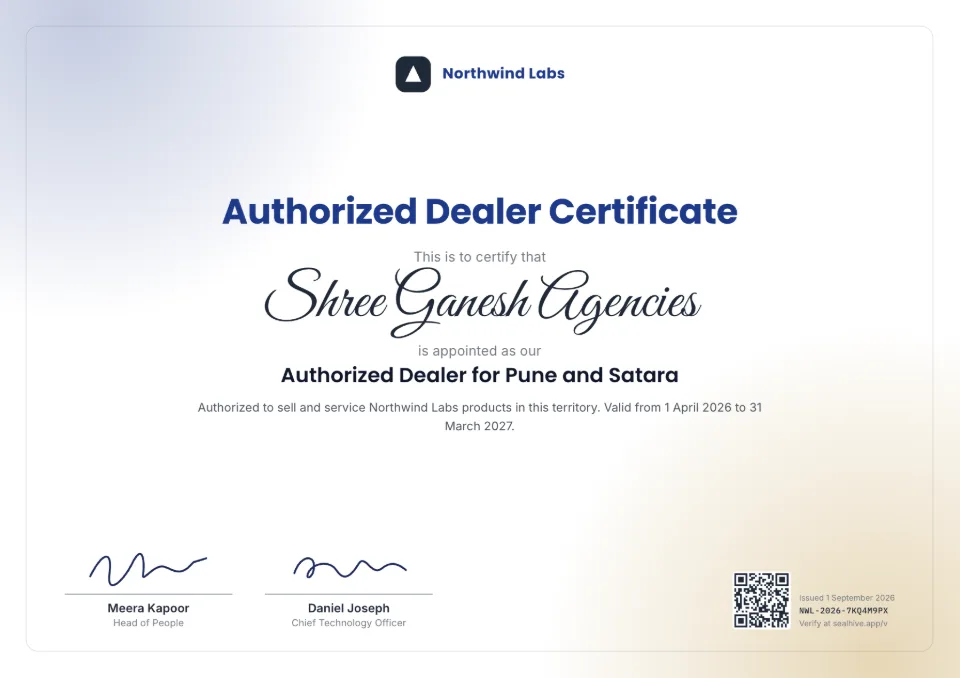
Authorization Letter template – Letterhead design

Sample authorization letter in the Letterhead design.

3 authorization letter designs

Your logo, colors, signatures and details replace the sample ones.

What to include in an authorization letter

  • Letterhead, date and reference number
  • The authorized person's name and designation
  • Exactly what they're authorized to do
  • Where it applies: bank, GST, a government office
  • Valid from and valid until, or until withdrawn
  • Specimen signature (optional)
  • Signature of a director or owner

How to make an authorization letter

  1. 1

    Fill in the details

    Type the name and details above, or, on paid plans, upload a spreadsheet to make a letter for everyone at once.

  2. 2

    Choose a design and your brand

    Add your logo, colors and signatures once in your brand kit; every design uses them.

  3. 3

    Issue and share

    Download the PDF, or on paid plans email it to the recipient. Each letter gets a QR code and a page where anyone can check it's genuine.

Authorization Letter format: 3 samples

Sample wording to adapt, free to copy or download in Word. In SealHive, names, roles and dates fill in for you.

AUTHORIZATION LETTER

Date: [Date]

To whom it may concern,

This is to certify that [Name], [Designation], is authorized by [Organization] to act as our authorized signatory for [purpose, e.g. GST filings and banking matters], with effect from [Date].

Within this authority, [he/she/they] may sign documents on behalf of [Organization]. Anything [he/she/they] does within this authority is binding on [Organization].

Specimen signature: ____________

For [Organization],
[Name], [Director]
LETTER OF AUTHORIZATION

To [Office or company]

We, [Organization], authorize [Name], [Designation], to represent us in [matter, e.g. the vendor registration with your office] and to submit and receive documents on our behalf.

This authorization is valid until [Date] or until withdrawn in writing.

[Name], [Title]
AUTHORIZATION LETTER

To [Office]

I, [Name], [Designation] of [Organization], authorize [Name of person], holder of [ID type and number], to collect [documents, e.g. the original certificates for application no. 12345] on my behalf on [Date].

Please verify [his/her/their] ID at the time of collection.

[Name]
[Signature]

Your brand on every design

Logo, colors, fonts and signatures, set once in your brand kit.

A QR code on every copy

Scanning it opens a verification page with who issued it, to whom and when.

How it works: A QR code on every copy

Hard to fake

Its verification page shows the issued details, so an edited copy won't match. You can revoke it anytime.

How it works: Hard to fake

Authorization Letter questions

Is an authorization letter the same as a power of attorney?

No. An authorization letter lets someone act for a specific purpose, often for a limited time. A power of attorney is a legal deed, often registered, that gives wider powers. Use a power of attorney when the law or the other side asks for one.

How do I end the authorization early?

Revoke the letter from your dashboard. Its verification page then says it's no longer valid, so anyone who scans it knows the authority has ended.

Can I download the format in Word?

Yes. Every sample on this page has a free Word (.docx) download, no account needed. To give it a QR code and a verification page, create it in SealHive instead.

How does someone check that it's genuine?

Every document issued with SealHive carries a QR code and a short link. Scanning it opens its verification page, on SealHive or the issuer's own domain, showing who issued it and when, whether it's still valid and, unless the recipient asked to hide it, their name. An edited copy won't match the details on that page.

Related templates

Make your first authorization letter in a minute

Free to try. Your first one is on us, and it comes with a QR code anyone can verify.

Create an authorization letter