Certificates with a QR code
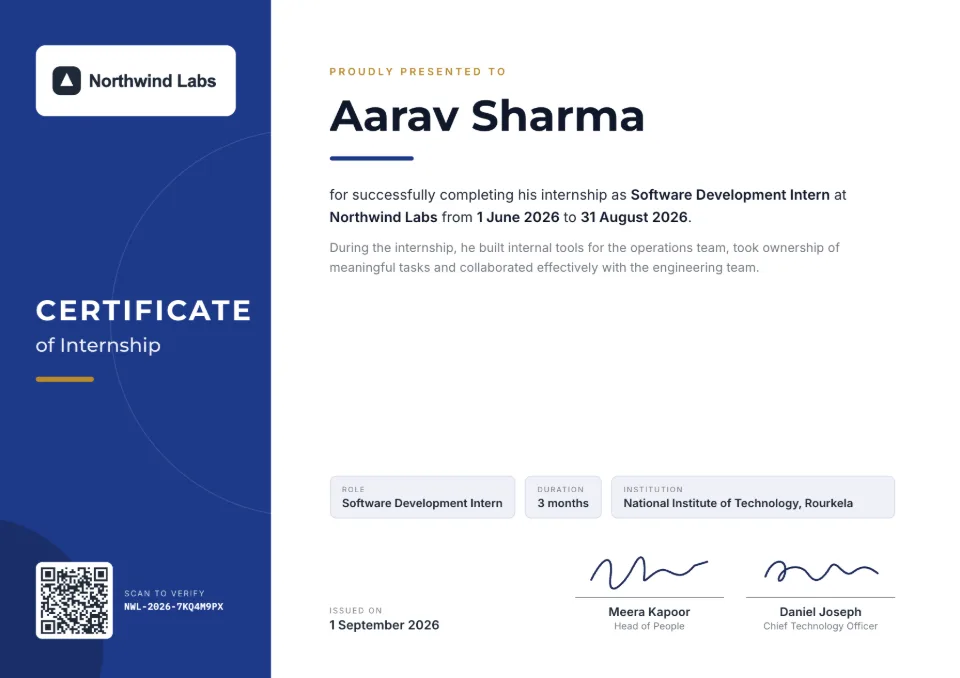
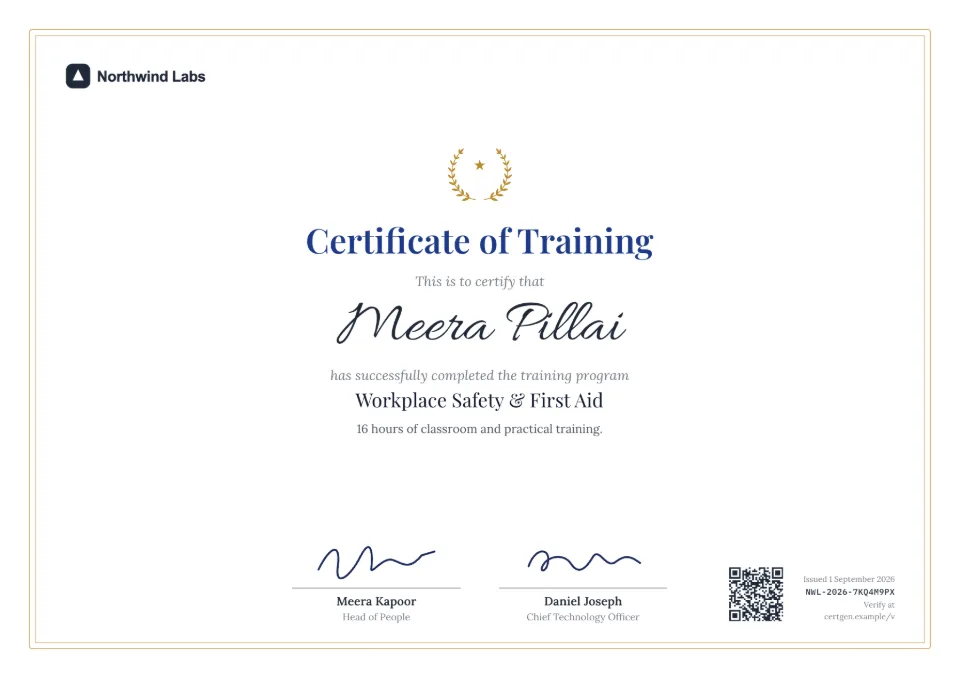
Every certificate you make in SealHive carries its own QR code. Scanning it opens a verification page that shows who issued the certificate, to whom and when, and whether it's still valid.
Your first certificate is free. No card needed. · Updated
How QR code verification works
- 1
Issue the certificate
Fill in one certificate or upload a list. SealHive gives each one a unique certificate number and prints a QR code for it on the certificate.
- 2
Share it as a PDF or a link
Recipients download the PDF from their private link, print it or share the public link. The QR code works on paper and on screen.
- 3
Anyone scans to check
An employer or admissions office scans the code with a phone camera, with no app needed, and sees the certificate's details and current status from your records.
Why a QR code beats a plain certificate
Edited copies don't match
The page shows the name, dates and details you issued, so a changed PDF stands out next to it.
Live status
The page says valid, expired, revoked, replaced or withdrawn as it is today, not as it was when printed.
A number to type in
The certificate number is printed too, so anyone can check it at sealhive.app/verify without scanning.
Add to LinkedIn
From their private link, recipients of a valid certificate add it to their LinkedIn profile with its verification link.
Links outlast your plan
Verification pages stay live even if you stop paying. They end only if you delete your organization.
What it costs
A QR code and verification page come with every certificate on every plan, including the free one. Your first certificate is free; after that, each uses a credit from a pack or plan.
See all plans and prices- Free plan
- $0, your first certificate included
- Credit packs
- from $5, one-time
- Starter
- $19 a month
Prices in US dollars. Sales tax or VAT is added at checkout where it applies.
Templates to start from
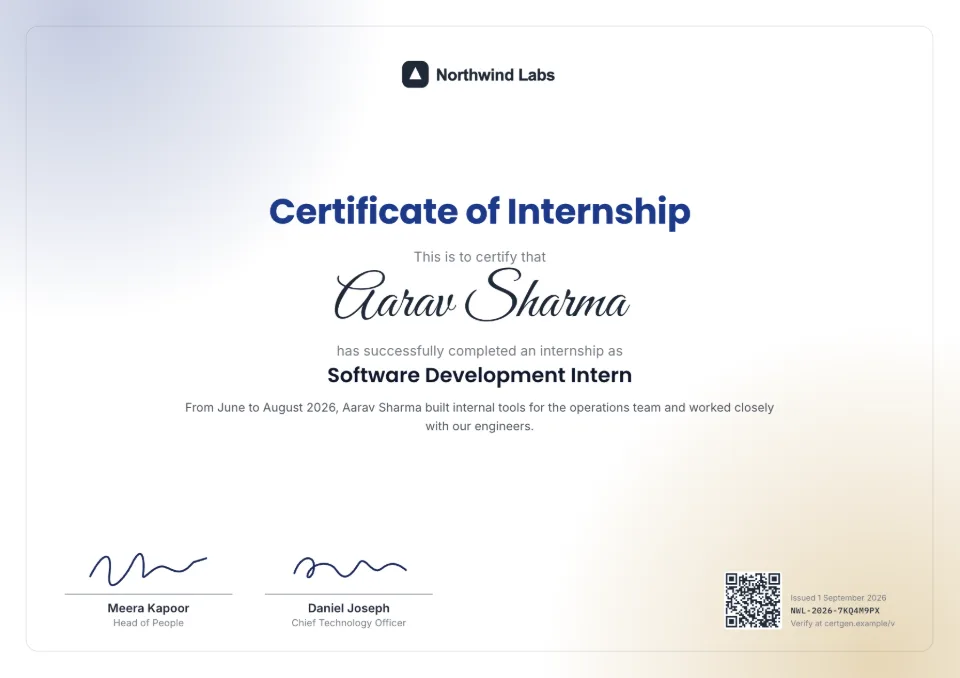
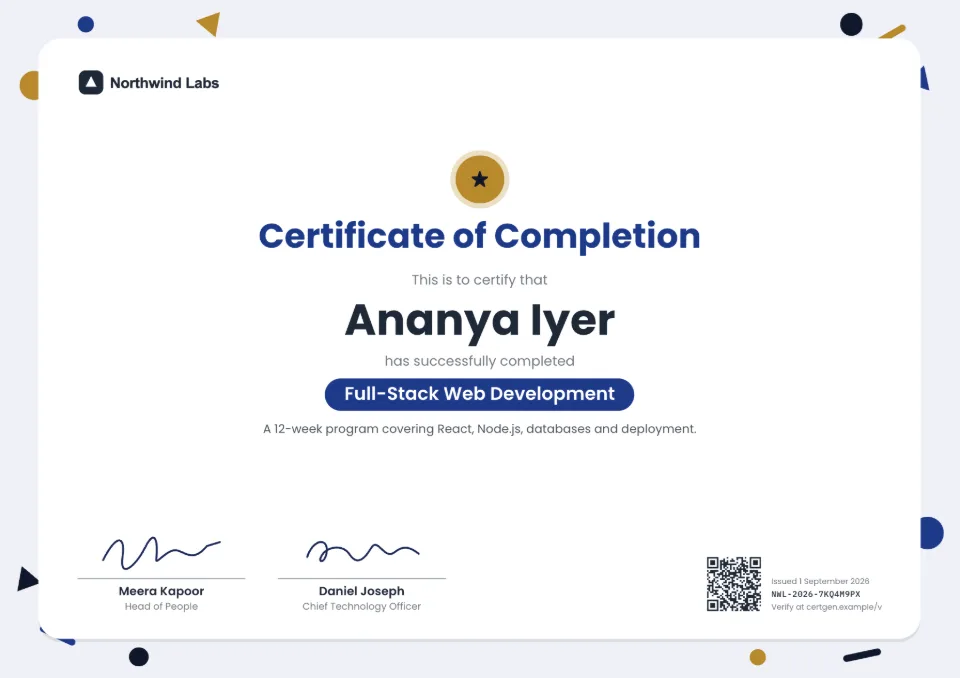
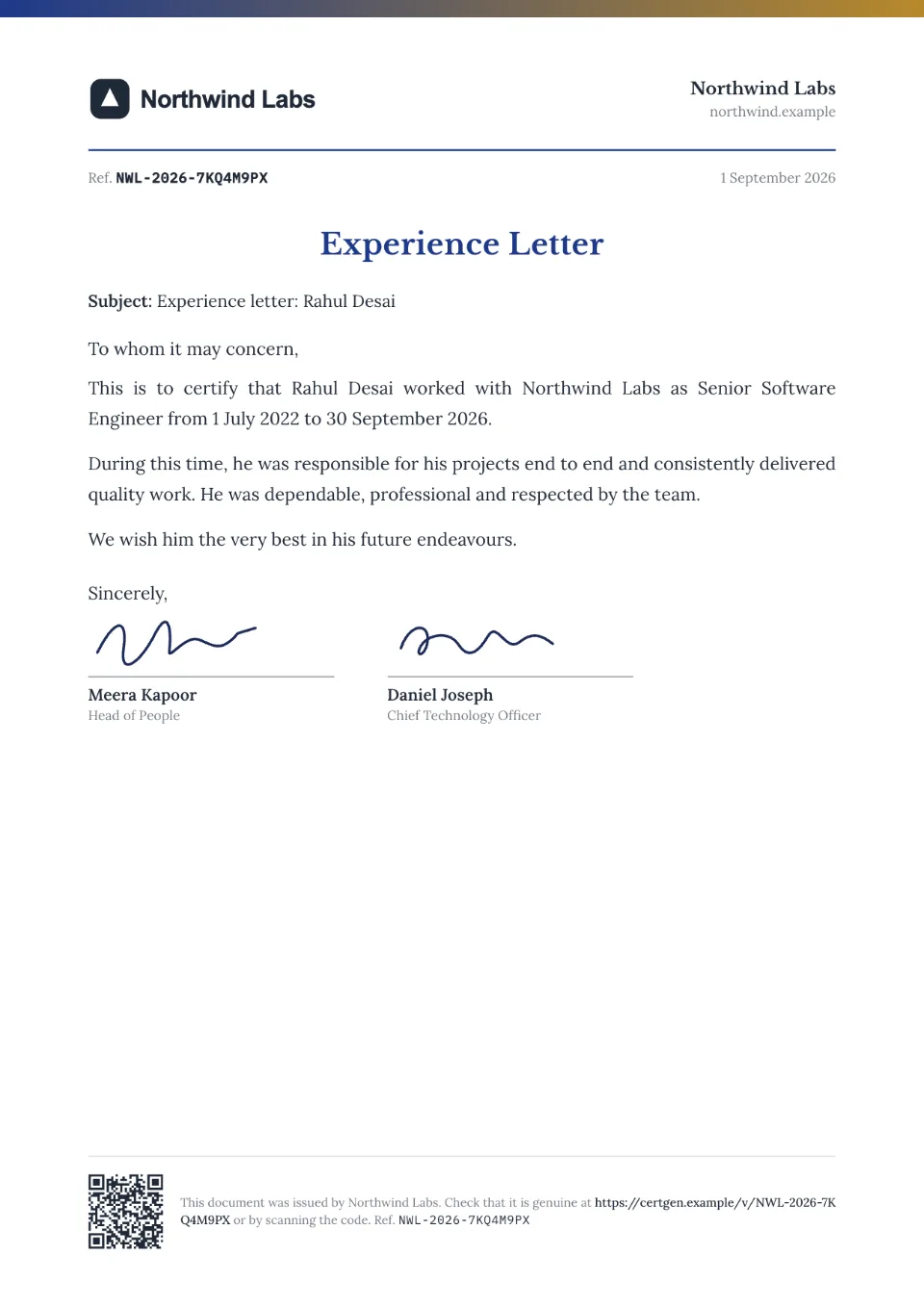
Each comes with sample wording, a free Word download and a generator you can try without an account.
Frequently asked questions
How do I add a QR code to a certificate?
In SealHive you don't have to: every certificate gets its own QR code automatically, linked to its verification page. For a certificate you already have as a PDF, upload it and SealHive stamps a QR code and number onto it (paid plans and packs).
What happens when someone scans the QR code?
Their phone opens the certificate's verification page. It shows the recipient, the issuer, the certificate with its details and dates, and whether it's valid, expired, revoked or replaced. The recipient downloads the PDF from their own private link.
Can a QR code certificate be faked?
Someone can copy a QR code, but it still opens the real record. If a forged certificate shows a different name or details, the verification page won't match it. A code that doesn't open a verification page at all is a warning sign in itself.
Do I need an app to scan it?
No. Any phone camera that reads QR codes opens the page in the browser. Without a phone, type the certificate number at sealhive.app/verify.
Is the QR code free?
Yes. Every certificate includes its QR code and verification page on every plan, including the first certificate you issue for free.
Related
- Certificate verification systemA verification page for everything you issue, with revoke, corrections and expiry.Read more about Certificate verification system
- Verifiable PDFsStamp a QR code and number on PDFs you already make, and give each a verification page.Read more about Verifiable PDFs
- Free certificate makerEvery design and your brand kit for free, and your first certificate on us.Read more about Free certificate maker
Issue your first certificate free
Every design and your brand kit are free to use, and each certificate comes with a QR code anyone can verify.