Employment letters

Offer Letter Format & Templates

A job offer letter tells a candidate they've been selected: the role, joining date and key terms. Fake job offers are a common scam, so a QR code that verifies the letter with your organization builds trust from day one.

Updated · 3 designs · 3 sample formats, free in Word

Offer Letter generator

Type your details and see your offer letter change as you go. Free, no sign-up needed to try.

Design
Colors

Free account. Your first one is free, as a PDF with a QR code anyone can scan to verify it. What you typed comes with you in this browser.

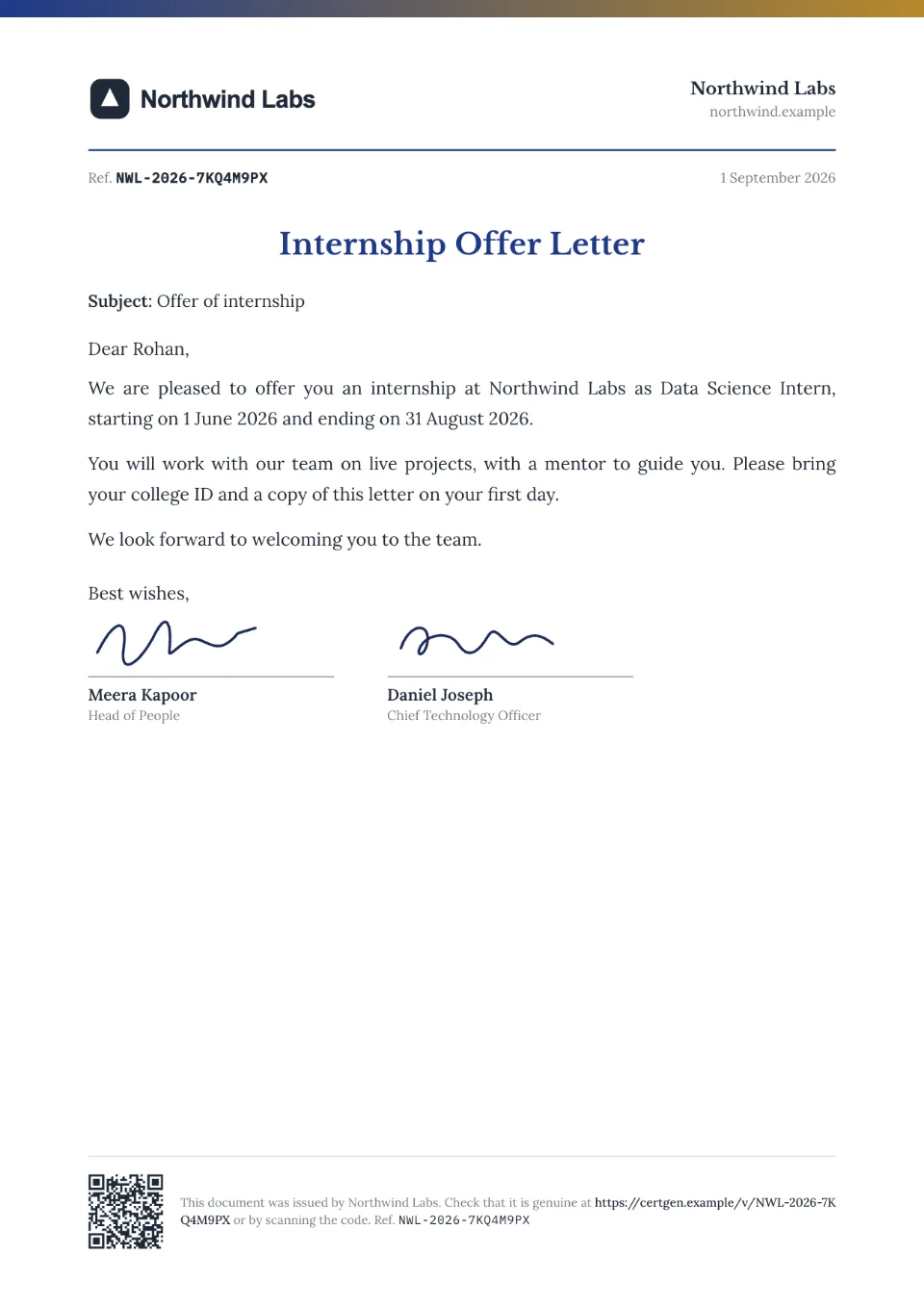
Offer Letter template – Letterhead design

Sample offer letter in the Letterhead design.

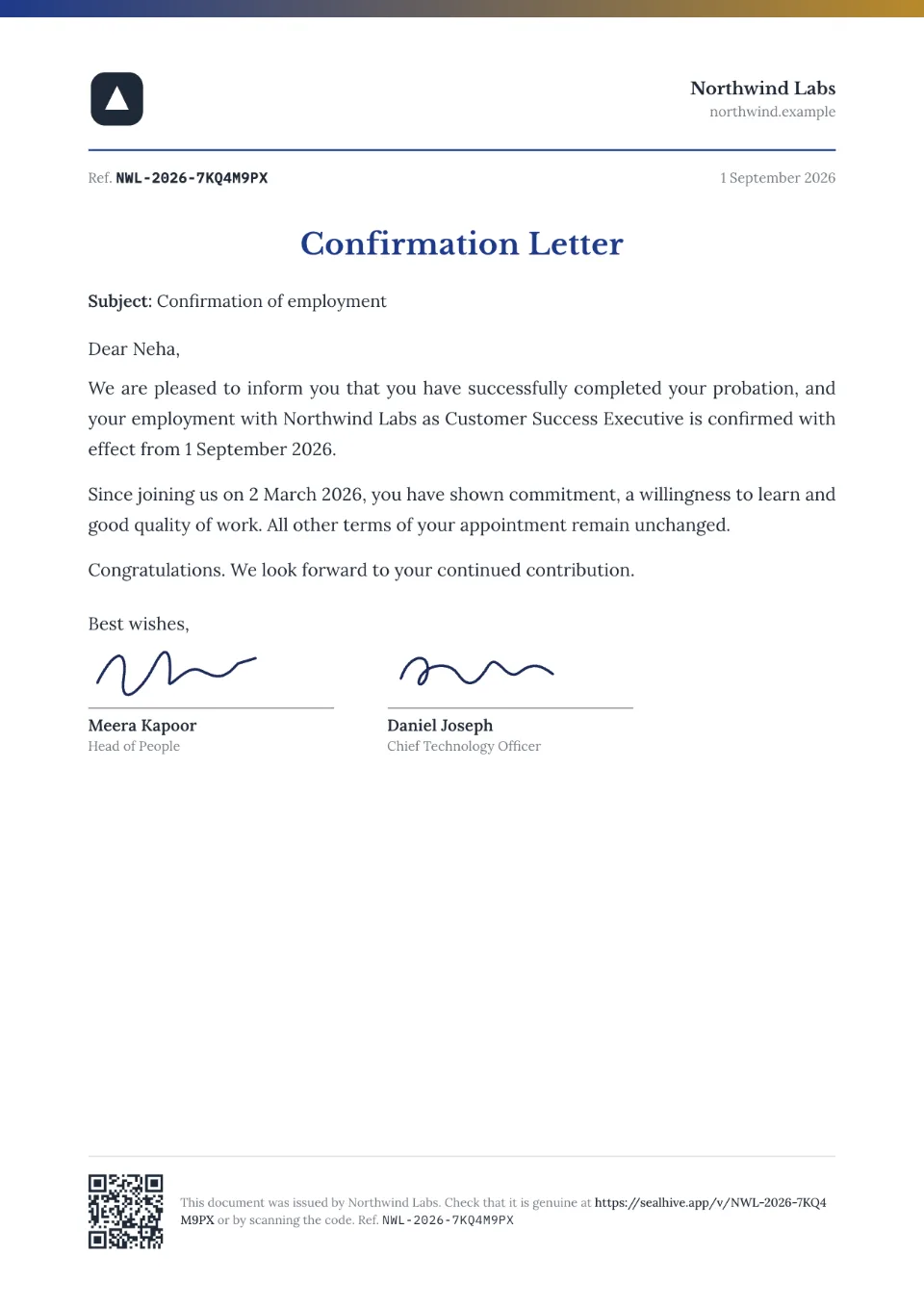
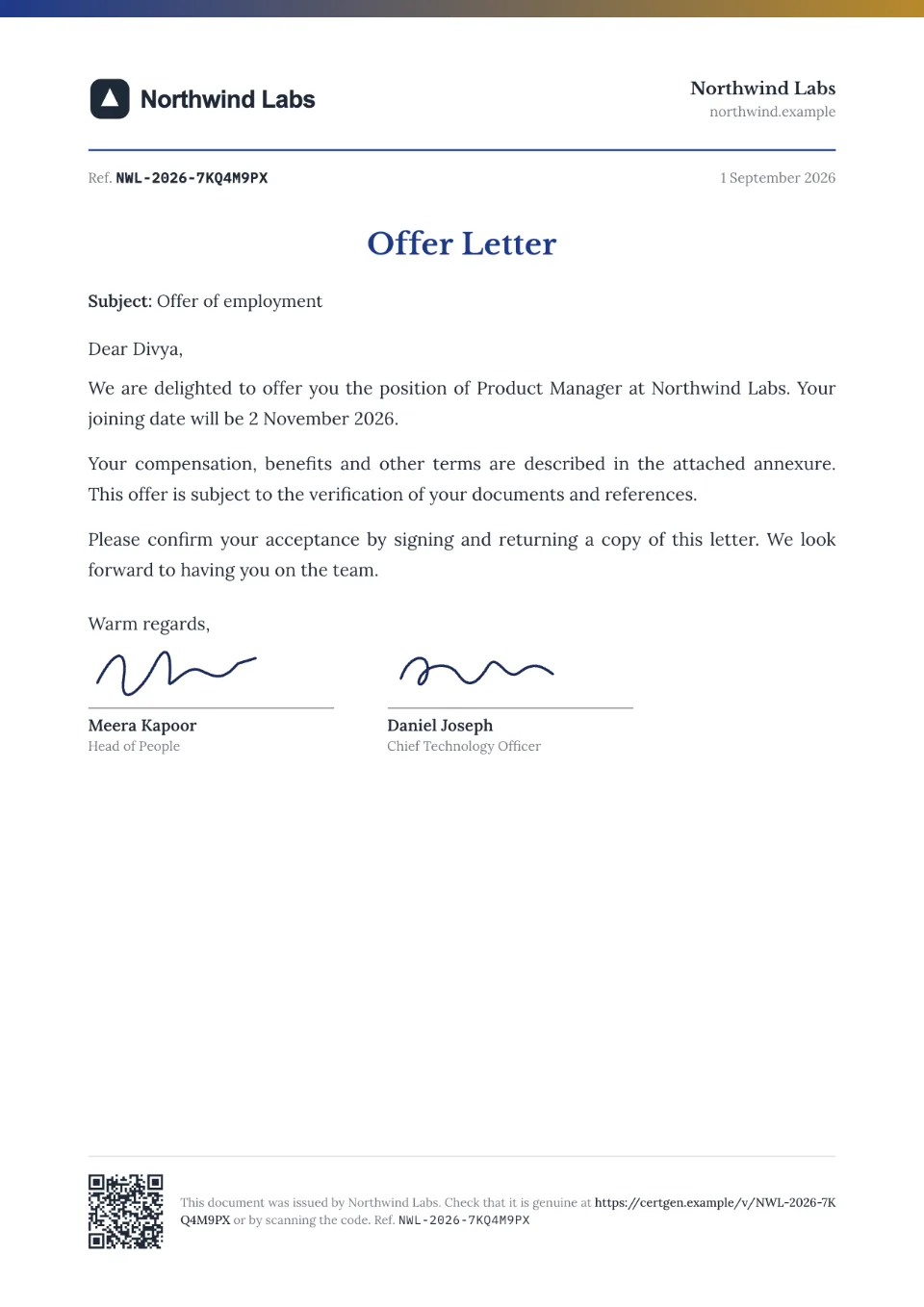
3 offer letter designs

Your logo, colors, signatures and details replace the sample ones.

What to include in an offer letter

  • Letterhead and date
  • Candidate's name and the role offered
  • Joining date and location
  • Compensation and benefits (or an annexure)
  • Conditions such as document verification
  • How and by when to accept
  • Signature

How to make an offer letter

  1. 1

    Fill in the details

    Type the name and details above, or, on paid plans, upload a spreadsheet to make a letter for everyone at once.

  2. 2

    Choose a design and your brand

    Add your logo, colors and signatures once in your brand kit; every design uses them.

  3. 3

    Issue and share

    Download the PDF, or on paid plans email it to the recipient. Each letter gets a QR code and a page where anyone can check it's genuine.

Offer Letter format: 3 samples

Sample wording to adapt, free to copy or download in Word. In SealHive, names, roles and dates fill in for you.

OFFER LETTER

Date: [Date]

Dear [First name],

We are delighted to offer you the position of [Role] at [Organization]. Your joining date will be [Date] at [Location].

Your annual compensation will be [CTC]. Details of your salary, benefits and terms are in the attached annexure. This offer is subject to verification of your documents.

Please confirm your acceptance by [Date].

Warm regards,
[Name], [Title]
OFFER OF EMPLOYMENT

Dear [First name],

Congratulations! Following our campus recruitment at [College], we are pleased to offer you the role of [Role] at [Organization], with an annual CTC of [Amount].

Your joining date will be confirmed after your final results, expected by [Date]. You will begin with a [duration] training program at [Location].

Please sign and return a copy of this letter to accept the offer.

Best wishes,
[Name], [Campus Hiring Lead]
OFFER LETTER

Dear [First name],

We have enjoyed having you as an intern, and we are happy to offer you a full-time role as [Role] at [Organization] from [Date], with an annual CTC of [Amount].

Your probation will be [period]. Other terms are in the annexure.

Please confirm your acceptance by [Date].

Warm regards,
[Name], [Title]
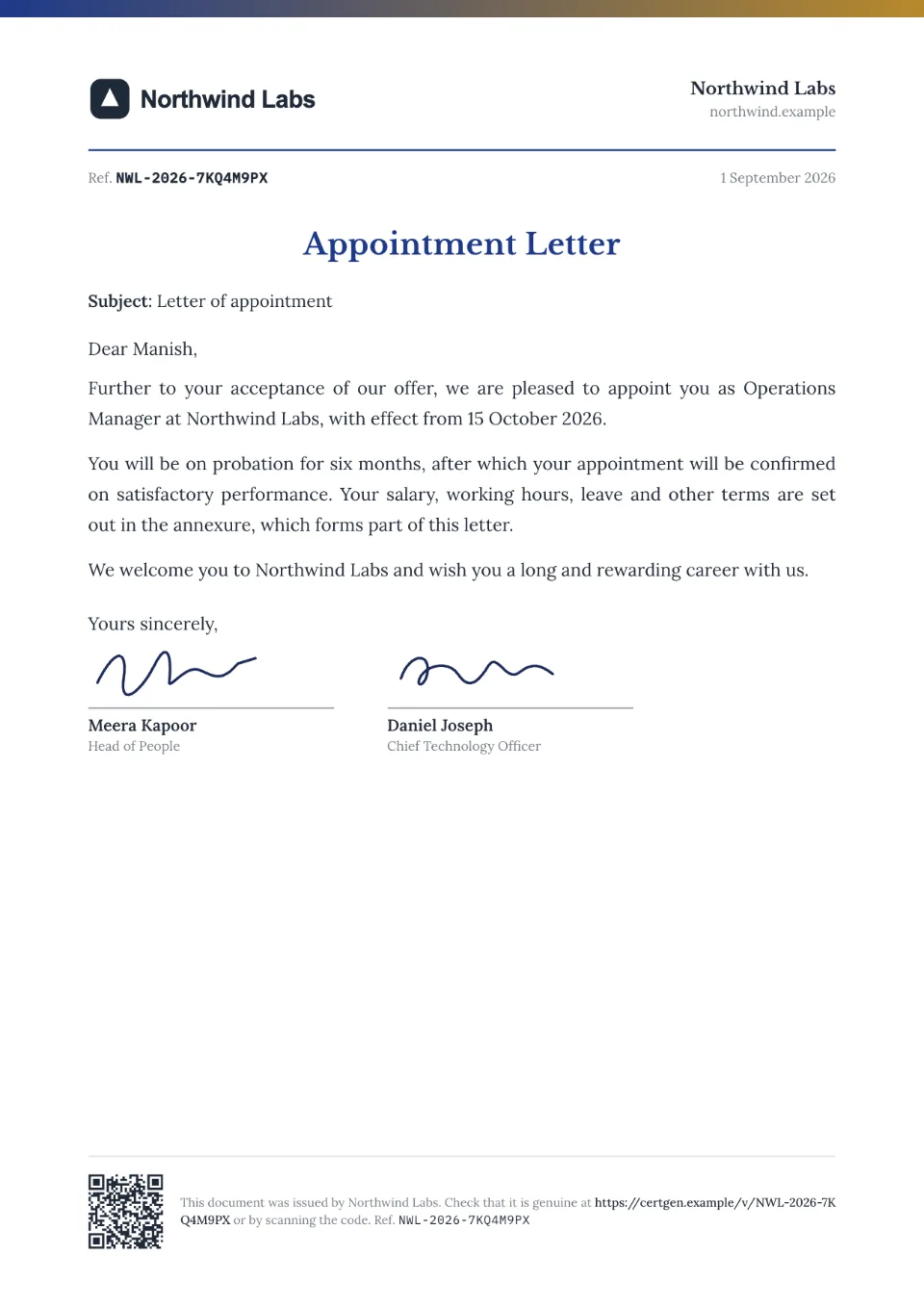
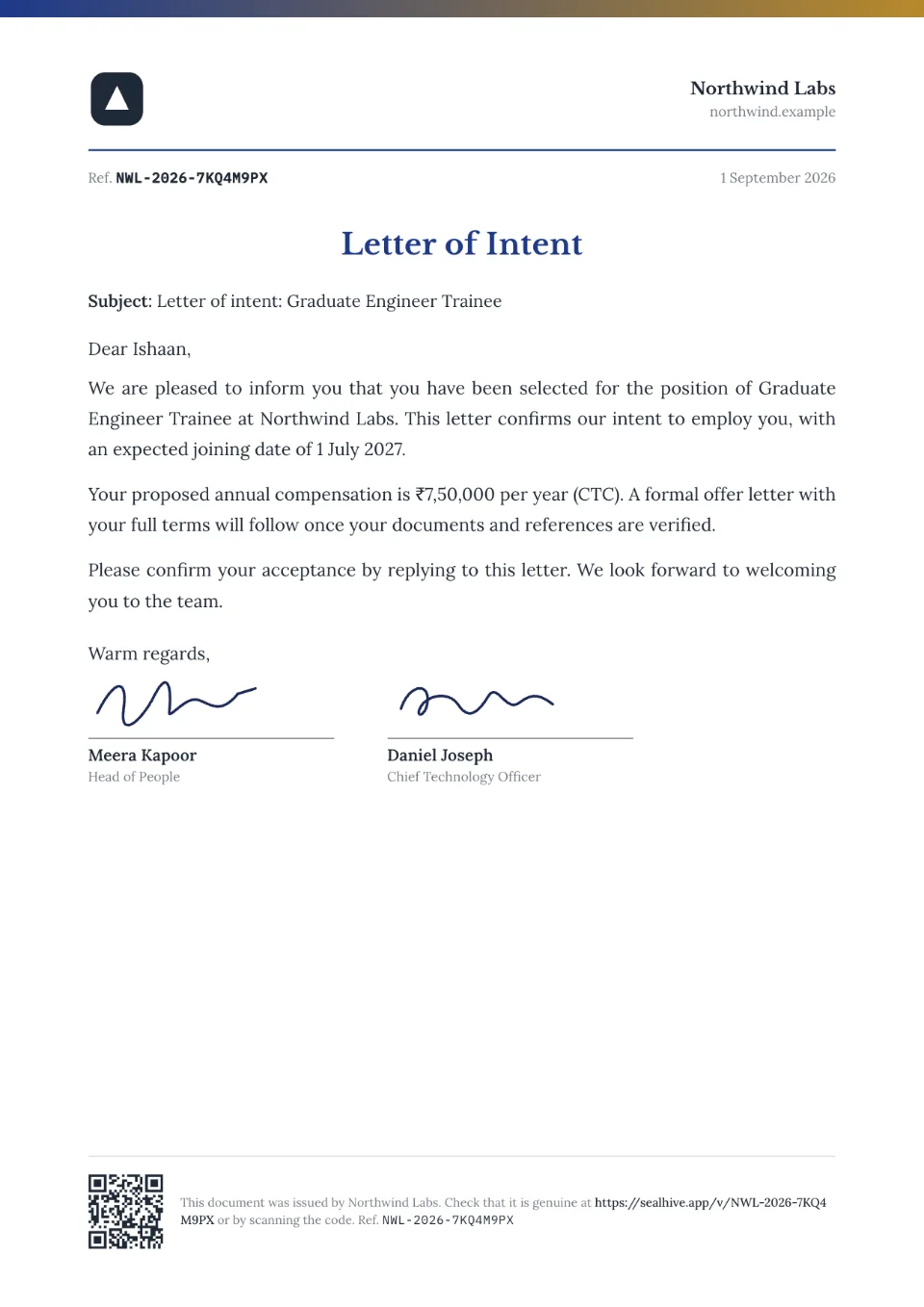
Letter of intent vs offer letter vs appointment letter and more

Letter of intent vs offer letter vs appointment letter and more
LetterWhat it doesWhen it's issued
Letter of intentSays the candidate is selected, before the formal offerRight after selection, often in campus hiring
Offer letterProposes the job: role, joining date, salaryAfter selection, before joining
Appointment letterFormally appoints the employee with full termsAfter the offer is accepted, on or before joining
Confirmation letterConfirms the job after probationWhen probation ends
Promotion letterMoves the employee to a new designationAfter a review cycle
Increment letterRevises the salaryAfter an appraisal, usually yearly

Your brand on every design

Logo, colors, fonts and signatures, set once in your brand kit.

A QR code on every copy

Scanning it opens a verification page with who issued it, to whom and when.

How it works: A QR code on every copy

Hard to fake

Its verification page shows the issued details, so an edited copy won't match. You can revoke it anytime.

How it works: Hard to fake

Offer Letter questions

Offer letter vs appointment letter?

The offer letter comes first and proposes the job. The appointment letter is issued once the candidate accepts and joins, with the full terms of employment.

How do candidates know an offer is genuine?

They scan the QR code, which opens your organization's verification page for that letter.

What happens when the offer lapses?

Fill in "Offer valid until" and, after that day, the letter's verification page says the offer has expired. If the position is filled or the offer was a mistake, withdraw it from its page in your dashboard: the page then says the offer was withdrawn, and you can reinstate it later.

Can anyone who scans it see the salary?

No. Scanning the QR code shows a summary: that the letter is genuine, who issued it, who it's for, the role and the dates. The letter itself and any pay stay on the recipient's private link. If you'd rather show the whole letter, you can switch that on for any letter from its page in your dashboard.

Can I download the format in Word?

Yes. Every sample on this page has a free Word (.docx) download, no account needed. To give it a QR code and a verification page, create it in SealHive instead.

How does someone check that it's genuine?

Every document issued with SealHive carries a QR code and a short link. Scanning it opens its verification page, on SealHive or the issuer's own domain, showing who issued it and when, whether it's still valid and, unless the recipient asked to hide it, their name. An edited copy won't match the details on that page.

Related templates

Make your first offer letter in a minute

Free to try. Your first one is on us, and it comes with a QR code anyone can verify.

Create an offer letter