Course or program
CERTIFICATE OF COMPLETION

This is to certify that
[Name]
has successfully completed
[Course or program]

[Duration, e.g. a 12-week program of 40 hours]

Date: [Date]
[Signature]
[Name], [Title], [Organization]
A certificate of completion shows that someone finished a course, program or project. It's what learners add to their CV and LinkedIn, so it should look professional and be easy to verify. Try the generator with your own details, choose a design and issue one or many.
Updated · 11 designs · 4 sample formats, free in Word
Type your details and see your certificate of completion change as you go. Free, no sign-up needed to try.
Free account. Your first one is free, as a PDF with a QR code anyone can scan to verify it. What you typed comes with you in this browser.
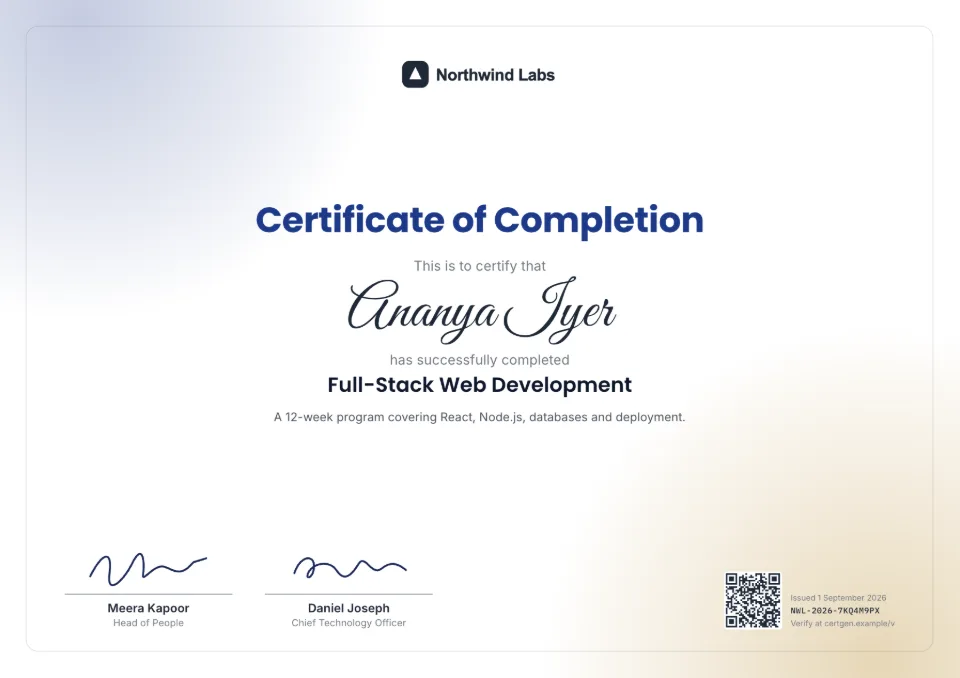
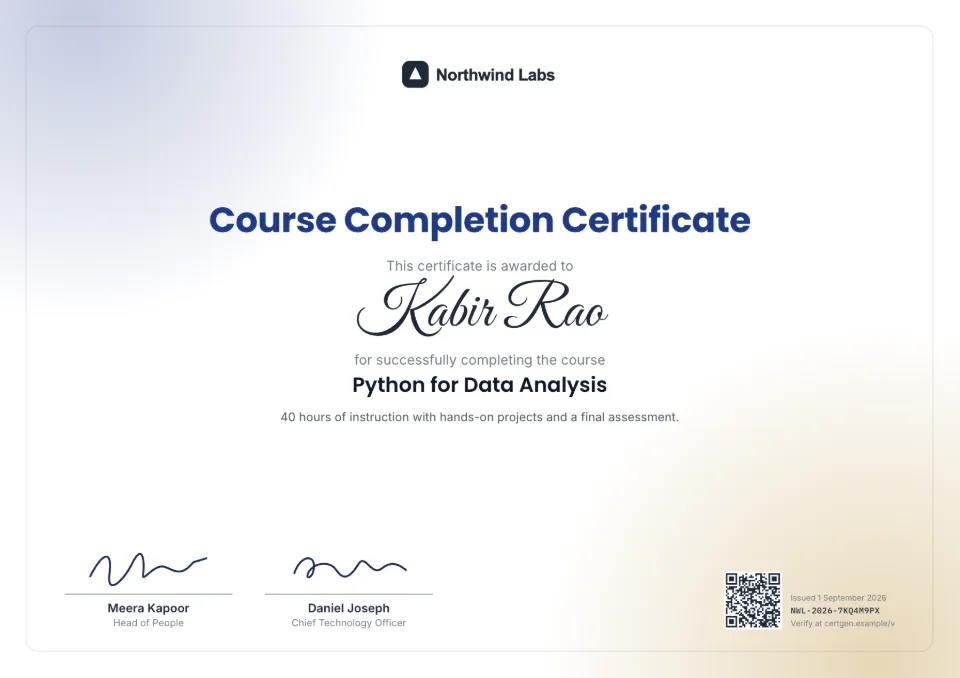
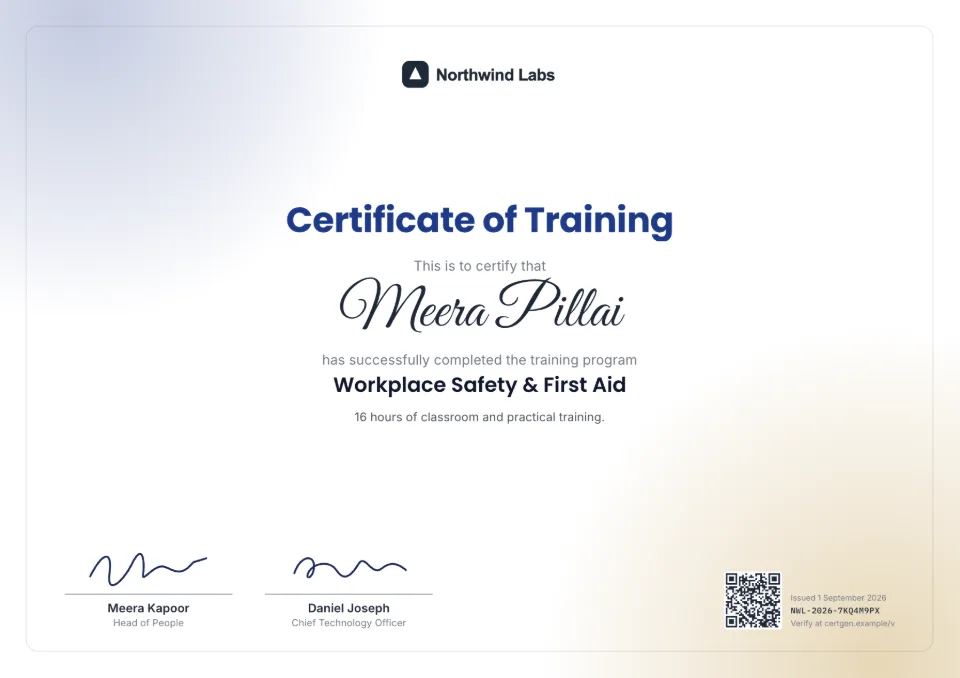
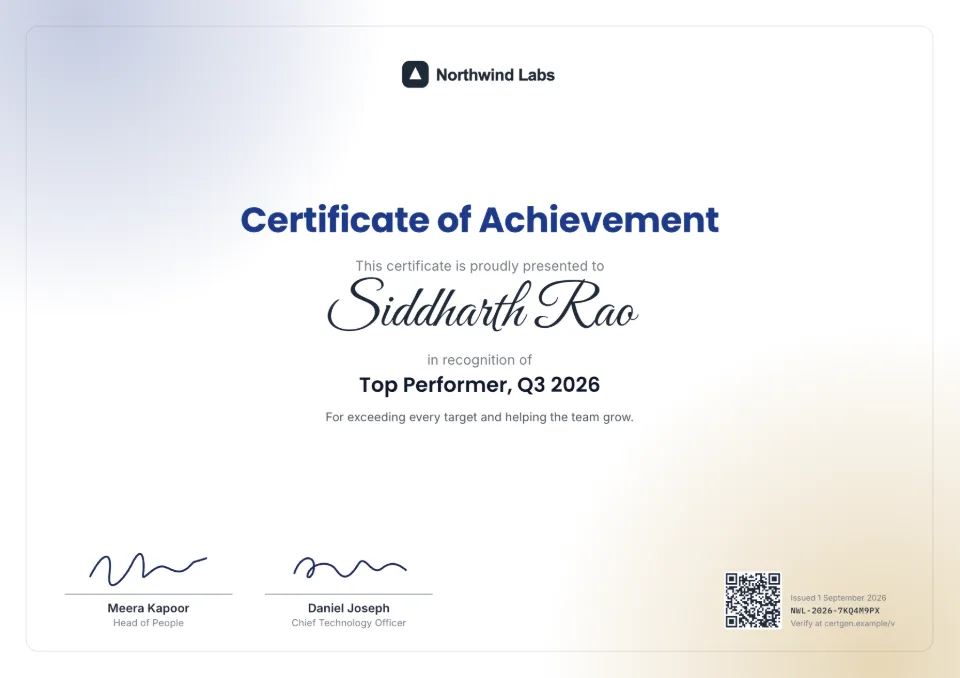
Sample certificate of completion in the Aurora design.
Every design takes your logo, colors and signatures.
Type the name and details above, or, on paid plans, upload a spreadsheet to make a certificate for everyone at once.
Add your logo, colors and signatures once in your brand kit; every design uses them.
Download the PDF, or on paid plans email it to the recipient. Each certificate gets a QR code and a page where anyone can check it's genuine.
Sample wording to adapt, free to copy or download in Word. In SealHive, names, roles and dates fill in for you.
CERTIFICATE OF COMPLETION This is to certify that [Name] has successfully completed [Course or program] [Duration, e.g. a 12-week program of 40 hours] Date: [Date] [Signature] [Name], [Title], [Organization]
CERTIFICATE OF COMPLETION

This certificate is presented to
[Name]
for successfully completing the project
[Project title]

from [Start date] to [End date], under the guidance of [Guide's name].

[Signature]
[Name], [Title]
CERTIFICATE OF COMPLETION

This is to certify that [Name] has completed [Program] with grade [Grade] ([Score]%).

The program covered [topics] over [hours] hours of instruction and a final assessment.

[Signature]
[Name], [Program Director]
Date: [Date] · Certificate no.: [Number]
CERTIFICATE OF COMPLETION

[Name]
has completed the [Bootcamp name] bootcamp,
a [number]-week, full-time program in [subject],
including a capstone project: [Project title].

[Signature]
[Name], [Lead Instructor]
[Date]
| Certificate | Use it when | Typical wording |
|---|---|---|
| Certificate of completion | Someone finished a course, program or project | has successfully completed |
| Course completion certificate | Someone finished a specific course, often with hours or a grade | for successfully completing the course |
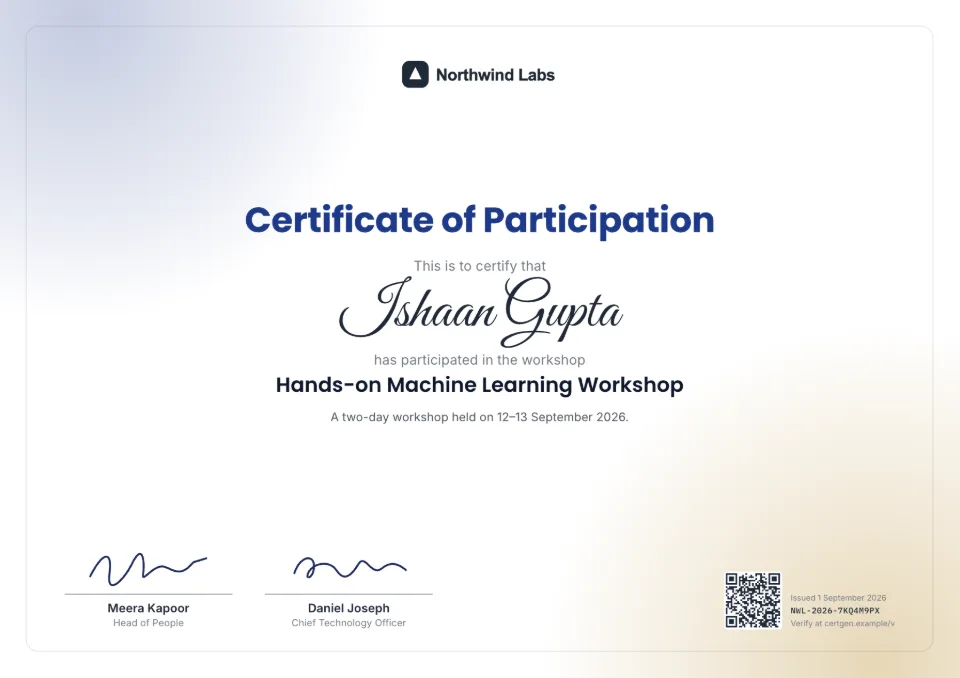
| Certificate of participation | Someone took an active part, with no assessment | for participating in |
| Certificate of attendance | Someone was present at a session, class or conference | attended |
Logo, colors, fonts and signatures, set once in your brand kit.
Scanning it opens a verification page with who issued it, to whom and when.
How it works: A QR code on every copyIts verification page shows the issued details, so an edited copy won't match. You can revoke it anytime.
How it works: Hard to fakeYes. Each learner gets a private link to their certificate with an Add to LinkedIn button that fills in the certificate name, your organization and the verification link.
Yes. Put them in the details line, or pick a course design with separate duration and grade fields.
Every document issued with SealHive carries a QR code and a short link. Scanning it opens its verification page, on SealHive or the issuer's own domain, showing who issued it and when, whether it's still valid and, unless the recipient asked to hide it, their name. An edited copy won't match the details on that page.
Yes, to start. You can try the generator with your own details without an account, and your first certificate or letter is free. After that, buy a credit pack or a plan: one credit issues one certificate or letter. Bulk issue and emailing recipients come with packs and plans.
Free to try. Your first one is on us, and it comes with a QR code anyone can verify.
Create a certificate of completion