SealHive vs Canva for certificates
Canva is a design tool: you can make a beautiful certificate, and with Bulk Create many of them. SealHive is a certificate tool: every certificate gets its own number, QR code and verification page, and can be emailed, corrected or revoked.
Your first certificate is free. No card needed. · Updated
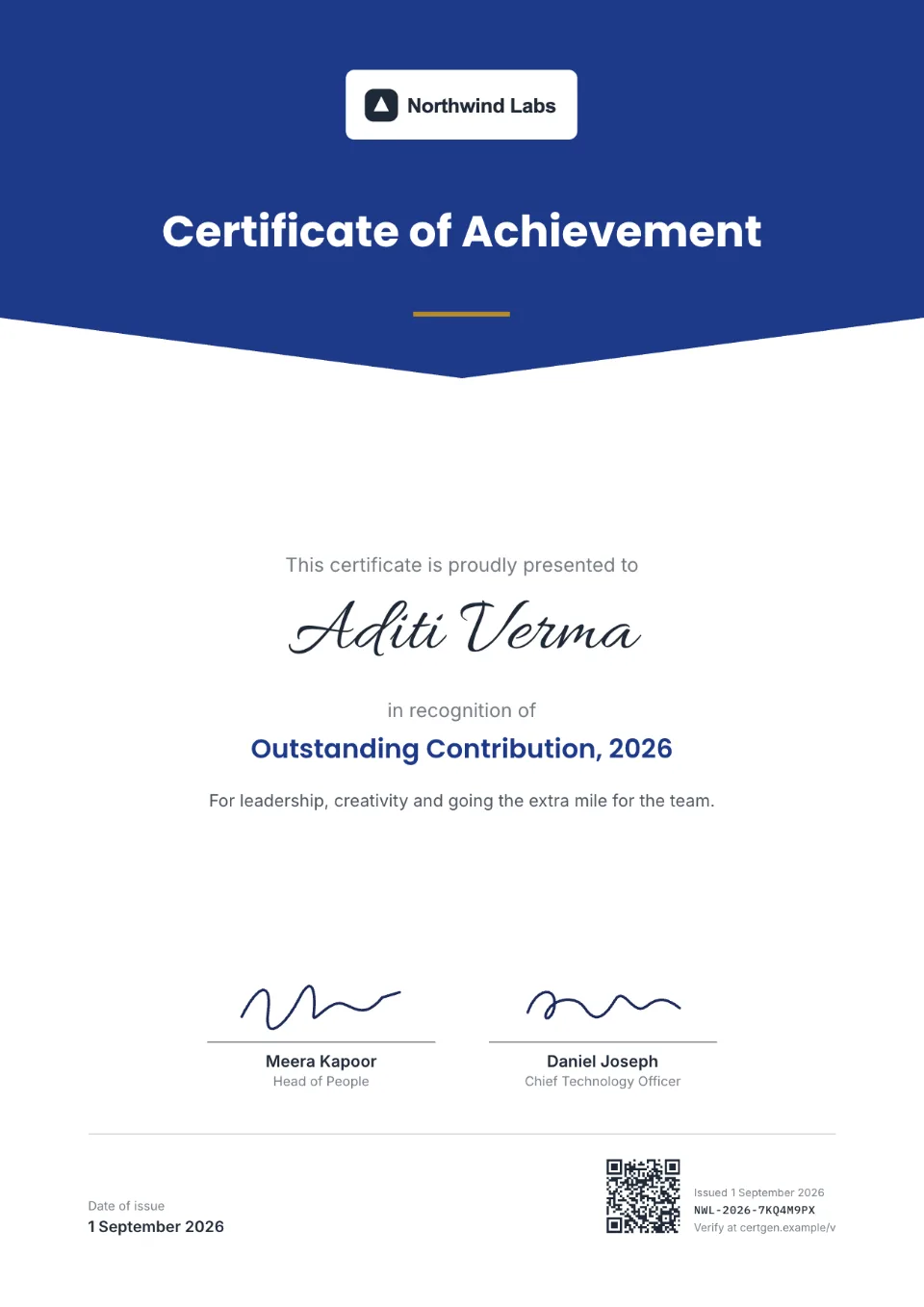
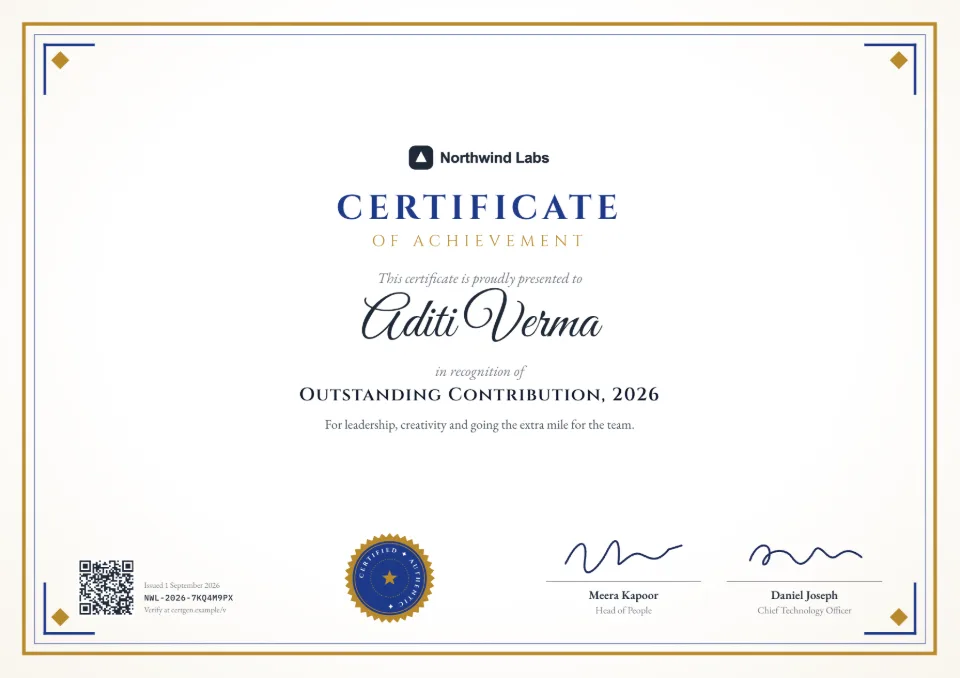
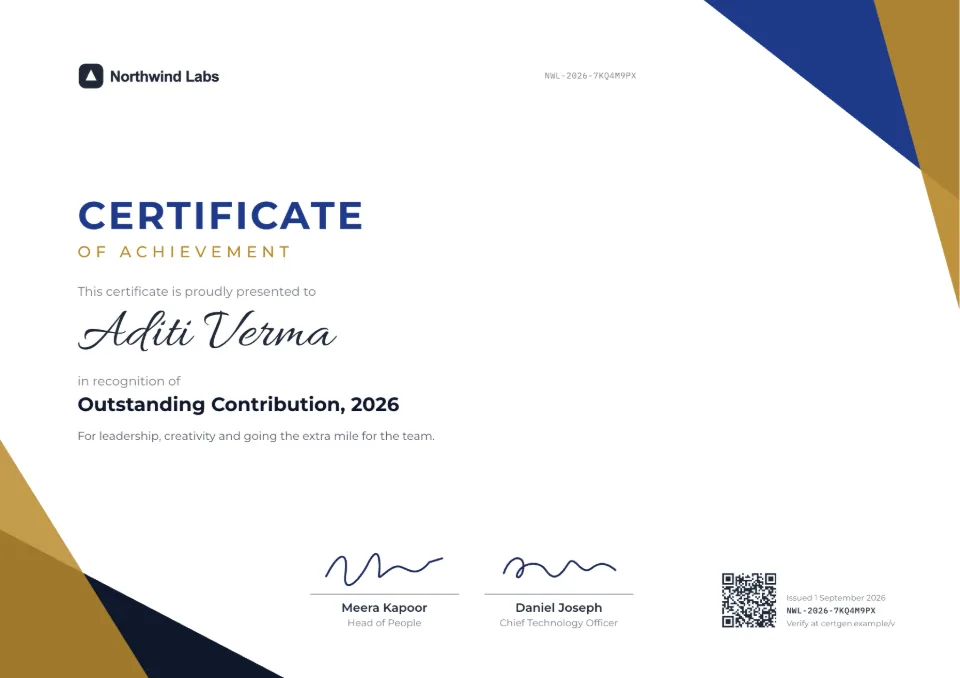
SealHive and Canva side by side
- What it is
- SealHiveA tool for issuing and verifying certificatesCanvaA general design tool
- Prices in India
- SealHiveStarter from ₹999 a month, or one-time packs from ₹199CanvaPro ₹4,000 a year for one person; Business ₹6,800 a year per person
- Making many from a spreadsheet
- SealHiveStarter and up, or a pack; up to 2,000 rows a batchCanvaBulk Create on Pro, Business, Enterprise, Education and Nonprofit plans
- Unique certificate number
- SealHiveEvery certificateCanvaNot built in
- QR code and verification page
- SealHiveEvery certificate, with live statusCanvaNot built in; QR codes link to any address you enter
- Revoke or expire a certificate
- SealHiveYesCanvaNot built in
- Email each recipient
- SealHiveStarter and up, or a packCanvaNot built in; you send the files
- Design freedom
- SealHiveReady designs with your logo, colors, fonts and signaturesCanvaDesign anything from scratch
- Make an existing PDF verifiable
- SealHiveYes, including PDFs exported from CanvaCanvaNo
Canva details as listed on its own site on (Canva pricing (India), Canva Bulk Create help). Plans change, so check there before you decide. Canva is a trademark of its owner.
Which one to choose
Choose SealHive when people will need to trust your certificates: each one gets a QR code and its own verification page, a whole batch comes from one spreadsheet, and you can correct or revoke one later. Canva is the better pick for one-off designs nobody will check, or when you want complete design freedom. Already designed in Canva? Upload those PDFs to SealHive to make them verifiable too.
Use them together, or switch
- 1
Keep your Canva design
Export the finished certificates from Canva as PDFs, the way you do today.
- 2
Make them verifiable
Upload each PDF to SealHive, which stamps a QR code and number on it and gives it a verification page.
- 3
Or issue from SealHive
For regular batches, pick a SealHive design with your brand kit and issue from a CSV, with email delivery included.
What SealHive adds to a design
A QR code and number
Each certificate gets its own number and a QR code that opens its verification page.
A live status
Pages say valid, expired, revoked or replaced, so a certificate can be withdrawn after it's sent.
Email delivery
Each recipient gets an email with their own link, instead of a file you attach by hand.
Corrections without resending files
Reissue with a fix; the old link points to the corrected certificate.
Bigger batches
Up to 2,000 recipients per batch from a CSV.
What it costs
SealHive is free to start, with your first certificate on us. Bulk issue, email delivery and stamping your Canva PDFs come with the Starter, Pro and Business plans and with one-time packs.
See all plans and prices- Credit packs
- from $5, one-time
- Starter
- $19 a month
- Pro
- $49 a month
Prices in US dollars. Sales tax or VAT is added at checkout where it applies.
Templates to start from
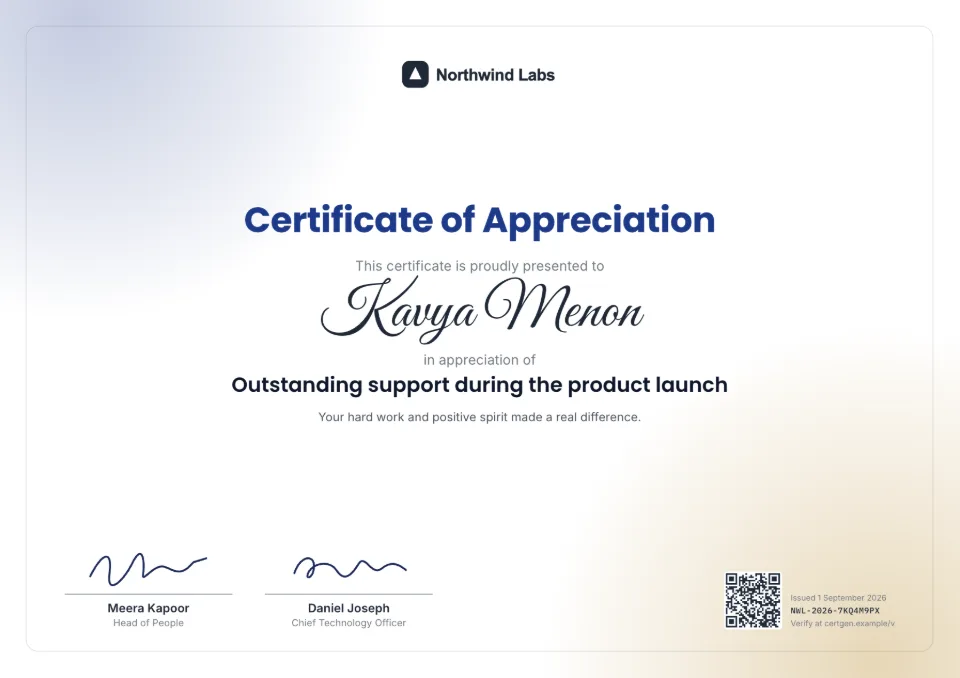
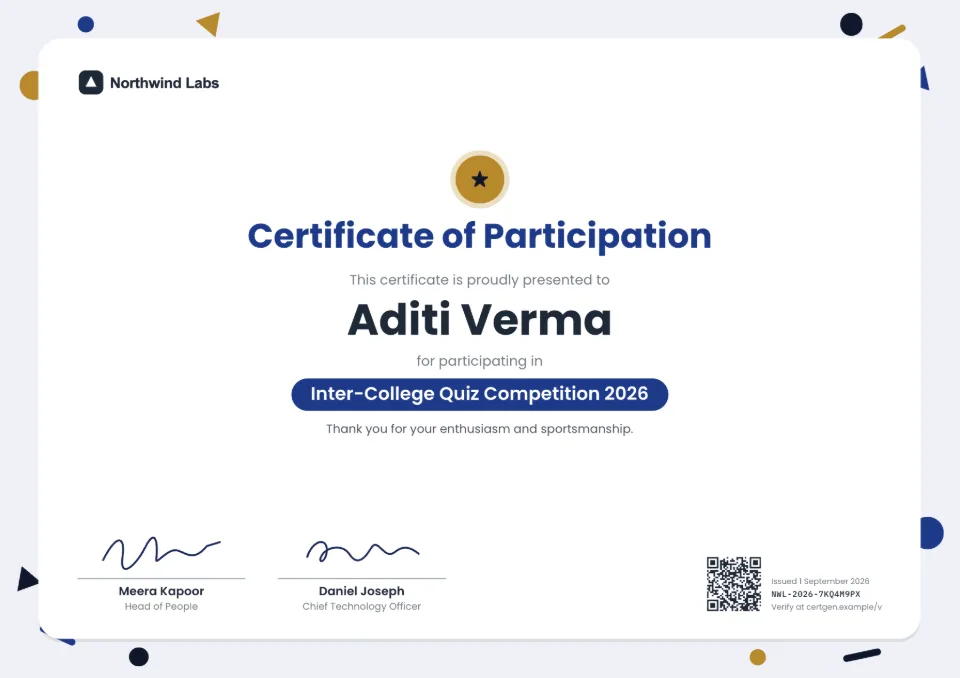
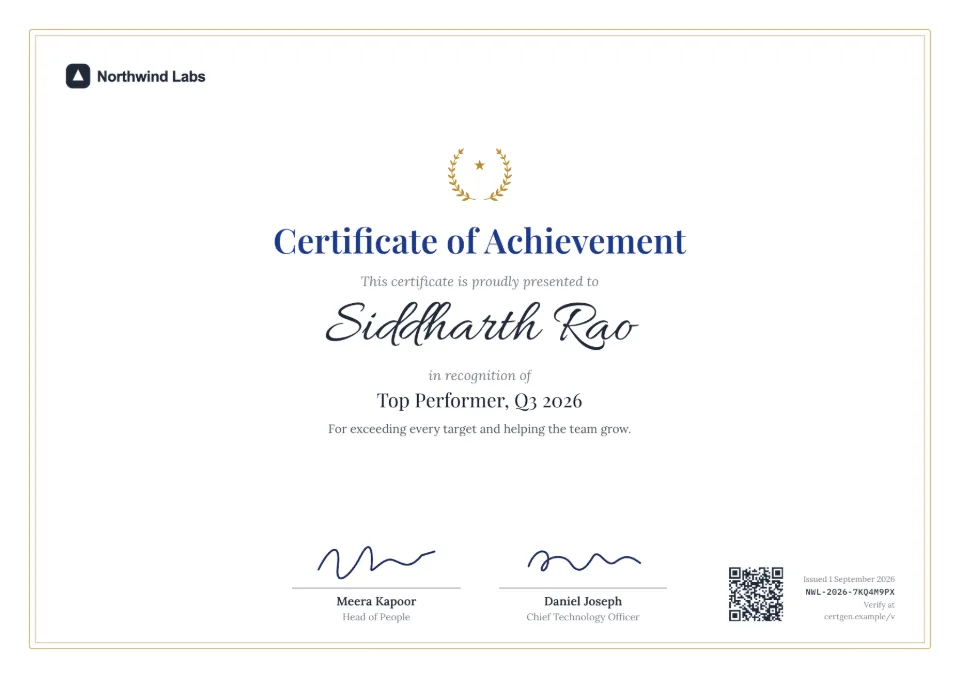
Each comes with sample wording, a free Word download and a generator you can try without an account.

Frequently asked questions
Can I make Canva certificates verifiable?
Yes. Download them from Canva as PDFs and upload them to SealHive. Each gets a QR code and number stamped on it, linked to a verification page (paid plans and packs, half a credit each).
Can Canva make certificates in bulk?
Yes, with Bulk Create on Canva's paid plans: it fills a design from a spreadsheet. The results are design files to download and send yourself, without verification.
Is SealHive free like Canva?
SealHive's free plan includes every design, your brand kit and your first certificate with a QR code. More certificates need a one-time pack or a plan.
Do I need design skills for SealHive?
No. Pick a ready design and add your logo, colors and signatures; the certificate lays itself out. If you want full design freedom, design in Canva and upload the PDFs.
Related
- Verifiable PDFsStamp a QR code and number on PDFs you already make, and give each a verification page.Read more about Verifiable PDFs
- Free certificate makerEvery design and your brand kit for free, and your first certificate on us.Read more about Free certificate maker
- Bulk certificate generatorUpload a spreadsheet and issue a certificate for every row, up to 2,000 at a time.Read more about Bulk certificate generator
Issue your first certificate free
Every design and your brand kit are free to use, and each certificate comes with a QR code anyone can verify.