Certificates for training and coaching institutes
Issue course completion and training certificates for every batch from one spreadsheet. Each student's certificate carries a QR code that employers can scan, so certificates with your institute's name can be trusted.
Your first certificate is free. No card needed. · Updated
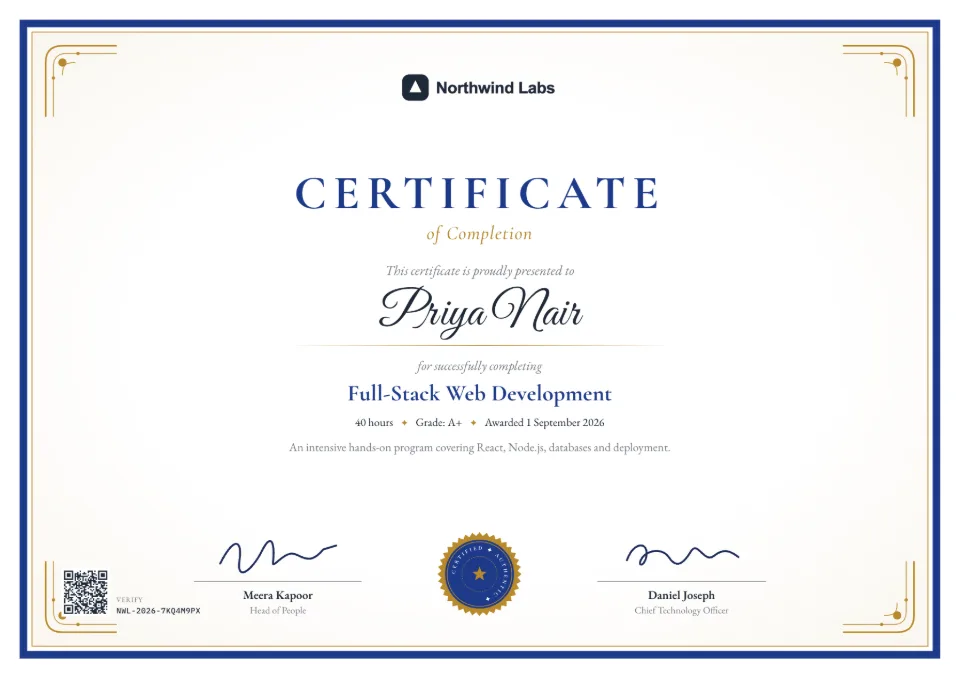
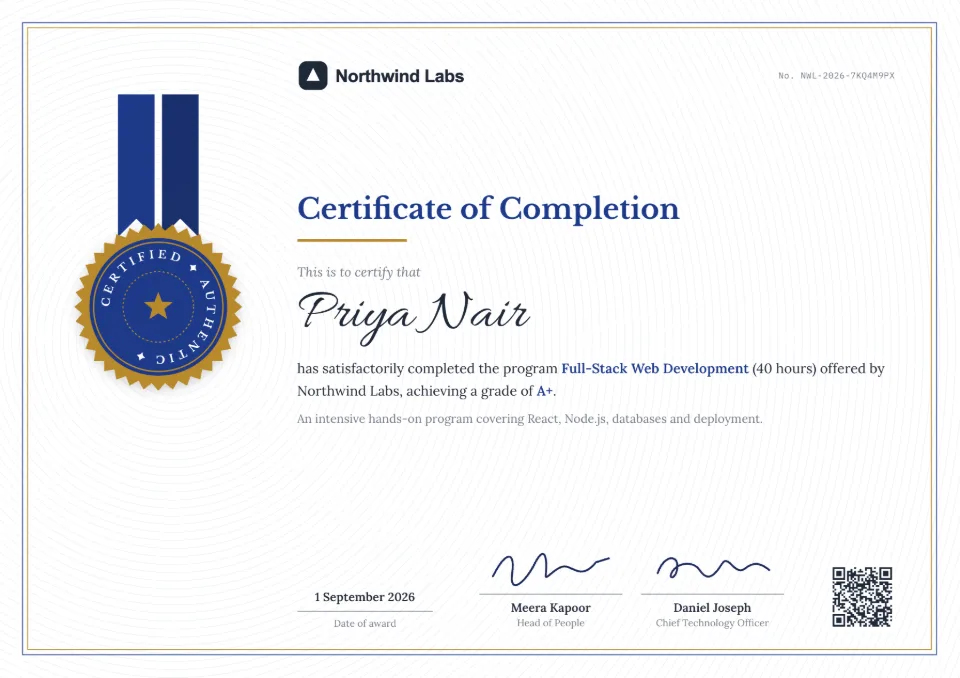
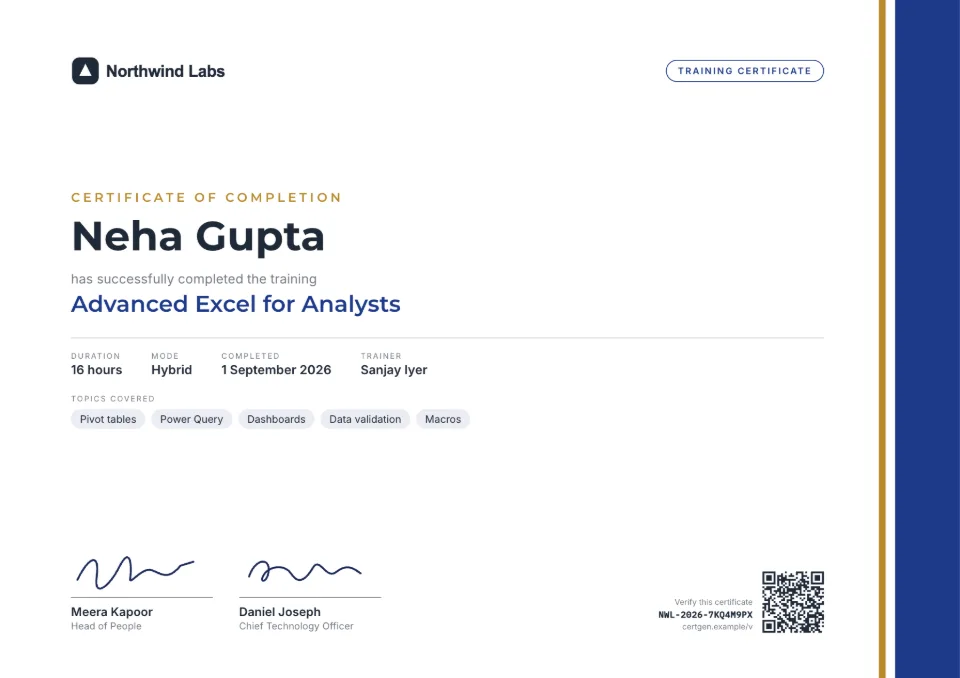
Certificates for a whole batch, in three steps
- 1
Set up your brand once
Add your institute's logo, colors and the director's signature in the brand kit. Every course certificate uses them.
- 2
Upload the batch
Export the batch list from Excel, Google Sheets or your LMS as CSV, with names and anything that varies, such as the course, grade or dates.
- 3
Students share, employers check
Email each student their certificate or share the links. Employers scan the QR code to confirm the course and dates with your records.
Built for courses and batches
Batch-wise issue
Up to 2,000 students per batch, with the course name, grade or score filled in from your sheet.
Expiry for refresher courses
Safety and compliance trainings can expire on a set date, and your admins are reminded before they do.
LinkedIn-ready
Students add a valid certificate to their LinkedIn profile, which shows your institute's name to their network.
Protection from fakes
A copied or edited certificate doesn't match its verification page, and you can revoke one obtained unfairly.
Trainers and coordinators
Pro includes 3 people and Business 10, each with their own login, and an activity log of who issued what.
Hindi and Marathi names
Student names in Devanagari print correctly next to English course names.
What it costs
Your first certificate is free. Batches need the Starter, Pro or Business plan, or a one-time credit pack whose credits never expire, which suits institutes that issue a few times a year.
See all plans and prices- Credit packs
- from $5, one-time
- Starter
- $19 a month
- Pro
- $49 a month
Prices in US dollars. Sales tax or VAT is added at checkout where it applies.
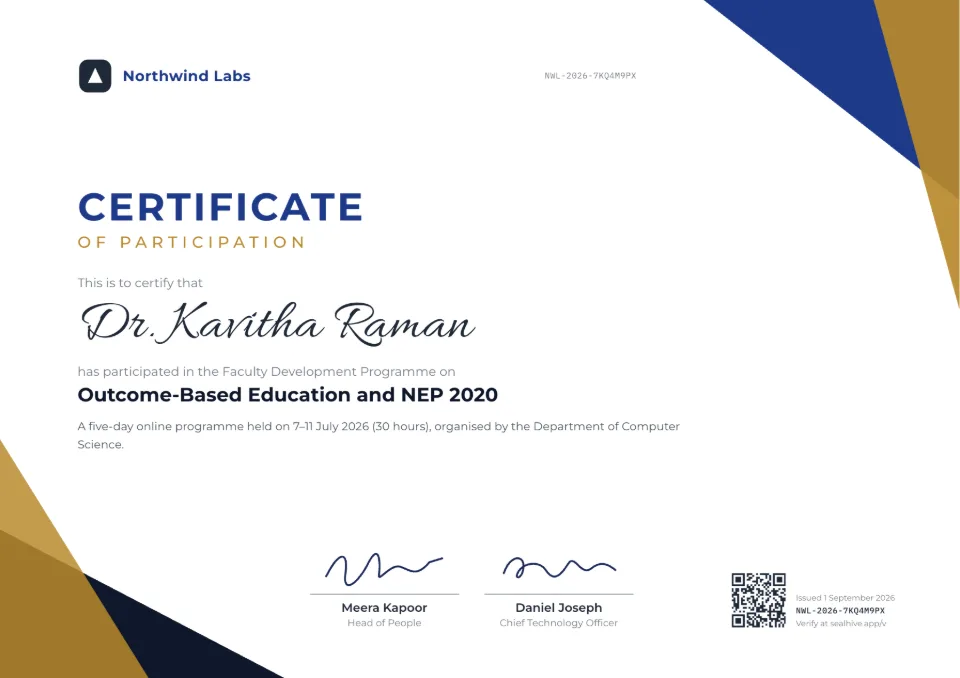
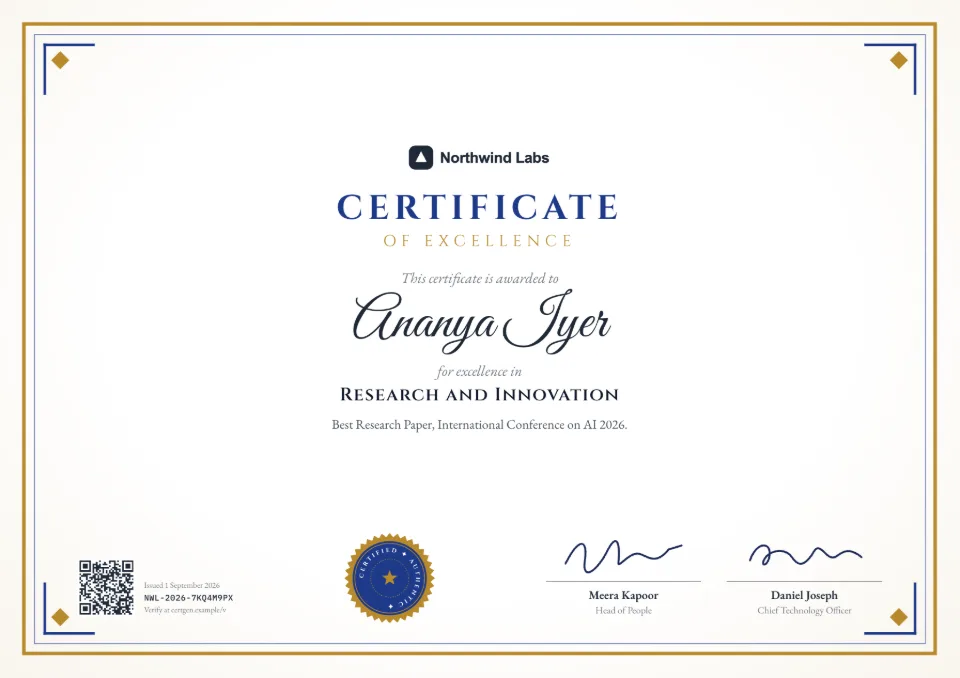
Templates to start from
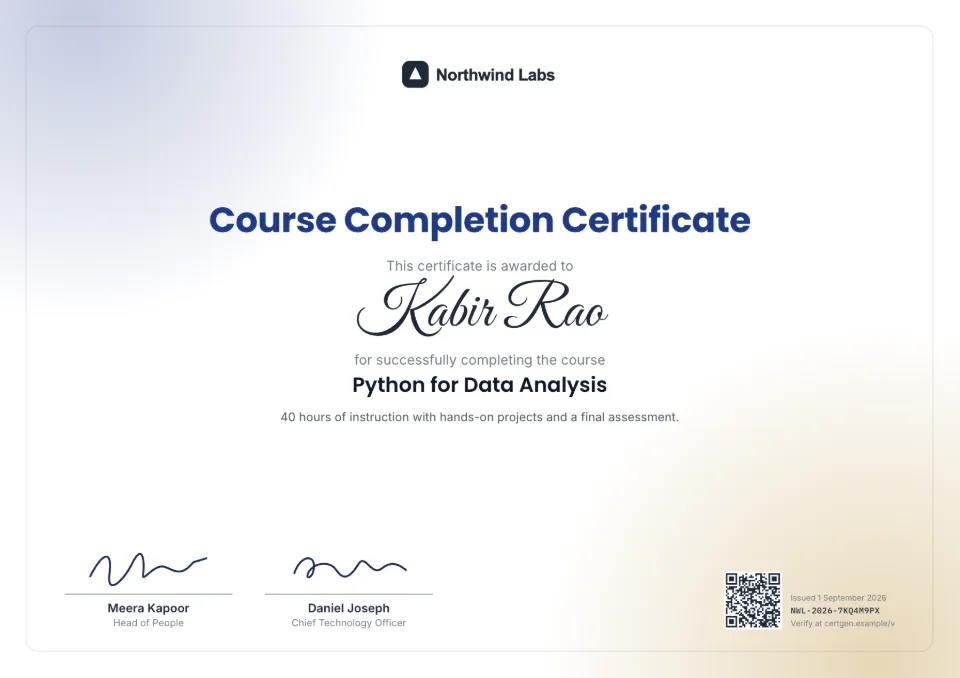
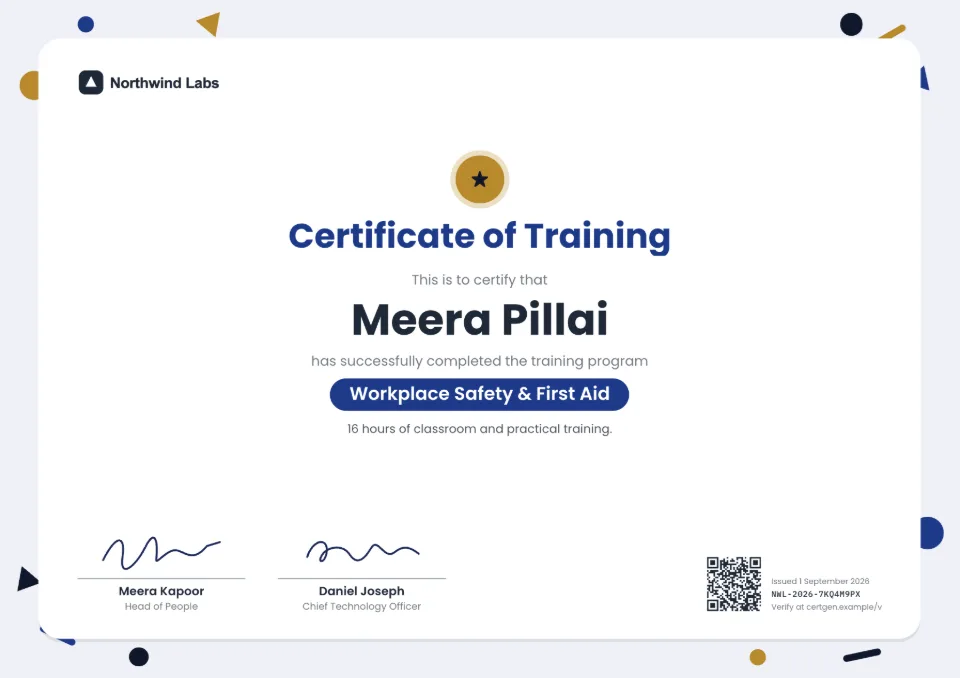
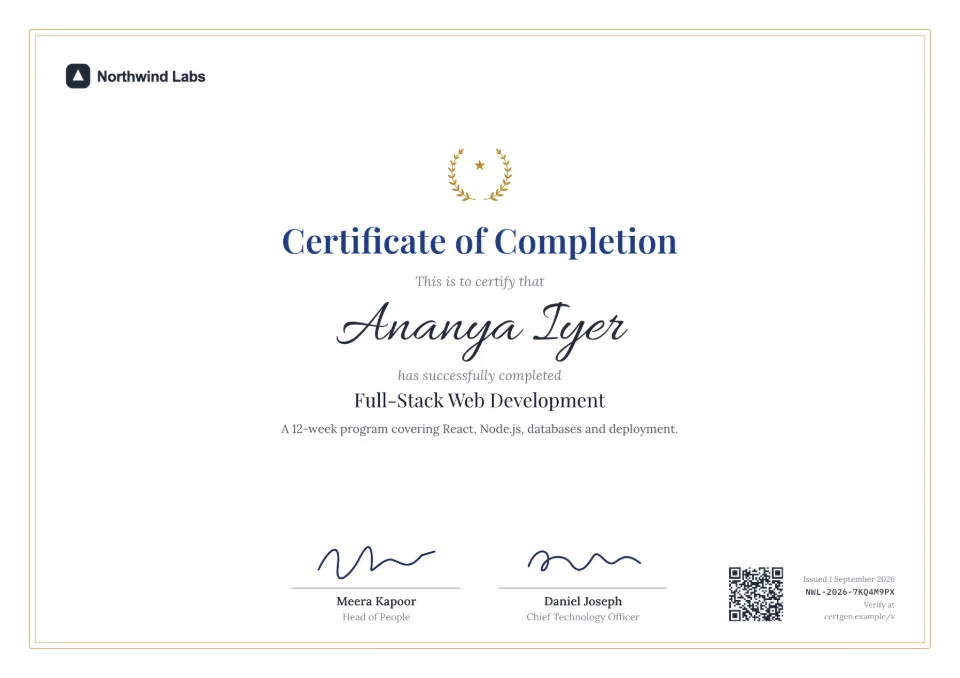
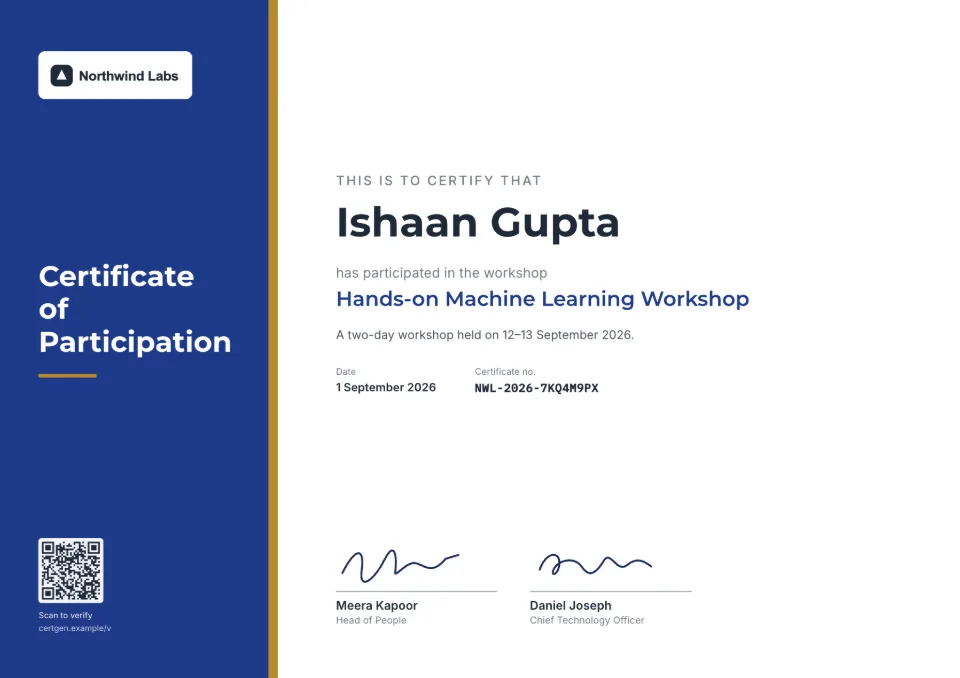
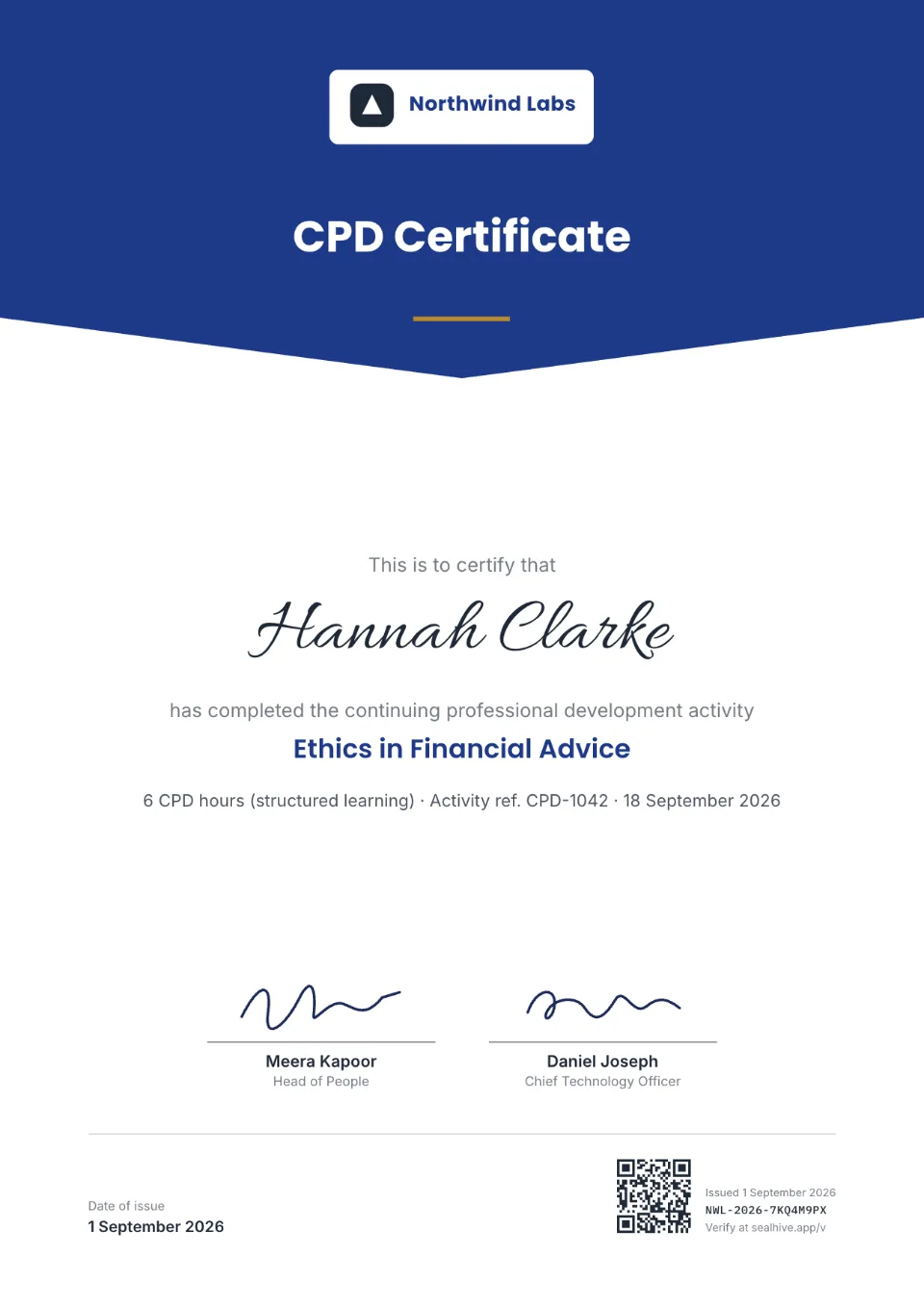
Each comes with sample wording, a free Word download and a generator you can try without an account.

Frequently asked questions
How do I make certificates for a whole batch?
Save the batch list as CSV with a column for each student's name and anything that varies, upload it, match the columns and issue. Each student gets their own certificate, number and QR code.
Can certificates show grades or scores?
Yes. Put the grade or score in a column of your sheet and match it to the certificate's details line, such as "Completed with Grade A (86%)".
Can students add certificates to LinkedIn?
Yes. Each student gets a private link to their certificate with an "Add to LinkedIn" button that fills in the certificate's name, your institute, the issue date and the verification link.
What if a student's name is misspelled?
Reissue that certificate with the corrected name. Corrections are free, and the old link points to the new certificate, so nothing already shared breaks.
Do certificates stay valid after the course ends?
Yes, they stay valid unless you set an expiry date or revoke them, and they stay verifiable even if your plan ends.
Related
- Bulk certificate generatorUpload a spreadsheet and issue a certificate for every row, up to 2,000 at a time.Read more about Bulk certificate generator
- QR code certificatesEvery certificate carries a QR code that opens its live verification page.Read more about QR code certificates
- Your own verification domainVerification pages on verify.yourcompany.com, with a verified-issuer badge.Read more about Your own verification domain
Issue your first certificate free
Every design and your brand kit are free to use, and each certificate comes with a QR code anyone can verify.