CERTIFICATE OF TRAINING

This is to certify that [Name] has successfully completed the training program
[Program name]

Duration: [Hours] hours · Mode: [Online/In person]
Topics: [Topic 1], [Topic 2], [Topic 3]

Trainer: [Name]
Date: [Date]
Courses & training
Training Certificate Templates & Generator
Training certificates prove that employees or participants completed a training program, which often matters for compliance and audits. Our designs can show the hours, mode, topics covered and the trainer, and every certificate stays verifiable online.
Updated · 9 designs · 4 sample formats, free in Word
Training Certificate generator
Type your details and see your training certificate change as you go. Free, no sign-up needed to try.
Free account. Your first one is free, as a PDF with a QR code anyone can scan to verify it. What you typed comes with you in this browser.
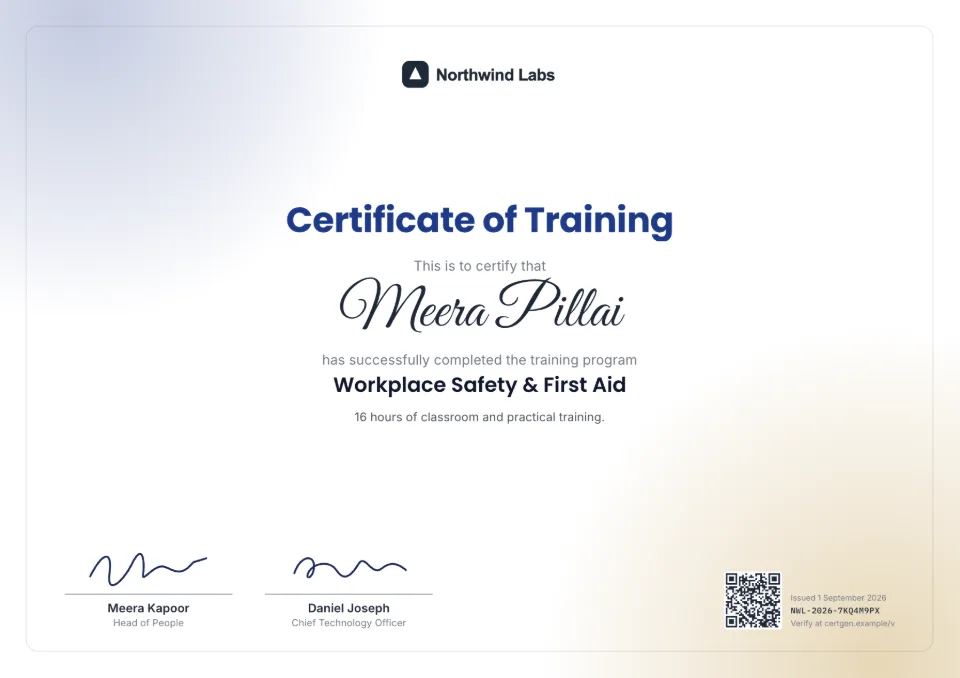
Sample training certificate in the Aurora design.
9 training certificate designs
Every design takes your logo, colors and signatures.
What to include in a training certificate
- Participant's name
- Training program name
- Hours or duration
- Mode (online, in person or blended)
- Topics covered
- Trainer's name and signature
- Completion date and certificate number
How to make a training certificate
- 1
Fill in the details
Type the name and details above, or, on paid plans, upload a spreadsheet to make a certificate for everyone at once.
- 2
Choose a design and your brand
Add your logo, colors and signatures once in your brand kit; every design uses them.
- 3
Issue and share
Download the PDF, or on paid plans email it to the recipient. Each certificate gets a QR code and a page where anyone can check it's genuine.
Training Certificate format: 4 samples
Sample wording to adapt, free to copy or download in Word. In SealHive, names, roles and dates fill in for you.
Compliance training
CERTIFICATE OF COMPLETION: COMPLIANCE TRAINING

[Name], [Employee ID], completed [Training, e.g. Prevention of Sexual Harassment (POSH) Awareness] on [Date].

This training must be renewed by [Expiry date].

[Signature]
[Name], [HR / Compliance Officer]
Safety training
SAFETY TRAINING CERTIFICATE

This is to certify that [Name] of [Department] attended and completed in-house safety training on [Topics, e.g. fire safety, first aid and evacuation drills] conducted at [Site] on [Date] ([Hours] hours).

This is an internal training record of [Organization].

[Signature]
[Safety Officer]
Employee onboarding
CERTIFICATE OF TRAINING

[Name] has completed the [Organization] onboarding program for [Role], covering [topics, e.g. our products, tools, security and customer policies], from [Start date] to [End date].

[Signature]
[Name], [Learning & Development]
Training vs CPD vs FDP certificate
| Certificate | For | Usually shows |
|---|---|---|
| Training certificate | Employees and participants of a training program | Program, hours, mode, topics, trainer |
| CPD certificate | Professionals keeping a record of learning | Activity, CPD hours, type of learning, provider reference |
| FDP certificate | College and university teachers | Programme title, dates, hours, organising department |
Your brand on every design
Logo, colors, fonts and signatures, set once in your brand kit.
A QR code on every copy
Scanning it opens a verification page with who issued it, to whom and when.
How it works: A QR code on every copyHard to fake
Its verification page shows the issued details, so an edited copy won't match. You can revoke it anytime.
How it works: Hard to fakeTraining Certificate questions
Can auditors check our training certificates?
Yes. Each certificate's QR code opens a verification page showing the participant, training, date and whether it's still valid. You can also set an expiry date for certifications that need renewal.
Can certificates expire?
Yes, add an expiry date. The verification page shows it as expired after that date, and you'll see certificates that are about to expire on your dashboard.
Can I issue OSHA, CPR or first-aid cards?
Only accredited bodies can issue those official cards. Use SealHive for your own internal training records, and say so in the wording.
How does someone check that it's genuine?
Every document issued with SealHive carries a QR code and a short link. Scanning it opens its verification page, on SealHive or the issuer's own domain, showing who issued it and when, whether it's still valid and, unless the recipient asked to hide it, their name. An edited copy won't match the details on that page.
Is it free?
Yes, to start. You can try the generator with your own details without an account, and your first certificate or letter is free. After that, buy a credit pack or a plan: one credit issues one certificate or letter. Bulk issue and emailing recipients come with packs and plans.
Related templates

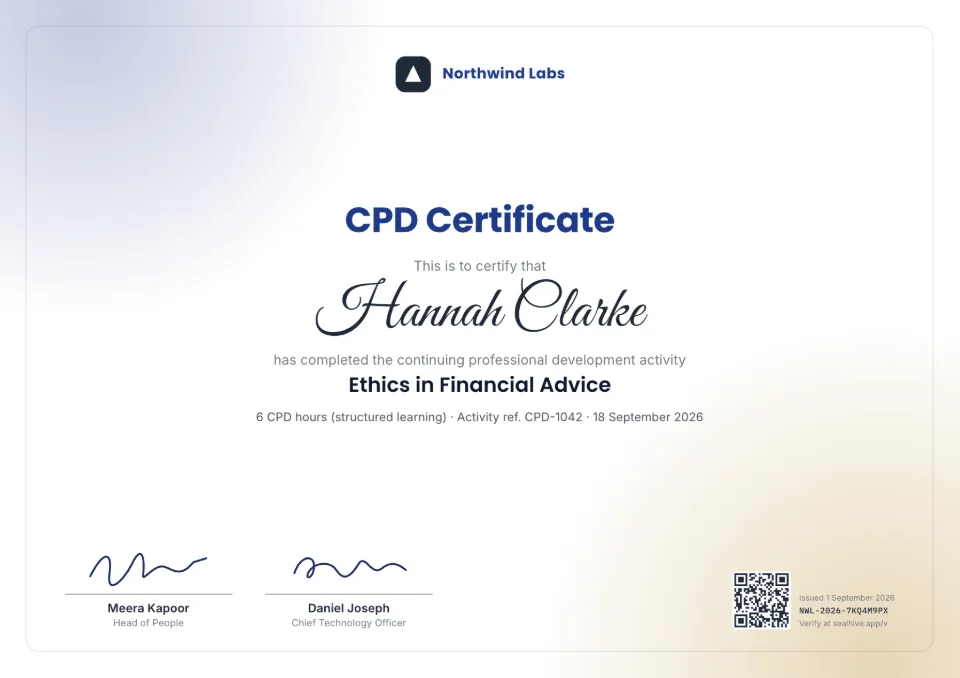


Make your first training certificate in a minute
Free to try. Your first one is on us, and it comes with a QR code anyone can verify.
Create a training certificate