Employee of the Month Certificate Templates
Make employee of the month feel like an occasion. Pick a design once, and each month just change the name and month. Employees can share the verification link on LinkedIn.
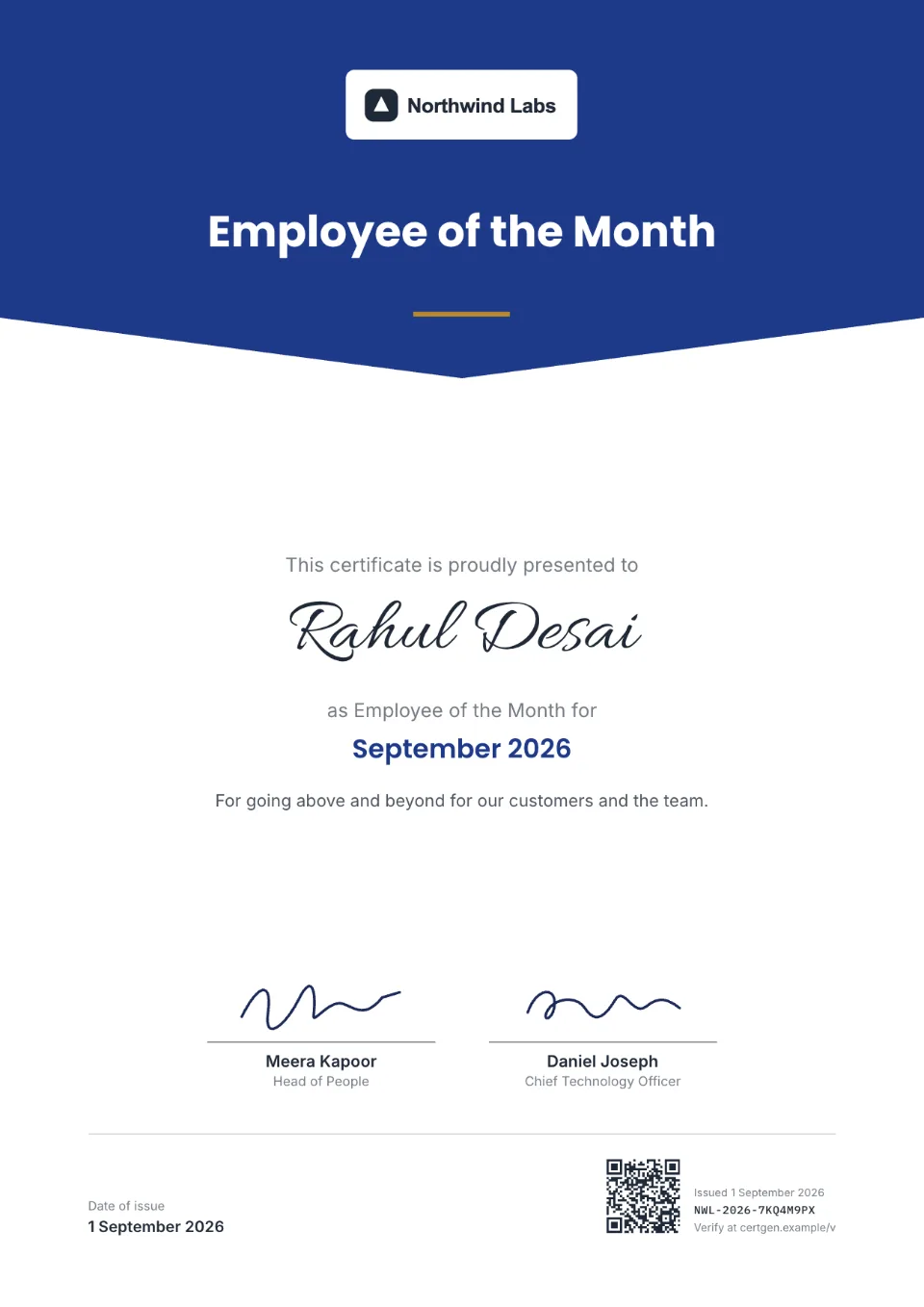
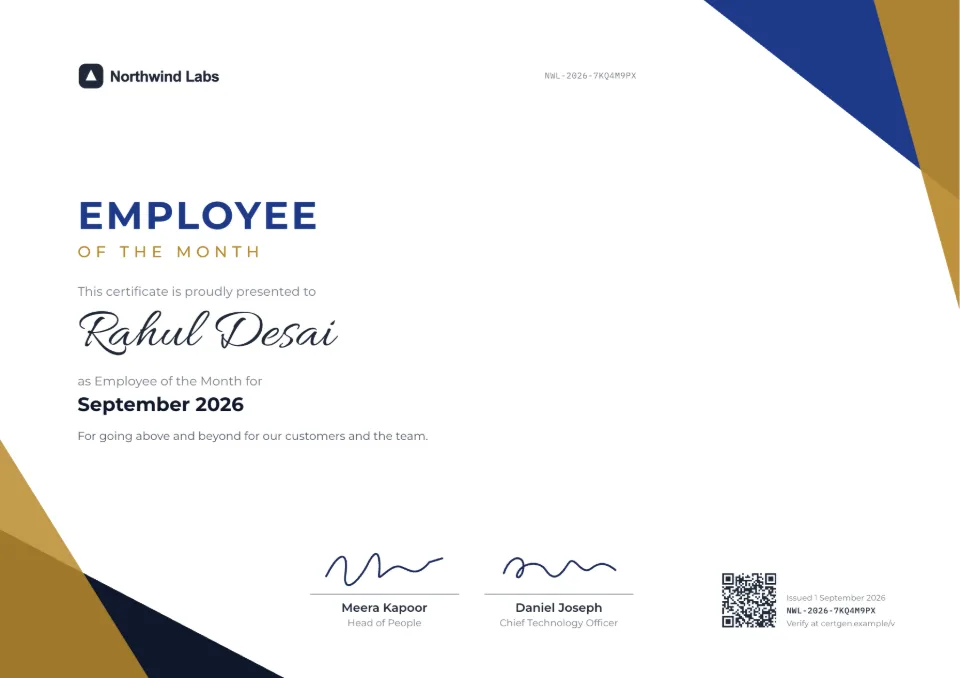
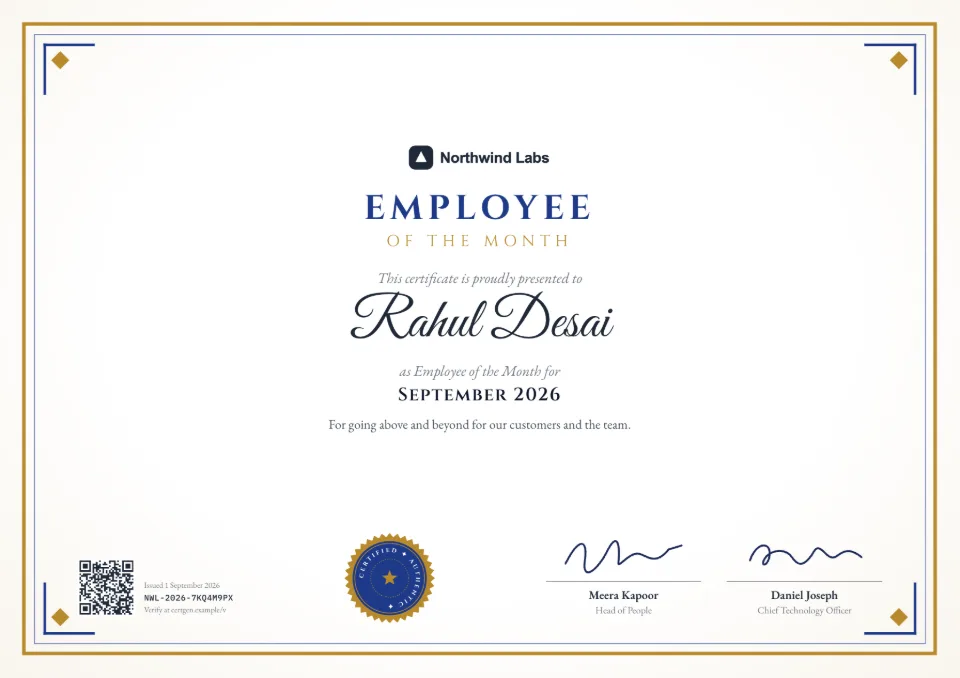
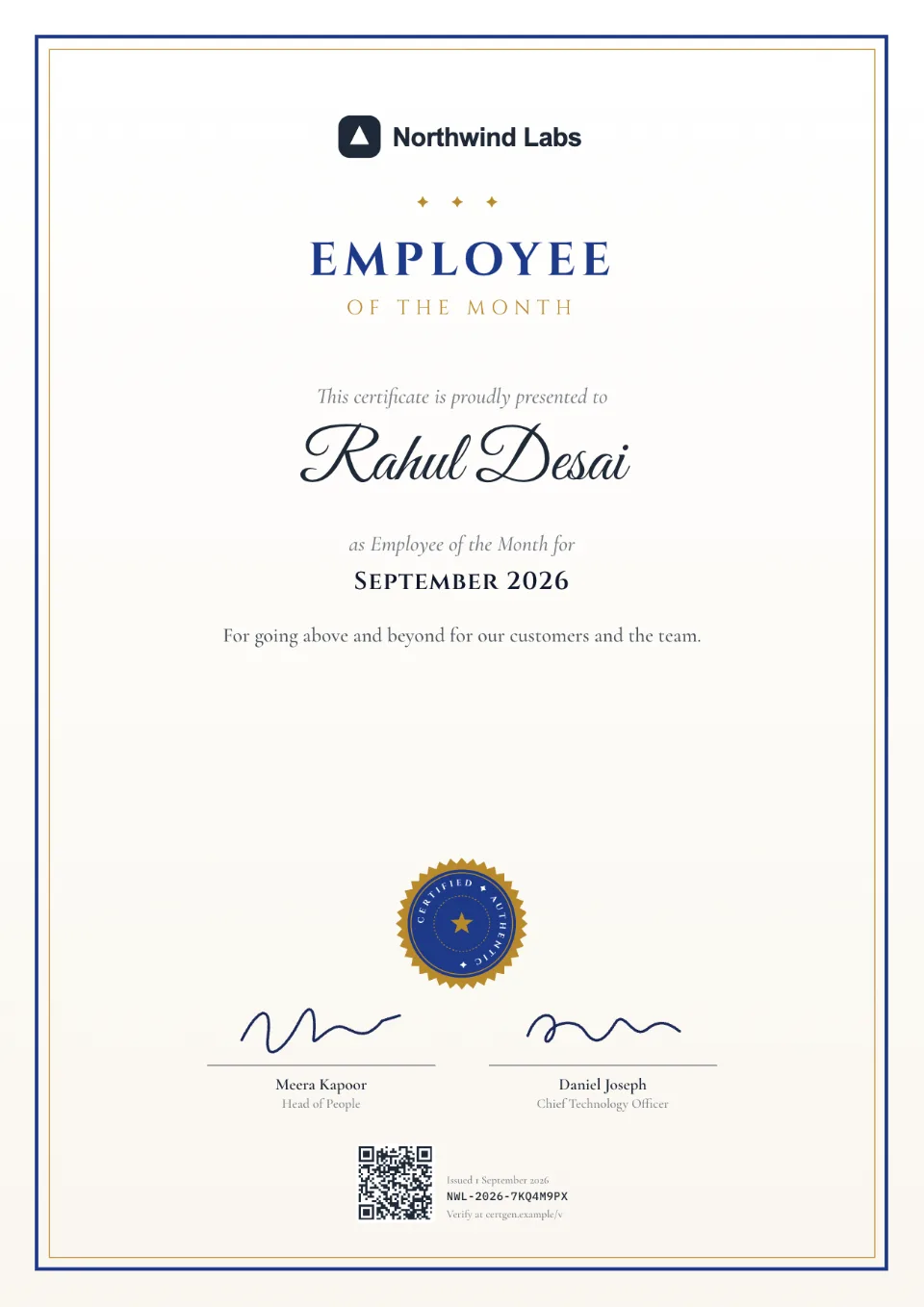
10 employee of the month certificate designs
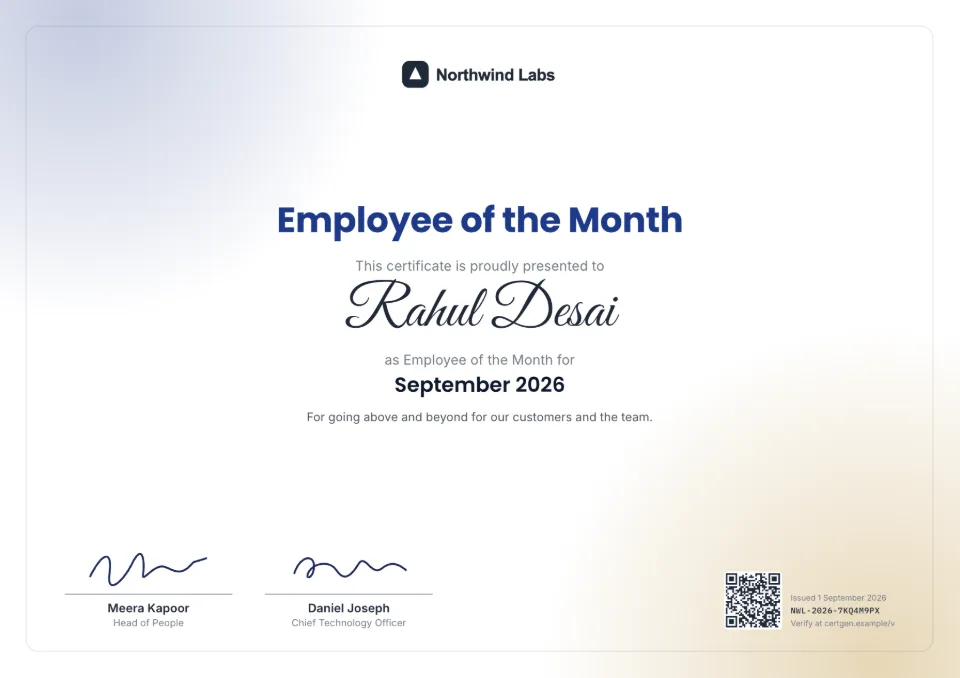
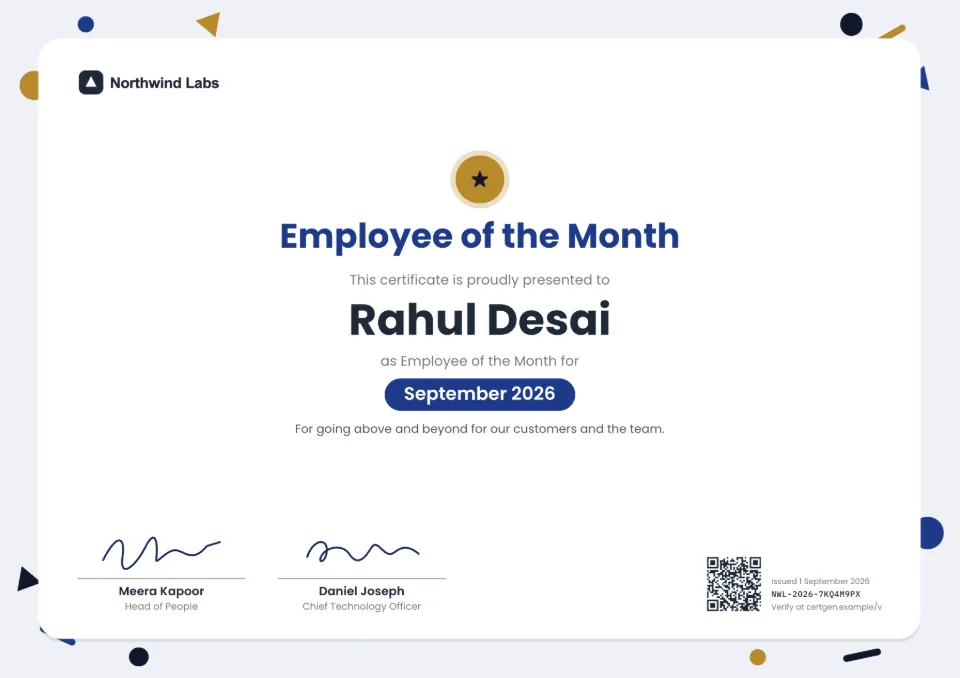
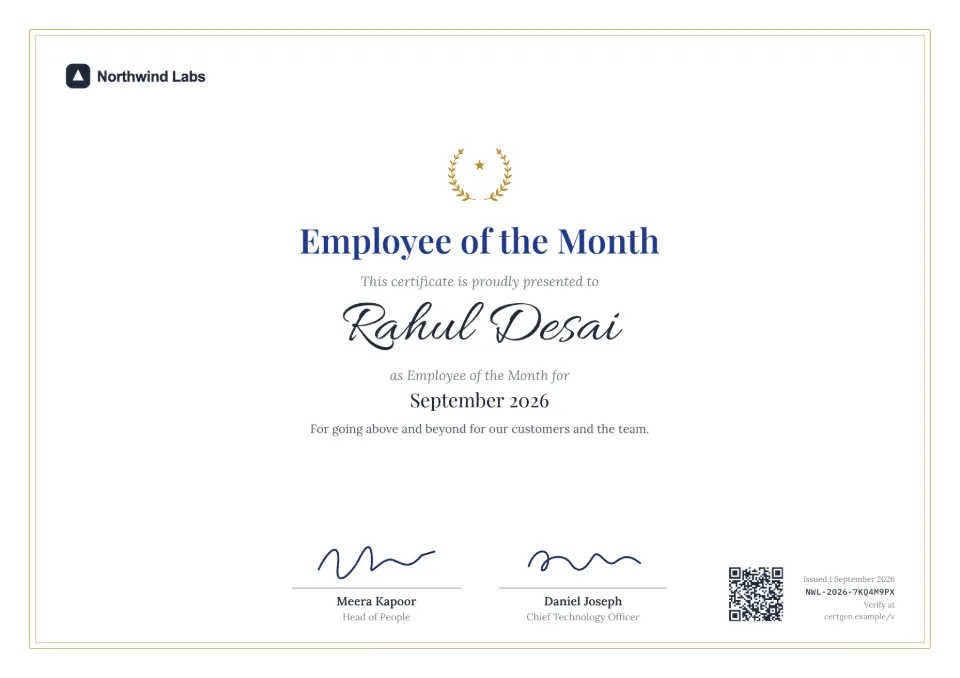
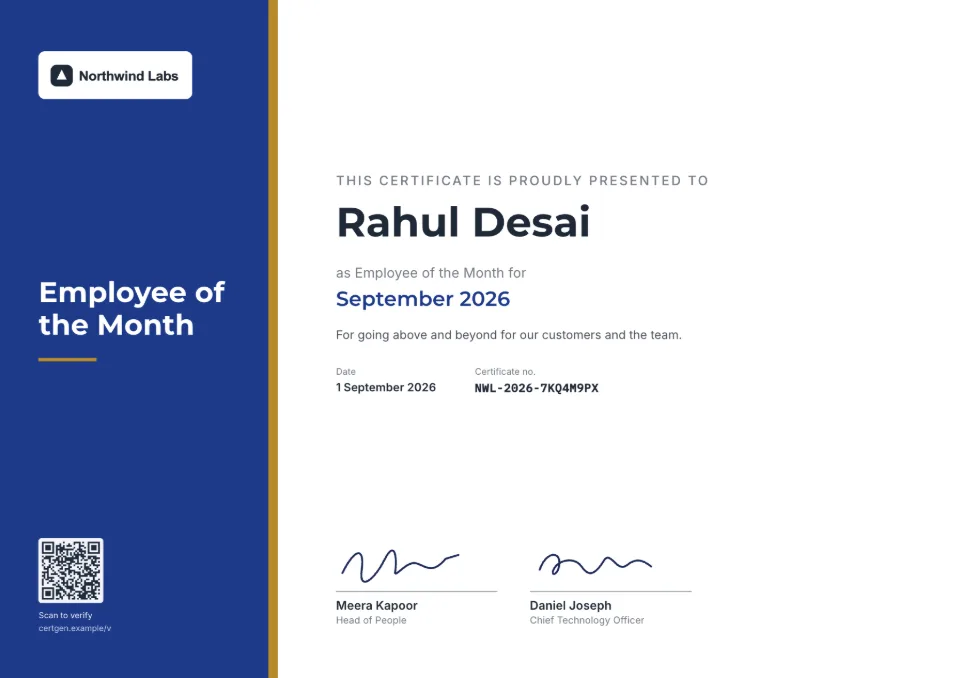
Every design takes your logo, colors and signatures.
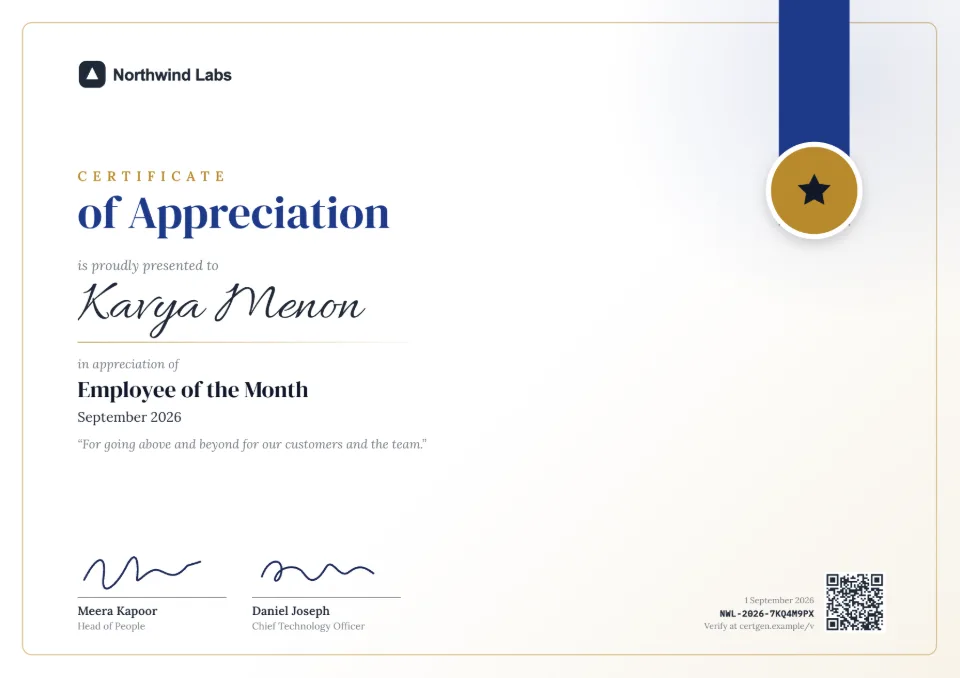

What to include in an employee of the month certificate
- Employee's name
- Month and year
- Team or department (optional)
- Why they were chosen
- Manager or CEO signature
Employee of the Month Certificate format
Sample wording to adapt. In SealHive, names, roles and dates fill in for you.
EMPLOYEE OF THE MONTH

This certificate is proudly presented to
[Name]
as Employee of the Month for
[Month Year]

[Why they were chosen]

[Signature]
[Name], [Title]
Your brand on every design
Logo, colors, fonts and signatures, set once in your brand kit.
A QR code on every copy
Scanning it opens a verification page with who issued it, to whom and when.
Hard to fake
Anyone can upload the PDF to check it hasn't been edited. You can revoke it anytime.
Employee of the Month Certificate questions
Can I reuse the same design every month?
Yes. Choose the purpose and design once; next month just change the name and month.
How does someone check that it's genuine?
Every document issued with SealHive carries a QR code and a short link. Scanning it opens a page on our site showing who issued it, to whom and when, and whether it's still valid. Anyone can also upload the PDF to confirm it hasn't been edited.
Is it free?
Yes. You can design and preview with every template for free, and your first certificate is free. After that, you buy credits: one credit issues one certificate or letter.
Related templates
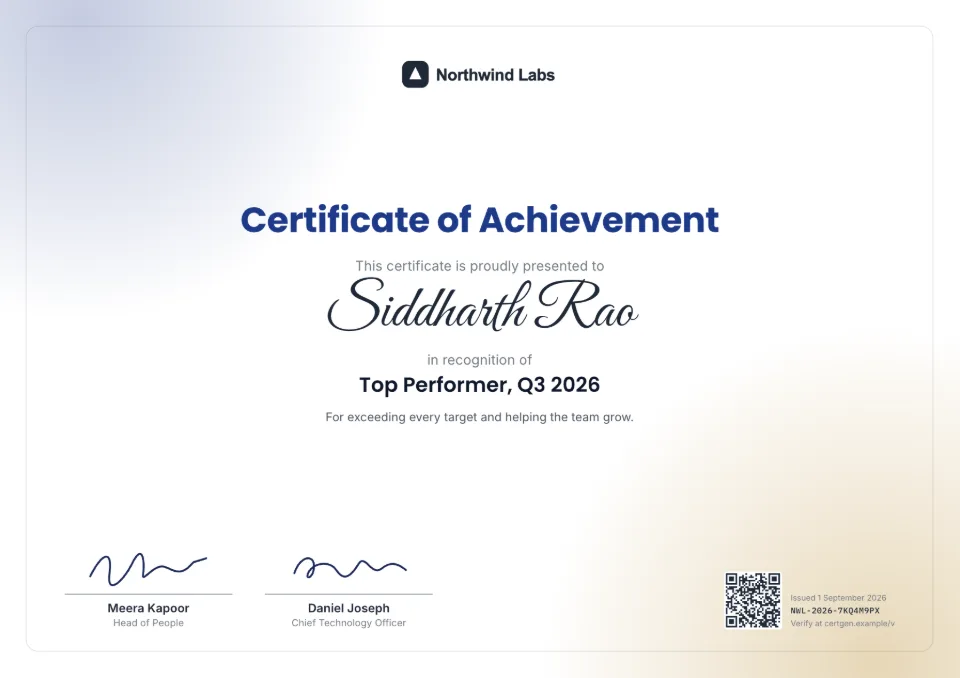
Make your first employee of the month certificate in a minute
Free to try. Your first one is on us, and it comes with a QR code anyone can verify.
Create an employee of the month certificate